

Core photo editing tools
Make common edits in the browser, including brightness, contrast, exposure, color adjustments, and crop/resize tools.
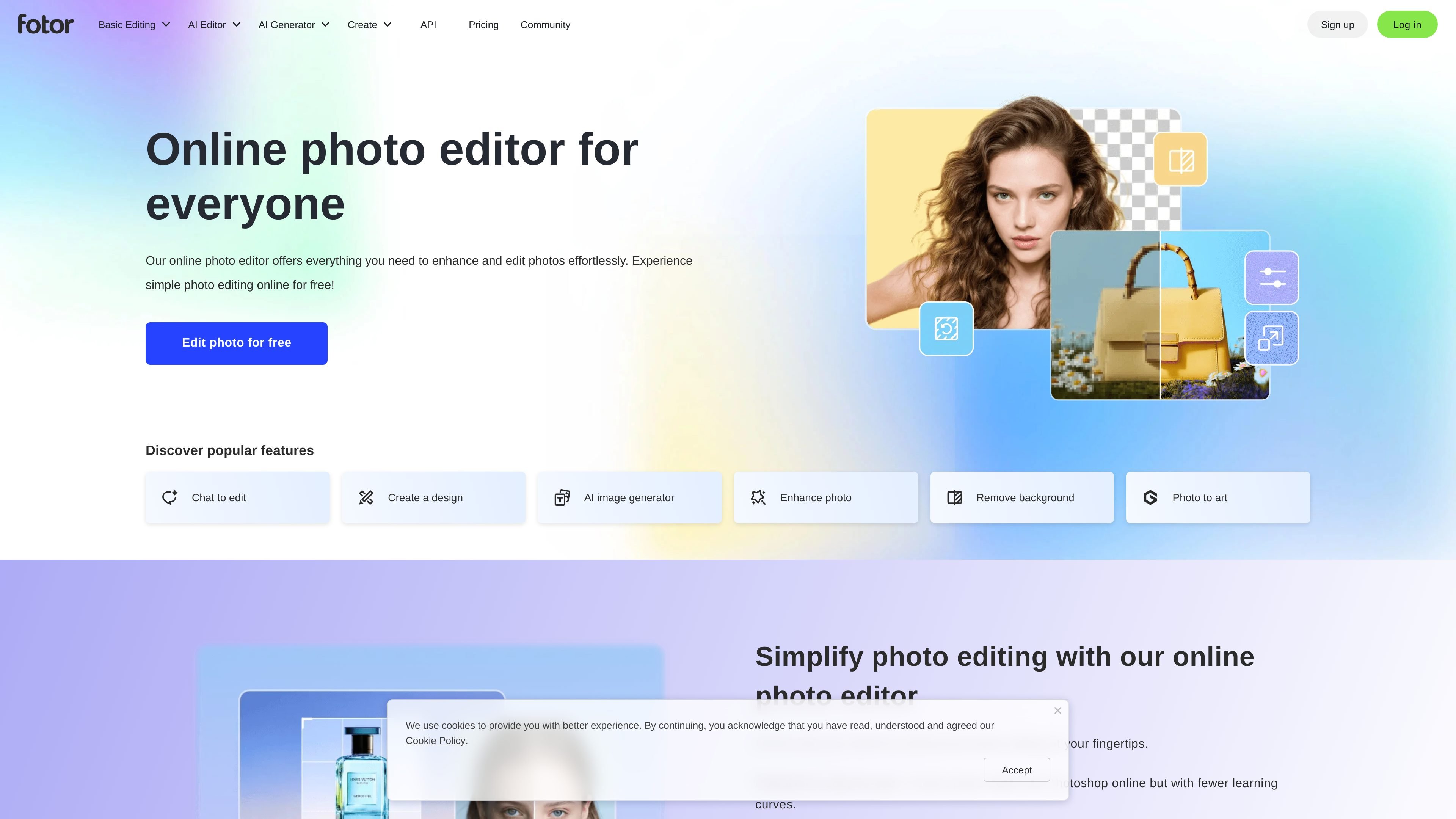
Fotor is an online photo editor and image design platform from fotor.com. It combines standard photo editing controls with AI tools for enhancement, background removal, object removal, image generation, and other image transformations.
The product is positioned for people who want to edit photos quickly in a browser, use templates or collage layouts, and optionally move into paid plans for higher limits, watermark-free exports, more storage, and additional AI usage. The site also presents the service as available on web, desktop, and mobile app surfaces.
Make common edits in the browser, including brightness, contrast, exposure, color adjustments, and crop/resize tools.
Improve image quality with one-click enhancement, unblur, upscale, and retouch-related AI tools.
Remove or replace backgrounds and unwanted objects, including background removal, object removal, and cutout tools.
Generate or transform visuals with text to image, AI replace, AI expand, and AI avatar tools.
Build layouts with templates, stock photos, stickers, icons, fonts, and collage grids.
Process multiple files at once with batch editing for bulk image updates.
Quickly crop, adjust, add text, and apply effects to photos for social posts, presentations, or general publishing.
Remove backgrounds, erase unwanted objects, and refine portraits using AI tools when a photo needs a cleaner finish.
Create posters, collages, or social graphics using templates, stock assets, stickers, icons, and fonts.
Edit multiple photos in one session with batch tools when the same changes need to be applied across a set of images.
Generate new imagery or transform existing photos with text-to-image, AI replace, and AI expand workflows.
Yes. The site says Fotor offers a free plan and lets users edit photos online without signing up first in the browser-based editor flow, with additional features available on paid plans.
You can upload a photo, make adjustments such as lighting, color, effects, text, stickers, and frames, then download the result in JPG, PNG, or PDF formats.
Fotor supports a mix of manual tools and AI features, including photo enhancement, background removal, object removal, image generation, AI replacement, and image expansion.
The source shows Fotor for web and mentions desktop and mobile app support, plus cloud storage and device sync on paid plans.
The pricing page shows separate offerings for Fotor Basic, Pro, and Pro+, along with AI headshot and API plan sections, but the public evidence here does not fully describe team workflows or every plan limit.
流量数据仅供参考。

upsampler.com
Upsampler 是一个在线 AI 平台,可在同一工作区中生成、编辑和放大图像与视频。按积分付费,所有套餐均提供完整 API 访问权限和商业使用许可。

photoeraser.app
基于 Web 的 AI 照片编辑器,支持移除背景、擦除物体和增强照片质量

ifoto.ai
基于网页的 AI 照片编辑器,支持抠图、增强、清理、修复和电商产品摄影。

pfpmaker.com
PFPMaker 是一款网页端 AI 头像生成工具,可将自拍照制作成专业或创意头像,并提供背景移除、风格工具和高级肖像编辑,适用于社交、职场和即时通讯。

playyy.ai
Playyy 是一款 AI 图像编辑器和图像生成器,用户可以通过文本创建视觉内容,在完全可编辑的画布上进行编辑、移除背景,并制作符合品牌调性的营销素材。它面向希望在同一工作流程中生成和修改图像的创作者、营销人员及电商团队。

deeparteffects.com
Deep Art AI 提供网页、桌面和移动端 AI 图像生成、转换与增强工具,并支持本地桌面运行及 API/SDK 集成。