
Native Mac app
BoltAI is built as a native macOS app using SwiftUI and AppKit, with universal shortcuts and performance tuned for Apple Silicon Macs.

BoltAI is a native AI app for Mac that combines multiple providers and local models in one desktop workspace. Chat, analyze files, and sync privately.
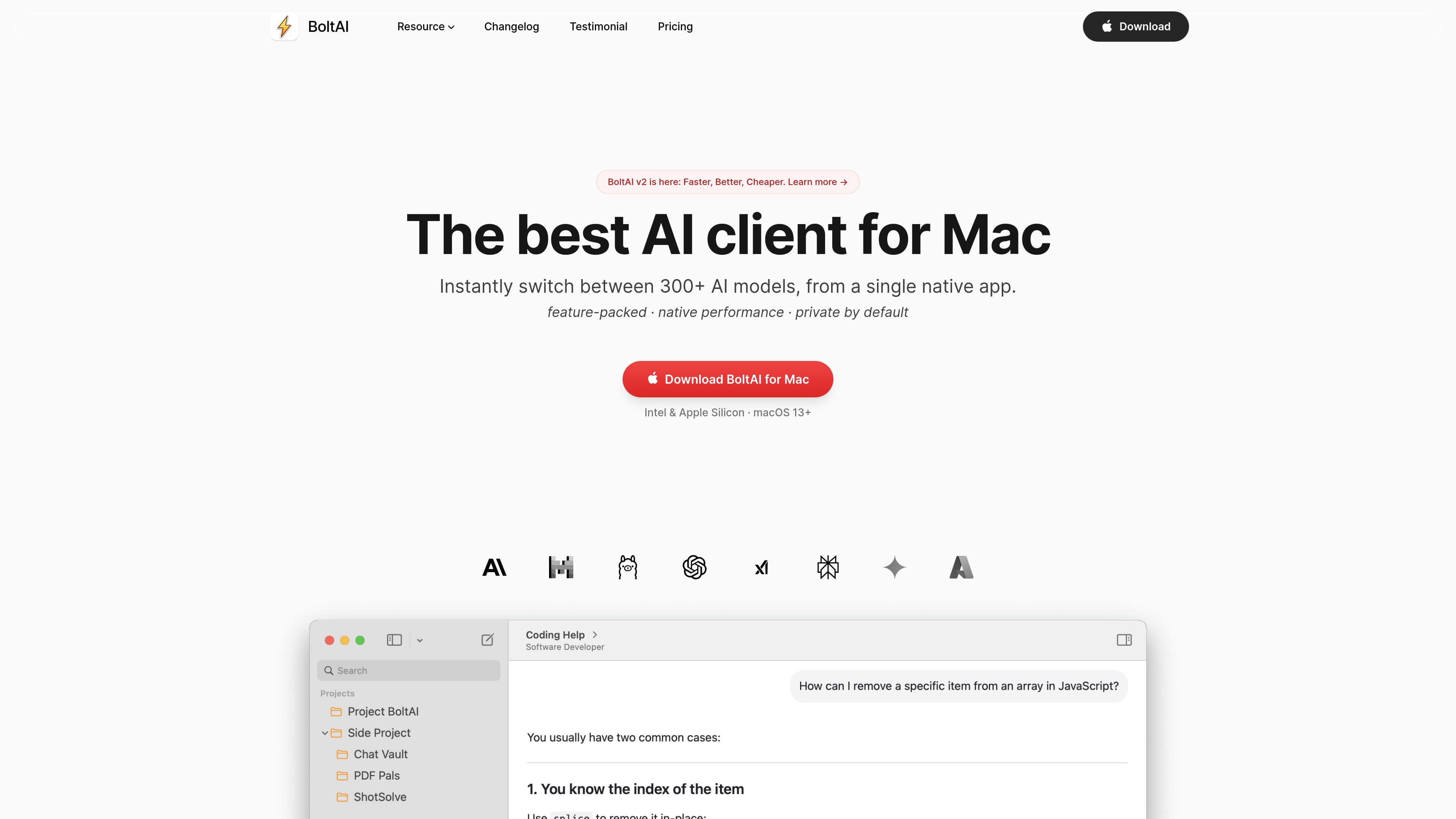
BoltAI is a native AI app for Mac that brings multiple AI providers and local models into one desktop workspace. It is designed for people who want to chat, analyze files, and manage repeatable workflows without moving between separate apps or browser tabs.
The product emphasizes speed, privacy, and control. The source says chats are stored locally, API keys can be encrypted with a passphrase, and cloud sync is optional. BoltAI also supports Apple Silicon Macs, keyboard shortcuts, multi-chat organization, agents, attachments, and multimodal analysis for PDFs, screenshots, and other documents.
Pricing is one-time rather than subscription-based. The pricing page shows perpetual licenses with one year of updates included, optional renewal later, and plan tiers for individuals and teams.
BoltAI is built as a native macOS app using SwiftUI and AppKit, with universal shortcuts and performance tuned for Apple Silicon Macs.
Switch between OpenAI, Anthropic, Google, Mistral, Azure, Bedrock, and local models from a single workspace instead of moving between browser tabs or separate tools.
Work with projects, multi-chat threads, forking, and reusable agents to keep longer conversations and recurring tasks organized.
Analyze PDFs, screenshots, code, UI captures, and research documents with vision-enabled models to produce summaries and structured answers.
Tune generation settings such as temperature, max tokens, top-p/top-k, penalties, and system instructions for more controlled outputs.
Connect local and remote MCP servers, use code execution and attached documents, and keep prompts and custom knowledge reusable across tasks.
Use BoltAI as a single place to compare responses from different providers and models without switching between separate apps or tabs.
Organize ongoing work into projects, chat threads, forks, and reusable agents so research, writing, or coding tasks stay easy to revisit.
Drop in screenshots, PDFs, code, or research documents to get explanations, summaries, and structured answers from vision-enabled models.
Keep API keys encrypted, store chats locally, and skip cloud sync if you want to use the app in a more private, local-first way.
Use keyboard shortcuts, instant chat, and dictation to get help quickly while staying inside your current Mac workflow.
BoltAI is a native Mac app for chatting with and switching between multiple AI providers and local models in one workspace. The source describes it as a desktop AI client with shortcuts, chat management, model switching, and workflow tools for prompts, agents, and attachments.
Yes. The product pages say you can use your own API keys, and BoltAI also supports cloud sync as an optional feature. The app can be used locally without cloud sync, and chats are stored locally by default.
The source mentions OpenAI, Anthropic, Google Gemini, Mistral, Azure, Bedrock, local models, and more. The pricing page also references DeepSeek, Qwen, xAI, Codex CLI, Claude Code, GitHub Copilot, Ollama, and LM Studio in the supported feature matrix.
Pricing is one-time purchase based. The pricing page shows Essential, Pro, and Team Perpetual options, each with a perpetual license and one year of updates included, with optional renewal later.
The pricing page says the license can be activated on more than one device depending on plan, and the Team Perpetual plan starts at five seats. It also notes mobile access for some plans, but mobile support is still evolving.