
Always-on execution
MuleRun frames its agents as running on a dedicated computer that stays online around the clock, so workflows can continue after you leave the browser.

MuleRun is an AI agent platform for end-to-end workflow automation, with an always-on agent for research, docs, presentations, web builds, and monitoring. Free, paid, and enterprise plans.
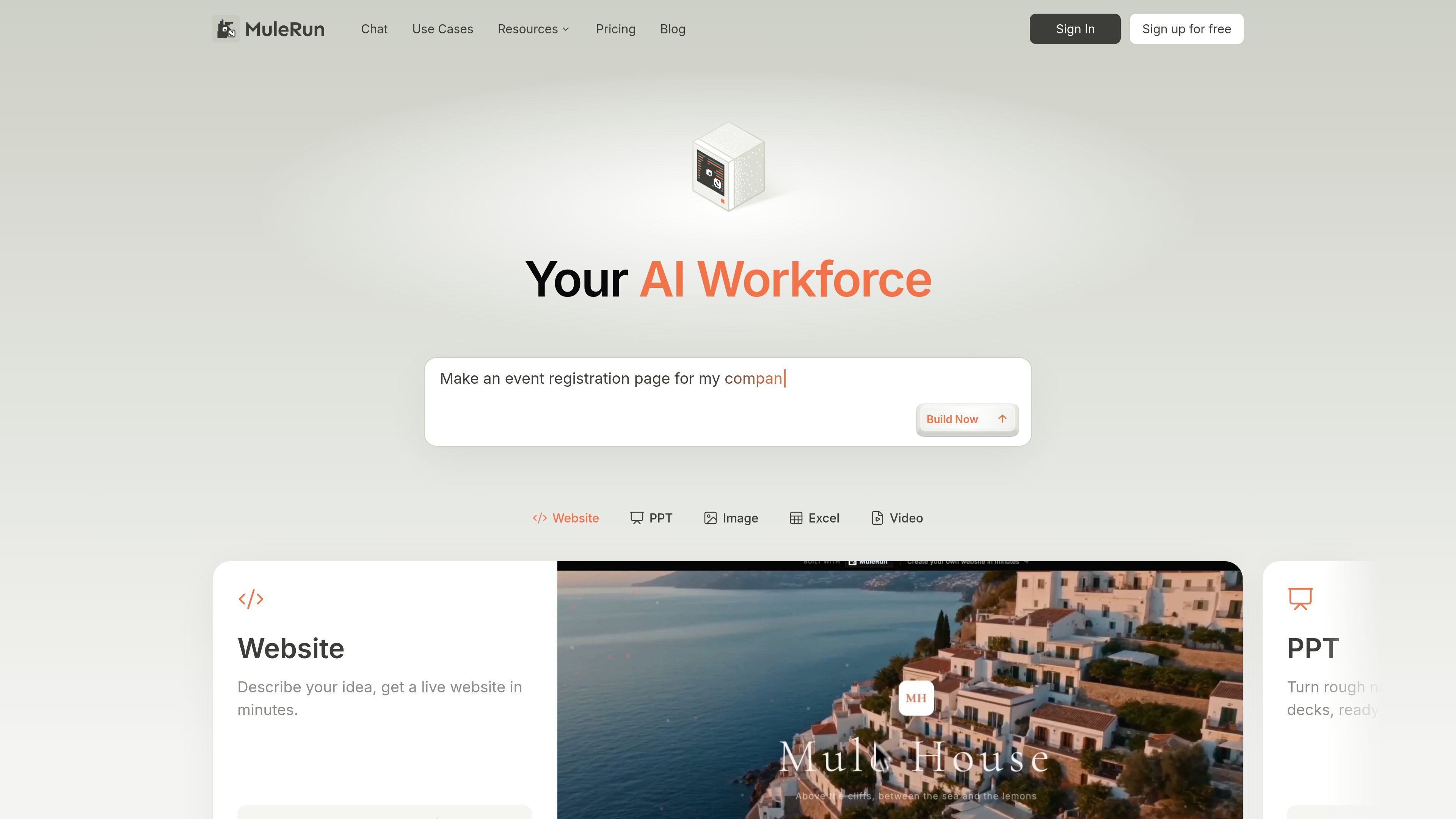
MuleRun is an AI agent platform that focuses on completing workflows end to end instead of only answering questions in a chat window. Its home page positions the product as an always-on AI workforce that runs on a dedicated computer, so users can assign work and come back to finished outputs.
The site shows MuleRun being used for browser research, report generation, branded presentations, video creation, and website or app building. The product also presents proactive monitoring and action-taking as part of the workflow model, which makes it useful for repetitive or time-sensitive tasks that need more than a one-off prompt.
Pricing is organized around credits and plan tiers, with a free option, paid subscriptions, and enterprise sales contact. Paid plans add higher credit allocations, more storage, personal VM resources, broader deployment limits, and support options.
MuleRun frames its agents as running on a dedicated computer that stays online around the clock, so workflows can continue after you leave the browser.
The product highlights proactive monitoring for signals such as website uptime, data pipeline health, competitor pricing, inventory levels, and campaign performance, with the agent taking the next step when something changes.
The homepage and use cases show tasks spanning browser research, report writing, slide creation, document export, website building, video generation, image generation, and game creation.
The chat interface calls out Pro and Flash modes, suggesting a way to switch between more complex tasks and lighter ones within the same product.
The pricing page lists dedicated resources such as personal VM options, drive storage, custom domains for deployed pages, and the ability to connect local browsers.
The site describes a shared knowledge network built from completed workflows, which it says helps agents reuse proven patterns and improve over time.
Use MuleRun to research a topic, gather current information from the web, and compile the findings into a structured Markdown or report format.
Create branded slide decks, analysis presentations, or PPTX files from a prompt, spreadsheet, or other source material when you need a polished deliverable.
Turn written prompts into documents such as Word files, story chapters, or structured write-ups that are ready to share or edit.
Build or prototype websites, web apps, or interactive HTML experiences from a task description when you want the agent to produce a usable web output.
Generate short videos, images, or other creative assets for brand or content work where the final output needs to be rendered rather than only described.
MuleRun is designed for workflows where you want an AI agent to carry a task through to completion, rather than only drafting text in a chat window. The site shows examples such as browser research, report generation, slide decks, and document creation.
The pricing page shows a free plan, paid plans, and an enterprise contact path. It also offers credits, so usage appears to be tied to credit allocation and plan limits.
The product positions itself around a dedicated computer that stays on 24/7 and can monitor, alert, and act proactively after setup. The public pages do not spell out a single setup flow in detail, but they do emphasize describing the workflow once and letting it run automatically.
The source pages show outputs in several formats, including Markdown, Word documents, HTML reports, PowerPoint decks, and videos. The exact output depends on the workflow you ask it to complete.
The pricing page includes support tiers that vary by plan, with Discord community support on Free and email support on paid plans. Team and enterprise options are also listed.