
Audio and video translation
Translate both audio and video content into other languages, including workflows for dubbing and translated audio outputs.

Verbalate is an audiovisual translation platform for audio and video localization, with voice cloning, lip sync, subtitles, and enterprise services.
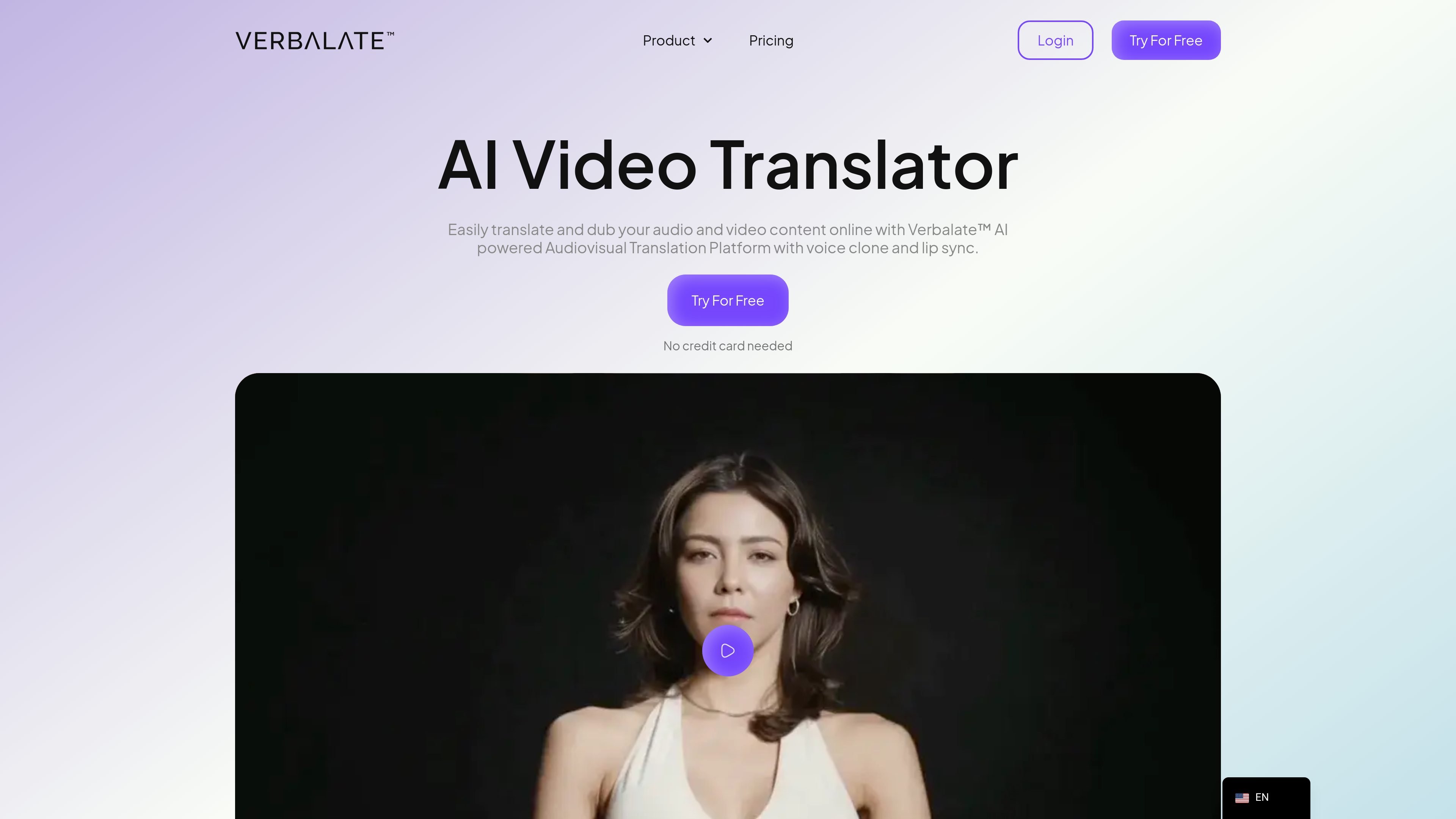
Verbalate is an audiovisual translation platform for translating audio and video content into other languages. The site presents it as a way to create translated video outputs with options such as voice cloning, optional lip sync, subtitles, and multilingual audio tracks.
The platform is positioned for creators, course publishers, marketers, and enterprise customers that need to localize video content. Public pages also show an enterprise workflow with human-made translation verification, account management, and API access, while the pricing page lists Translator, Creator, and custom Enterprise plans.
Translate both audio and video content into other languages, including workflows for dubbing and translated audio outputs.
Optional lip sync is described as matching spoken words to on-screen mouth movement to keep translated video looking natural.
The platform says it can create an AI voice clone from about a minute of audio, with support for 29 languages and more than 50 accents.
Create multilingual audio tracks for video content, which the pricing page lists as part of the Translator and Creator plans.
Provide subtitles in multiple languages for videos that need a text-based translation layer.
Enterprise customers can use an API, and the site also mentions human-made translation verification for optimal accuracy and timing.
Convert online courses into other languages so educational content can be delivered to learners in different regions. The home page specifically frames Verbalate as a fit for e-learning teams and individual course creators.
Translate creator videos for a global audience while keeping the original narration natural with voice cloning and optional lip sync. The site highlights use for YouTube creators and influencers.
Produce multilingual audio tracks for product marketing videos so teams can adapt campaigns for new markets without rebuilding the entire video from scratch.
Use the enterprise workflow for projects that need human verification, account support, and API access. This is the clearest fit for organizations that want managed translation services rather than a self-serve workflow alone.
Create translated video outputs that combine subtitles, voice cloning, and lip sync when the goal is a more natural viewing experience than subtitles alone.
Verbalate is an audiovisual translation platform that can translate audio and video content into other languages. The home page also describes optional lip sync, voice cloning, and multilingual audio tracks, while the pricing page shows Translator, Creator, and Enterprise options.
The home page describes a workflow that includes uploading a video file, selecting output languages, proofreading the transcription and translation, processing the file, and downloading the translated output. A separate AI Digital Avatar Twin flow also asks for a video of the person, a voice sample, and a script.
The site says Verbalate supports 230+ languages and more than 800 language pairs, and also mentions over 240 output languages in the workflow section. It is safest to rely on the broader claim that the platform supports 230+ languages.
The pricing page offers Translator and Creator plans plus an Enterprise option. Enterprise is described as custom pricing with human-in-the-loop translation, an account manager, and API access.
The site indicates that human-made translation verification is available for enterprise customers, and it says professional human translators manage the process for quote-based projects. The public pages do not describe detailed setup, turnaround times, or exact revision limits.