
AI Logo Generation
Generate logos from a business name, industry, and style direction, with multiple concepts to review and refine.

Zawa, formerly X-Design, creates and edits AI-powered brand kits, logos, posters, mockups, social content, and more.
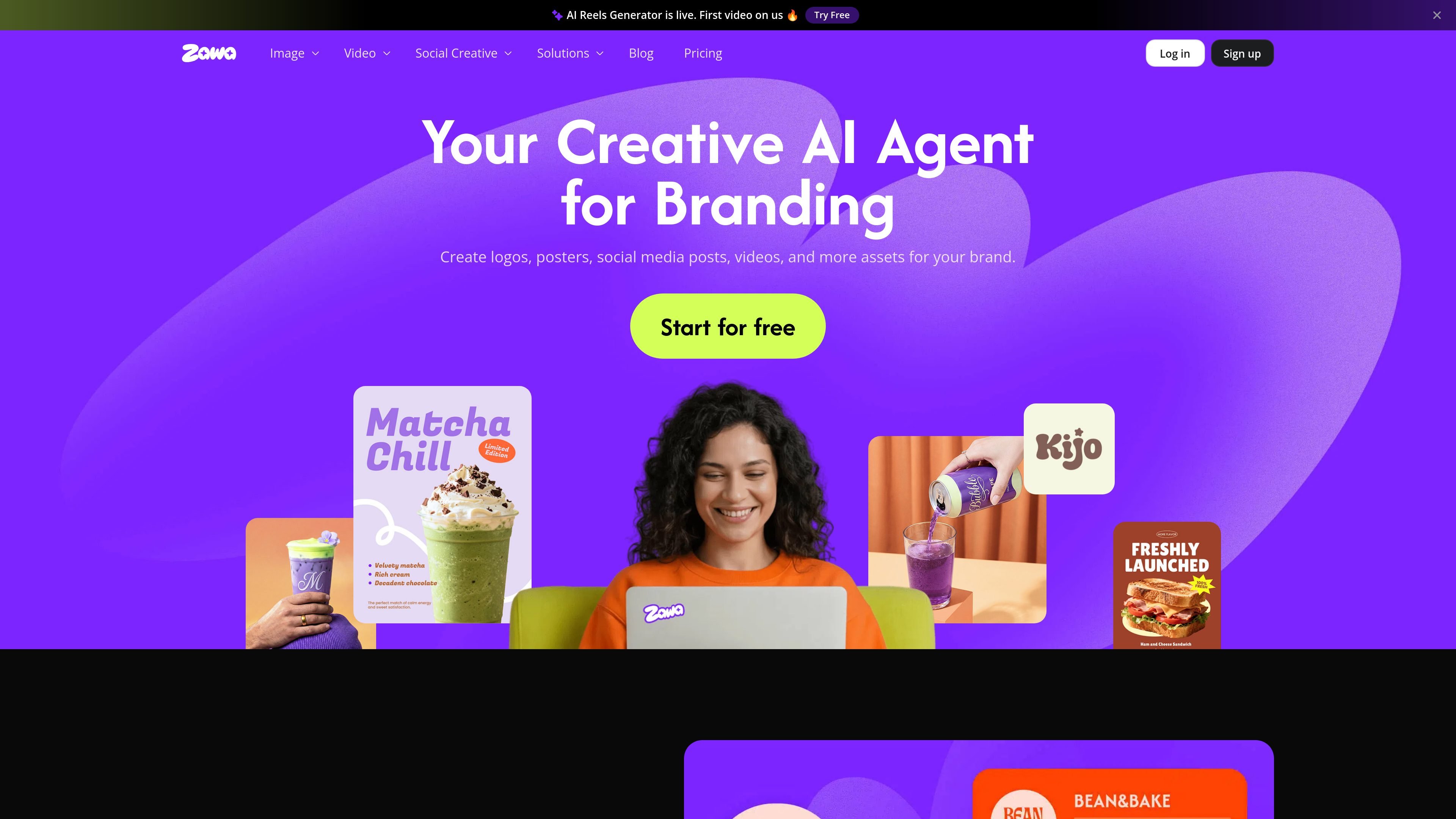
Zawa, formerly X-Design, is an AI brand kit generator and editor for creating logos, posters, social posts, mockups, and related brand assets. The homepage positions it as a creative AI agent for branding, with tools for identity design, visual production, and brand consistency.
The site highlights workflows for small businesses, restaurants, cafés, retail, creators, and designers. It also presents a pricing structure that includes Free, Plus, Pro, Max, and Enterprise options, with credits used to unlock AI-powered tools and higher limits on paid plans.
Generate logos from a business name, industry, and style direction, with multiple concepts to review and refine.
Create posters, social media posts, menus, flyers, mockups, and other branded assets from the same brand kit.
Store brand assets once and apply them across projects so colors, typography, and usage stay aligned.
Generate visual mockups for menus, packaging, and other brand applications with one-click workflows.
Edit and enhance images with tools such as background removal, object removal, upscaling, recoloring, and extension.
Work with video tools for generation, editing, background removal, watermark removal, and enhancement.
Build a logo and then refine it into a usable brand identity for a startup, local business, or creator brand.
Generate posters, menus, flyers, and social posts that keep colors, typography, and layout aligned with stored brand assets.
Turn product photos into cleaner marketing images, including background removal, enhancement, resizing, and scene placement.
Create visual mockups for packaging, menus, and storefront materials so a design can be reviewed before production.
Use the video and batch-processing tools to produce branded content at higher volume when one-off editing is too slow.
Zawa is an AI branding and design platform. It helps users create logos, posters, social media posts, videos, mockups, and other brand assets from a single workspace.
The source pages show support for free access with paid Plus, Pro, Max, and Enterprise plans. The pricing page also describes a contact-sales flow for Enterprise.
The logo generator page says you can enter your business name, industry, and style preferences, then generate, refine, and download logos in formats including JPG, PNG, and SVG without watermarks.
Zawa’s pricing FAQ says credits are the in-platform currency used to unlock AI-powered features, and some plans have monthly or daily usage limits that reset each calendar month.
The pricing FAQ says Plus, Pro, and Max subscriptions can be canceled from the account area before the next billing cycle. It also notes that credits included with those plans are frozen until you resubscribe.
Traffic data is for reference only.

appicons.ai
AI app icon generator for iOS, Android, and desktop

sketchlogo.ai
AI logo generator turning sketches, prompts, and images into logos, with 2D-to-3D, image-to-art, and SVG tools

www.figma.com
Figma AI is a set of AI-assisted tools embedded in Figma for generating and refining designs, searching files, editing images, building prototypes, and connecting design work with code. It supports designers, developers, and product teams working across the Figma canvas and related workflows.

lovart.ai
AI design agent for creating and refining visual assets

pacdora.com
Web-based packaging design for 3D mockups and dielines

kombai.com
AI design engineer for building websites and product UIs, then shipping production-ready frontend in existing codebases.