
AI icon generation
Generate app icon concepts from a prompt describing the app and the visual style you want. The site positions this as the main way to create icons quickly.

Appicons.ai is an AI app icon generator for iOS, Android and desktop apps from text prompts, with GPT prompt enhancement, Photopea editing and PNG export.
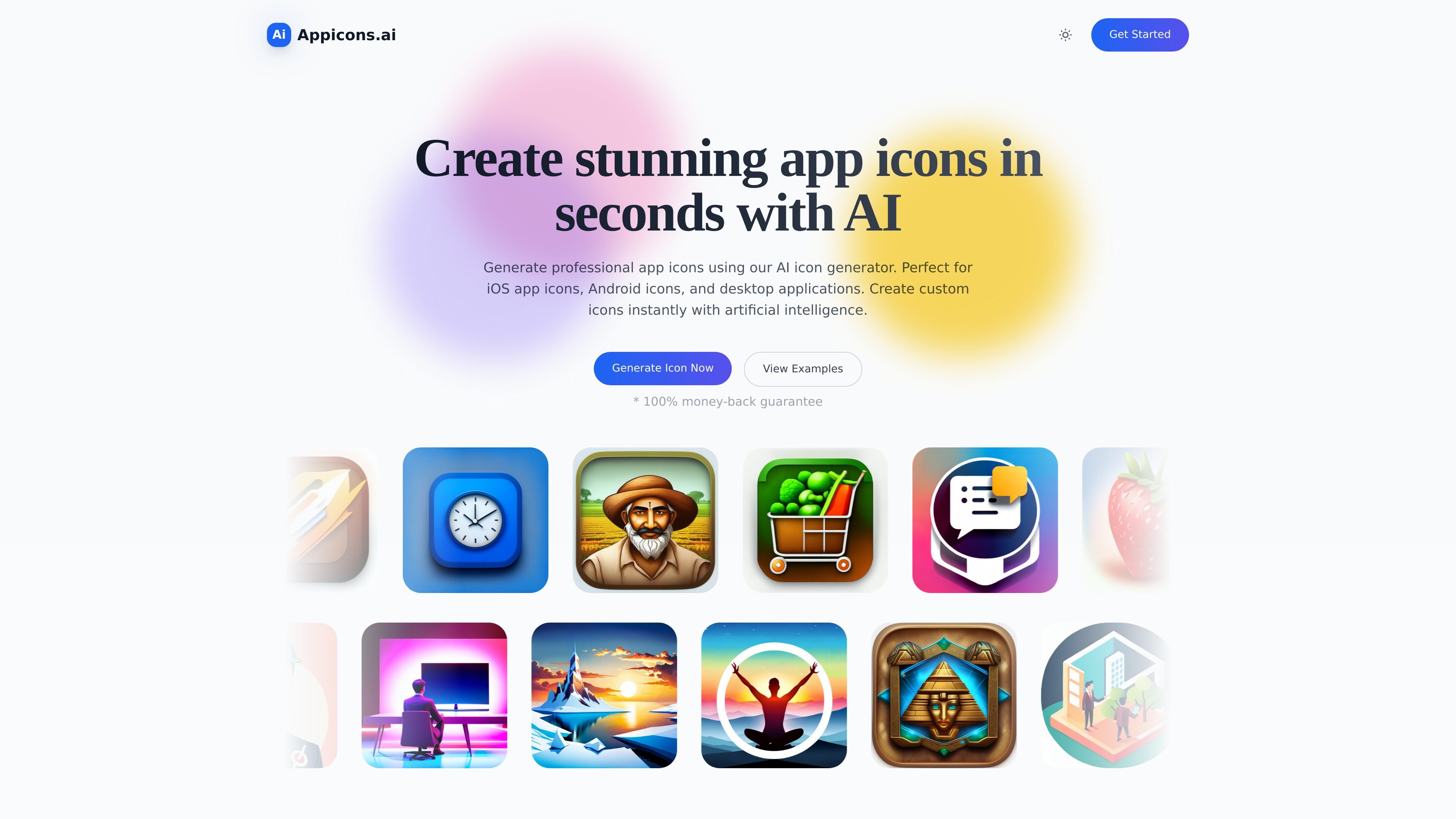
Appicons.ai is an AI app icon generator for creating mobile and desktop app icons from text prompts. The home page says it is built for iOS app icons, Android icons, and desktop applications, with a workflow centered on describing the icon you want and generating visual options quickly.
The product combines prompt-based generation with prompt enhancement, customization, and export. The site says GPT can improve prompts, generated icons can be edited in Photopea, and finished designs can be exported as PNG files for use in app publishing or related design work.
Generate app icon concepts from a prompt describing the app and the visual style you want. The site positions this as the main way to create icons quickly.
The product says GPT AI can enhance prompts, and the blog example shows the system expanding a short prompt into several more detailed icon directions.
Generated icons can be edited with Photopea, which the site describes as a free online Photoshop alternative.
Icons can be exported as 1024 × 1024 PNG files, with paid plans also mentioning upscale output to 2048 × 2048.
The workflow supports generating multiple options and then customizing the result before download.
The home page states that all plans include unlimited icon previews, which supports iterative review before choosing an output.
Use the generator when launching a new mobile app and you need several icon directions before settling on a final concept.
Create icon assets for iPhone and Android releases from the same prompt-based workflow, then export a PNG for packaging or upload.
Iterate on brief creative prompts by letting GPT expand them into more detailed icon directions before generation.
Take a generated result into Photopea for touch-ups when you want to adjust the output before downloading.
Appicons.ai generates app icon concepts from text prompts. The home page says you describe your app and the style of icon you want, then the system generates multiple options you can customize and export.
The source explicitly mentions AI-generated app icons for iOS, Android, and desktop applications. It also says icons can be exported as PNG at 1024 × 1024, with an upscale option to 2048 × 2048 on paid plans.
The home page says the platform includes prompt enhancement through GPT AI, and a blog post explains that GPT is used to optimize and improve user prompts before generation.
The pricing information shown on the home page lists Standard, Plus, and Premium plans, each including commercial use, crop and preview, and upscale to 2048 × 2048. The separate /pricing route returned a 404 in the collected source, so the available plan details come from the home page pricing section only.
A register page is available for creating a new account with email and password. The collected source does not show any additional team, collaboration, or integration setup details.