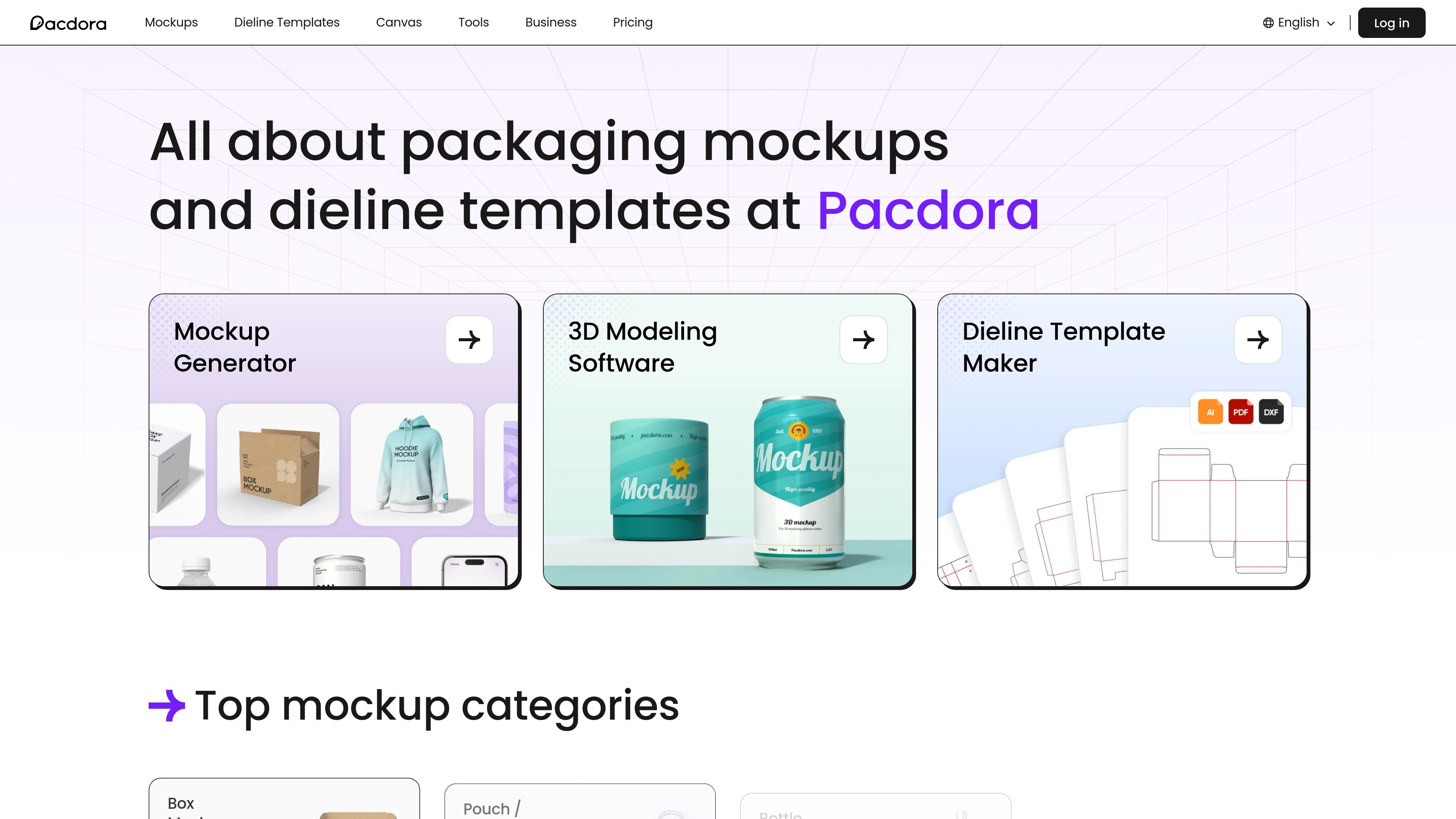
Pacdora is a web-based packaging design platform focused on mockups, dielines, 3D modeling, and design templates. The site presents it as a place to move from concept to production-ready packaging visuals using online tools rather than desktop software.
Its public pages show a workflow that starts with choosing a mockup or dieline template, then uploading artwork or adjusting dimensions, materials, lighting, and backgrounds to generate previewable and exportable results. The platform also includes AI-assisted features and plan-based export options for images, videos, and print-ready files.
What can Pacdora do?
01
Large 3D mockup library
Browse a large library of 3D mockups across packaging and product categories such as boxes, pouches, bottles, cans, T-shirts, books, and apparel. The mockup pages emphasize real-time 3D preview, adjustable angles and scenes, and downloadable HD or higher-resolution outputs.
02
Printable dieline template creation
Use the dieline maker to build printable templates and adjust dieline dimensions, materials, and paper thickness. The pricing and dieline pages indicate export support for AI, PDF, DXF, and JPG formats, along with a large template library.
03
Online 3D modeling tools
Create packaging scenes and product visuals with online 3D modeling tools. The home page describes a workflow based on selecting scenes, templates, and elements, then adjusting product angles and lighting without needing design experience.
04
AI background generation
Generate AI backgrounds for product images. The home page says the tool recommends personalized backgrounds that blend with the product, which is useful for replacing studio photography in presentation or marketing visuals.
05
Multiple export formats
Support multiple export types for different workflows, including HD images, 4K and 8K renders, MP4 videos, and shareable links. Pricing also shows HTML code generation for some plans.
06
Team and support options
Offer workspace and support features for subscription users, including workspace members, content permissions, consolidated billing, email support, live chat, and live webinars.
Use Cases
“Packaging presentation mockups”
Create packaging mockups for presentations, e-commerce listings, or client reviews by uploading artwork, previewing the design in 3D, and exporting images or videos.
“Dieline preparation for print”
Build print-ready dieline templates for boxes, bags, and other packaging formats when you need a starting point for production files.
“Product visualization”
Produce product visuals for items such as apparel, bottles, books, or cans when you need a realistic scene without arranging a photo shoot.
“AI-assisted background cleanup”
Generate backgrounds for product images when you already have a product shot and want a more polished presentation image.
“Team packaging workflow”
Coordinate packaging work across a team using workspace members, permissions, and consolidated billing where the plan supports collaboration.
Frequently Asked Questions
What does Pacdora do?
Pacdora provides a browser-based packaging design workflow for mockups, dielines, and related design templates. Its mockup generator lets you upload artwork and preview it in 3D, while the dieline maker supports print-ready template creation and export.
Does Pacdora offer a free plan or trial?
The source shows paid subscription plans with a free plan listed. Pricing also mentions annual billing savings, a free trial starting today, and cancellation within seven days for the trial.
What kinds of files can you export from Pacdora?
Pacdora’s pricing and product pages show outputs such as HD, 4K, and 8K image exports, MP4 video exports, shareable links, and printable dieline files. The exact export options vary by plan and tool.
Is Pacdora suitable for teams?
Pacdora’s pricing page includes workspace members, content permissions, consolidated billing, and support options such as email support, live chat, and live webinars. That suggests the platform is usable for teams as well as individuals.
What is Pacdora best suited for?
The site specifically presents Pacdora as a packaging design platform rather than a general-purpose design suite. The public sources emphasize mockups, dielines, 3D modeling, and AI background generation.
Quick Facts
Category
Packaging design platform
Platform
Web-based
Core tools
Mockups, dielines, 3D modeling, AI background generation
Primary users
Designers, packaging developers, and teams working on product visuals
Pricing model
Free plan plus paid subscription plans
Domain
pacdora.com
Pacdora Traffic Analysis
Traffic data is for reference only.
Domain Rating
62
Pacdora Alternatives
F
Figma AI
www.figma.com
Figma AI is a set of AI-assisted tools embedded in Figma for generating and refining designs, searching files, editing images, building prototypes, and connecting design work with code. It supports designers, developers, and product teams working across the Figma canvas and related workflows.
L
Lovart
lovart.ai
AI design agent for creating and refining visual assets
K
Kombai
kombai.com
AI design engineer for building websites and product UIs, then shipping production-ready frontend in existing codebases.
A
App Alchemy
appalchemy.ai
AI mobile app design from prompts, with refinement and export
T
Template.net
template.net
AI-powered editor for creating and exporting editable documents, presentations, designs, charts, whiteboards, and web assets
S
SuperCraft
supercraft.ai
SuperCraft designs and visualizes physical products from natural language, sketches, or CAD models, with team review and organizational privacy and security controls.