
Node-Based Workflows
Use a node-based workflow to control generations and explore concepts without committing to a single direction too early.

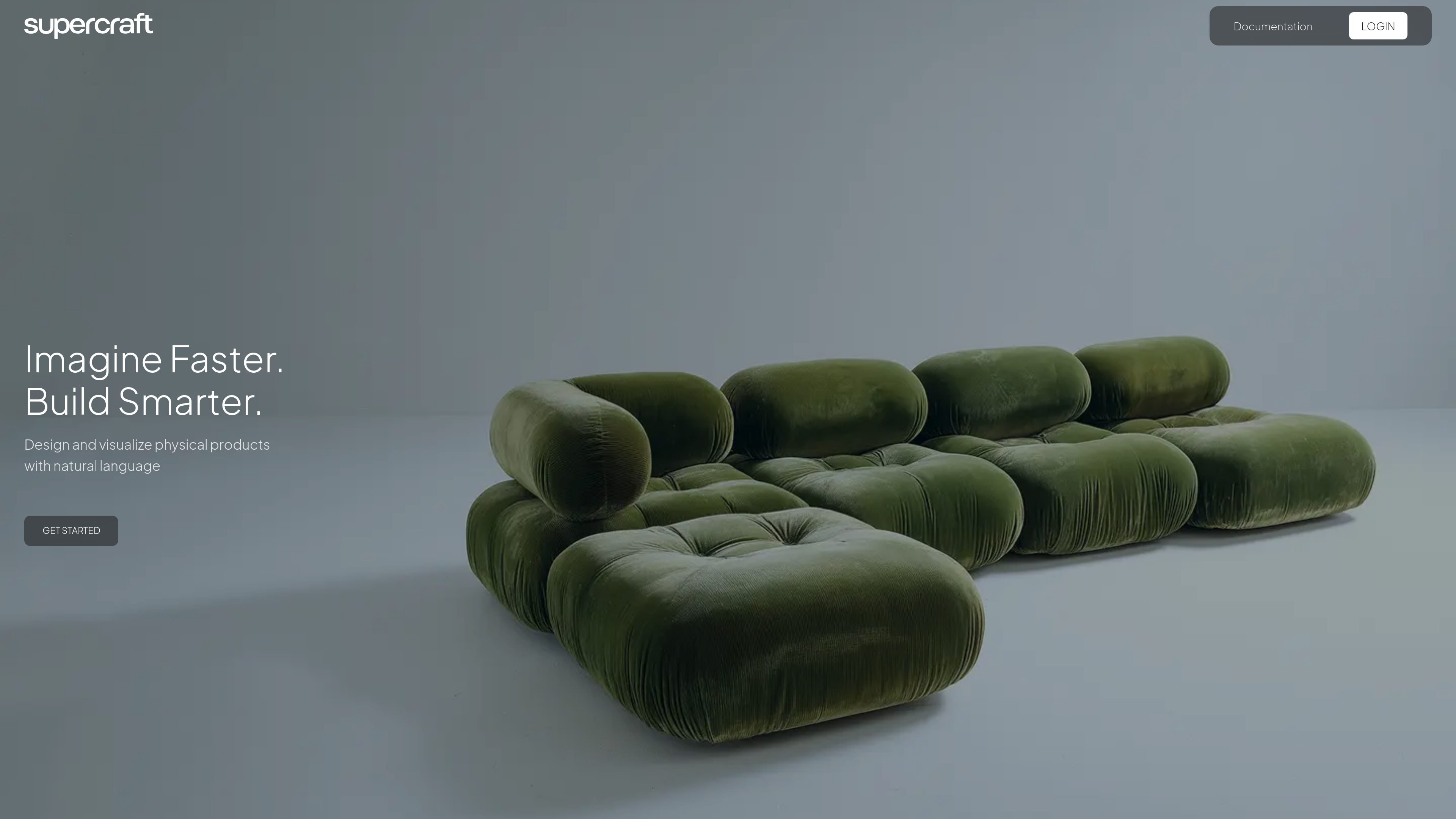
SuperCraft designs and visualizes physical products from natural language, sketches, or CAD models, with team review and organizational privacy and security controls.
SuperCraft is an AI product design and visualization tool for physical products. The site positions it around natural-language creation and iterative exploration, letting users generate product concepts and refine them through a node-based workflow.
The homepage shows that SuperCraft can start from a sketch, a CAD model, or a simple idea, which makes it suited to early concepting as well as visual development. It also emphasizes collaboration features for teams and built-in privacy and security controls for organizations that need tighter access management.
Use a node-based workflow to control generations and explore concepts without committing to a single direction too early.
Work from natural language prompts to generate visual directions for physical products.
Start from a rough sketch, a CAD model, or a plain idea and turn it into product concepts.
Move between render, explore, visualize, and animate modes shown on the homepage to support different stages of product development.
Invite teammates to comment on designs and approve or reject concepts directly in the product.
Use built-in privacy and security controls such as SSO, 2FA, admin access controls, zero data retention, and on-prem deployment.
Generate early product directions from a written brief when the goal is to explore alternatives quickly before committing to a single concept.
Bring in a rough sketch or CAD model and use SuperCraft to develop it into more polished visual concepts.
Use the node-based workflow to compare variants and refine a design without losing earlier exploration paths.
Share concepts with teammates so they can comment on them and approve or reject options in one place.
Use the privacy and security controls when product work needs tighter access management or an on-prem deployment option.
The site presents SuperCraft as a design and visualization tool for physical products. It supports a natural-language workflow and also shows examples starting from a sketch or a CAD model.
The homepage highlights node-based workflows for controlling generations and exploring concepts non-destructively, along with actions labeled Render, Explore, Visualize, and Animate.
The site says teams can comment, approve, or reject designs directly in SuperCraft.
The homepage says it has built-in privacy and security features including privacy-first handling, zero data retention, on-prem deployment, SSO, 2FA, admin-level access controls, and 99% uptime.
The pricing page in the collected sources returns a 404, so no pricing or plan structure is shown in the available evidence.
Traffic data is for reference only.

weavy.ai
A web-based AI design workflow platform for creative professionals, teams, and enterprise design groups, combining multiple AI models, professional editing tools, and reusable node-based workflows.

flora.ai
FLORA is an AI-powered creative canvas for designers, brand teams, agencies, and in-house creative teams. It combines generation, editing, and collaboration in one workspace with access to 50+ text, image, and video models.

magicpatterns.com
AI prototyping for product teams, from prompts to UI prototypes

ca.la
Mercer is a web-based fashion design and production platform for moving from concept to collection.

adam.new
Adam is a CAD copilot for hardware teams, connecting CAD, PLM, supplier, and collaboration tools to produce model edits, BOMs, drawings, RFQs, and more from Slack and email.

www.figma.com
Figma AI is a set of AI-assisted tools embedded in Figma for generating and refining designs, searching files, editing images, building prototypes, and connecting design work with code. It supports designers, developers, and product teams working across the Figma canvas and related workflows.