
Fast no-code setup
Create and embed a chatbot by entering your website URL, adding your logo, and placing it on your site without code.

Webbotify is an AI website chatbot platform that trains on your site content to automate support, capture leads, and reply in multiple languages. No-code setup, chat history, and plan-based integrations.
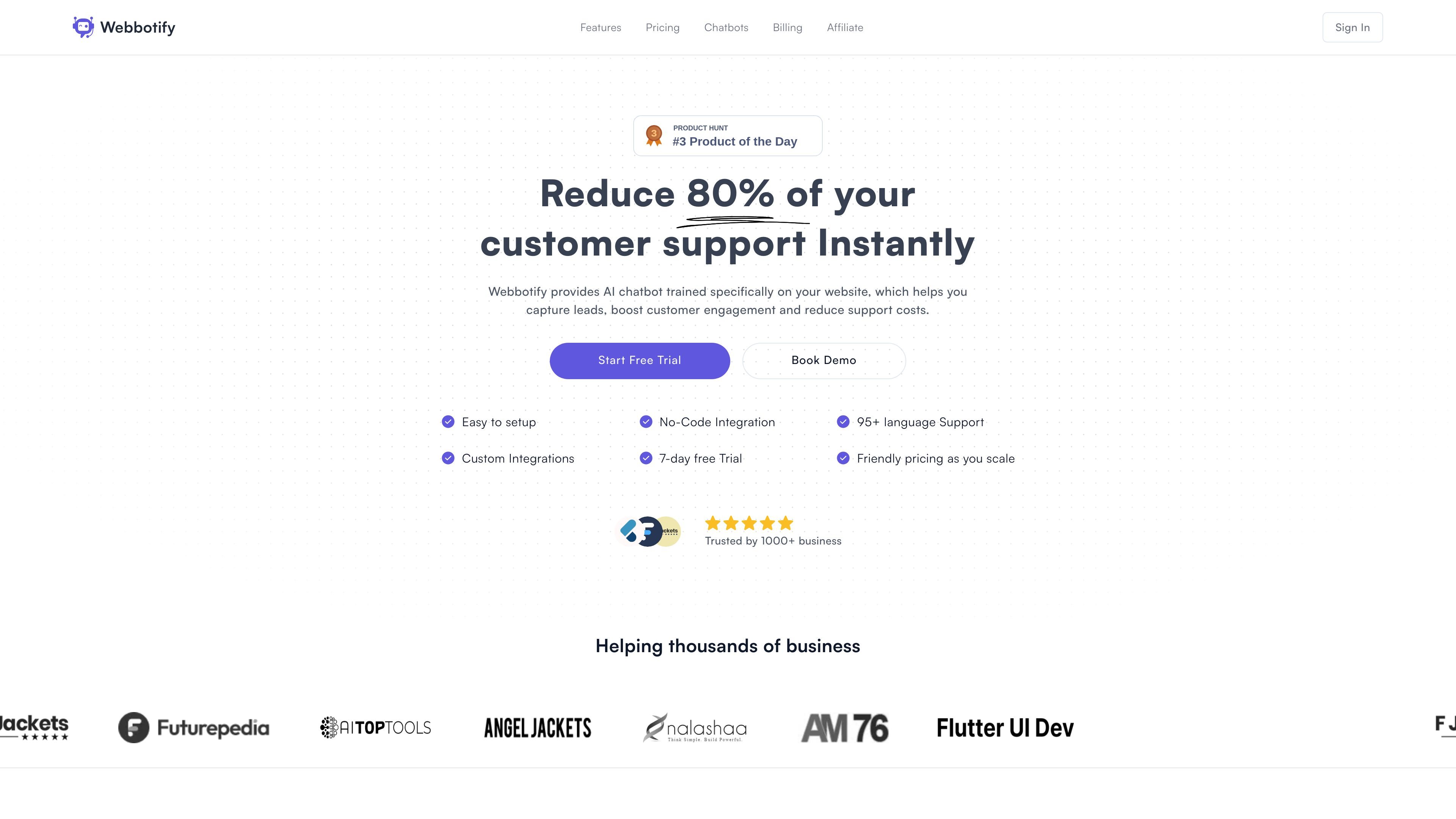
Webbotify is an AI website chatbot platform that trains on your own site content and lets you embed the bot on your website with a no-code setup. The product is positioned as a way to handle common support questions, collect leads, and keep responses aligned with your published content.
The site emphasizes quick onboarding: enter your website URL, add your logo, and embed the bot in a few steps. It also highlights multilingual support, chat history, automated retraining, and plan-based options for teams, integrations, and model selection.
Create and embed a chatbot by entering your website URL, adding your logo, and placing it on your site without code.
Train the chatbot on website pages and additional files such as PDFs, documents, and text content, with support for automatic syncing.
Automatically detect a visitor’s language and reply in one of the 95 languages Webbotify says it supports.
Collect email addresses during conversations and review chat history to understand what visitors are asking about.
Choose from supported AI model options, including GPT-3.5-turbo, GPT-4, and open-source models, or use your own OpenAI key.
Invite support agents to collaborate, and connect through copy-paste integrations, API access, Zapier, Shopify, and custom domains on eligible plans.
Use Webbotify on a marketing or product site to answer common visitor questions from the content already published on the site, reducing repetitive support requests.
Ask for an email during the conversation and use chat history to understand which visitors are asking about which topics.
Serve international visitors by letting the bot detect their language and answer in that language without separate bot builds.
Train on PDFs, documents, and text files in addition to website pages when you want the bot to answer from a broader knowledge base.
Use team features, API access, and integrations such as Shopify or Zapier when the chatbot needs to fit into a broader support workflow.
Webbotify is set up by entering your website URL, adding your logo, and embedding the chatbot on your site. The pricing page says setup can be done in less than 5 minutes.
The pricing page says Webbotify supports multilingual responses and can automatically detect a visitor’s language, with support for 95 languages.
Yes. The pricing page lists lead capture as a feature, and the home page says you can ask visitors for their email while they interact with the bot.
Webbotify offers team collaboration features on higher plans, including inviting support agents and collaborating with team members to manage the chatbot.
The pricing page includes an option to use your own OpenAI key, and it also lists model choices such as GPT-4 and open-source model support.