
Text and image input
Generate videos from written prompts or uploaded images using Google Veo 3, with support for both text-to-video and image-to-video workflows.

Videomaker.me is a browser-based AI video generator using Google Veo 3 to turn prompts or images into short videos with synchronized audio. Try it free.
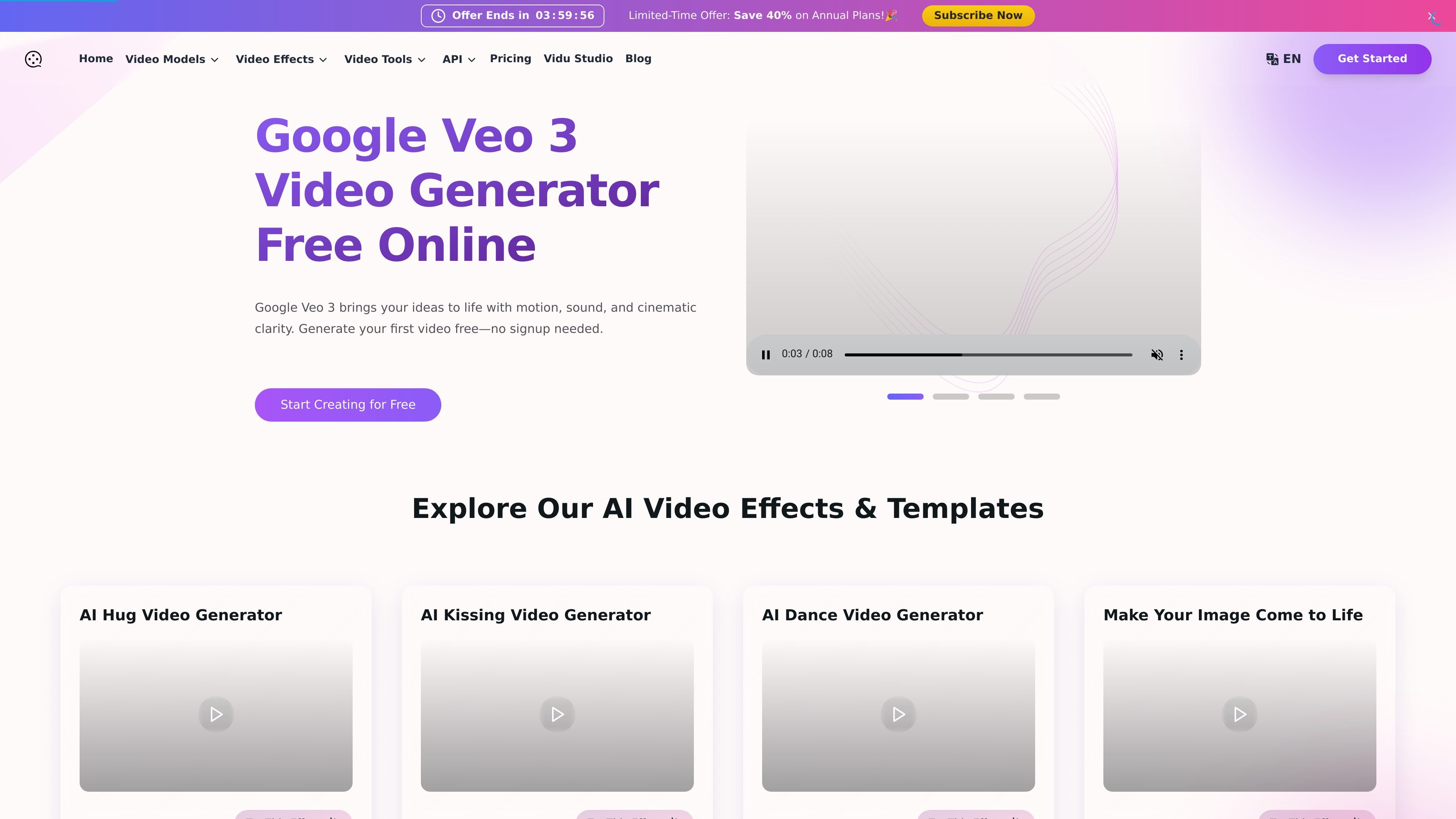
Videomaker.me is an online AI video generator centered on Google Veo 3. It lets users turn text prompts or uploaded images into short videos with synchronized audio, including dialogue, ambient sound, and effects.
The site positions the product as a browser-based way to create cinematic clips without installing software. The homepage says users can try it for free, and the pricing page shows paid membership plans for users who want higher limits, private generation, watermark-free downloads, and commercial use rights.
Generate videos from written prompts or uploaded images using Google Veo 3, with support for both text-to-video and image-to-video workflows.
Create clips with synchronized audio, including dialogue, ambient sound, and effects, so the resulting video and sound are produced together.
Use the platform’s built-in effects library for stylized content such as hug, kissing, dance, and other template-driven looks.
Generate videos in HD or 1080p depending on the plan and page, with additional mention of video extension and upscaling on the pricing page.
Run multiple generation jobs at once on paid plans, with concurrent-job limits varying by plan.
Access paid-plan options such as private generation, watermark-free downloads, commercial use rights, and priority support.
Turn scripts, scene descriptions, or blog ideas into short videos when you need a fast starting point for social content or concept development.
Upload a still image and generate motion around it for portraits, landscapes, product shots, or concept art.
Create videos that include dialogue, ambient sound, or voiceover when audio needs to be part of the first draft rather than added later.
Use built-in effects and style transfers when the goal is a stylized clip rather than a realistic scene, such as playful or social-ready content.
Prototype marketing, education, or internal ideas quickly with browser-based generation, then preview and download the result for review.
Videomaker.me provides an online interface for generating videos from text prompts or images, so there is no local software installation required. The homepage also states that users can start creating from the browser without signup, while the Veo 3 page describes a simple prompt-and-generate workflow.
The source presents the product as a Veo 3-based AI video generator for turning text or images into short videos with synchronized audio, lip-sync, and scene-aware sound. It is positioned for creators, marketers, educators, and other users who want quick video generation rather than manual editing.
The pricing page lists monthly plans that include Google Veo 3 support, text-to-video and image-to-video generation, watermark-free downloads on paid plans, private generation on paid plans, and commercial use rights. The home page says free access is available, while the pricing page indicates a paid membership model for better service.
The site describes outputs as HD or 1080p video depending on plan and page, with synchronized audio, ambient sound, dialogue, and effects. The Veo 3 feature page also shows an 8-second duration setting, while the pricing page mentions video extension and upscaling.
The homepage says no installation or Gemini account is required to try the tool. The pricing page notes that free-plan generations can be slower during peak times, and that private generation, watermark-free downloads, and higher support levels are tied to paid plans.