
Video face swap workflow
Upload a source video and a target face image, then start a swap from the same browser flow. The page shows preview and editing steps before download.

VideoFaceSwap is a web-based AI face swap tool for videos, photos, and GIFs. It offers browser uploads, previewing, and download flows, with a no-sign-up face swap page and separate tools for single, multiple, and batch workflows.
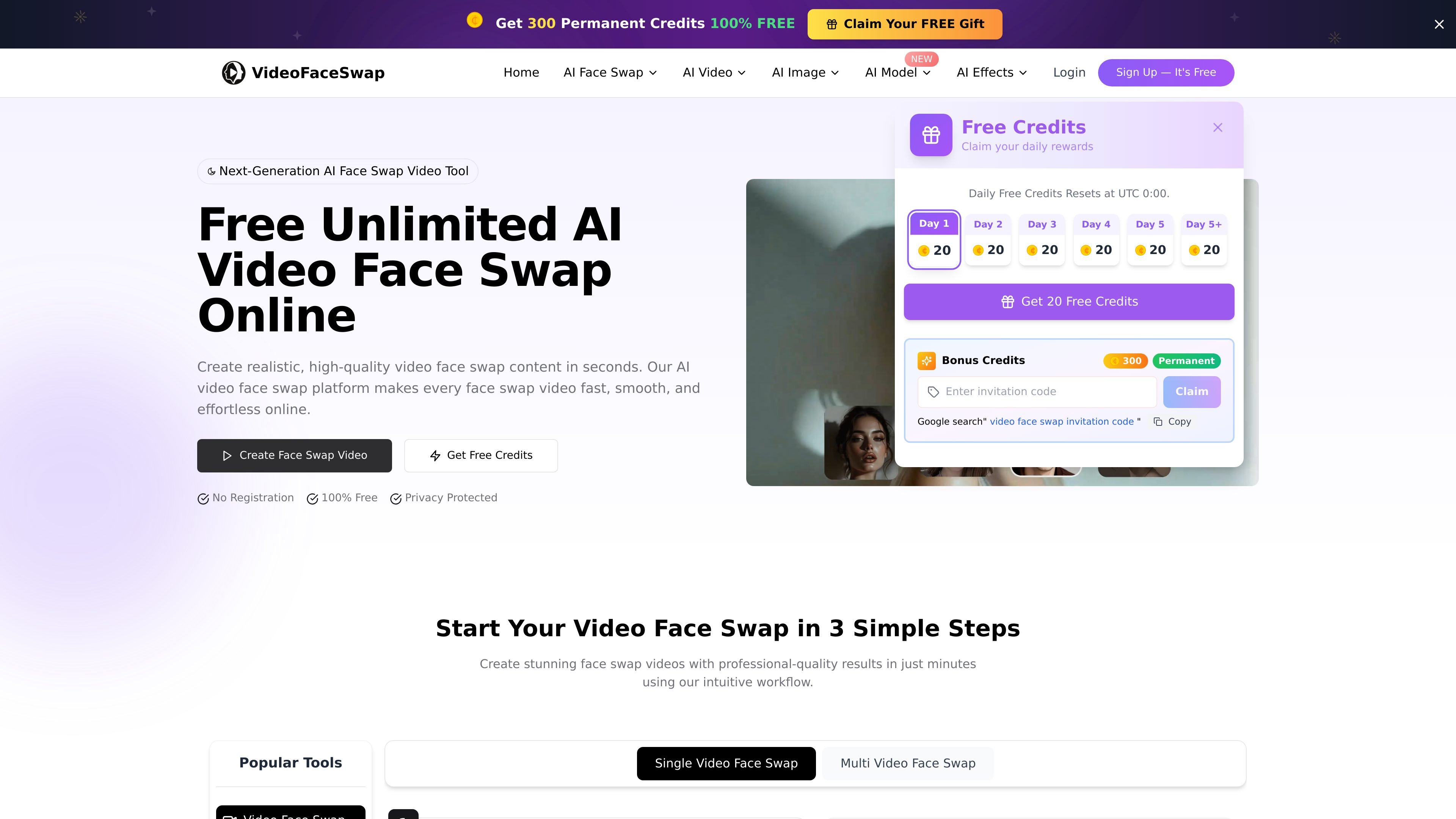
VideoFaceSwap is a browser-based AI face swap platform for video, photo, and GIF editing. Its main workflow lets you upload a source file and a target face image, then generate a swapped result directly online.
The site is organized around separate tools for single video swaps, multiple-face video swaps, photo face swaps, batch photo swaps, and GIF face swaps. The rendered pages emphasize quick processing, in-browser previewing, and output download rather than a desktop app or installed software.
Upload a source video and a target face image, then start a swap from the same browser flow. The page shows preview and editing steps before download.
A dedicated photo face swap page supports swapping one face from one photo to another, with separate single, multi, and batch entry points shown in the interface.
The multiple-face video page detects faces automatically before swapping, which fits clips with more than one person in frame.
The GIF tool supports animated GIF and animated WEBP files, making it usable for short looping content and meme-style edits.
The site presents separate modes such as Basic, Normal, Smooth, and HD on the video face swap page, indicating different quality or processing settings.
Uploaded videos can be previewed in-browser during the workflow, and the interface includes a download step after generation.
Use the single-video workflow when you have one source clip and one target face image and want an online swap without installing editing software.
Use the multiple-face video tool for clips with several people, where automatic face detection can identify faces before swapping them.
Use the photo face swap tool for still images when you want to replace a face in a portrait, meme, or other static image.
Use the GIF face swap tool for animated reactions, short loops, or meme content that relies on GIF or animated WEBP input.
Use the batch photo workflow when you need to process more than one photo face swap job from the site’s photo tool family.
VideoFaceSwap provides online tools for swapping faces in videos, photos, and GIFs. The home page also presents separate workflows for single-video and multiple-video face swap.
The site shows a free online workflow and describes the tools as requiring no sign-up for AI face swap on the face-swap page. The pricing page is currently a support/contact page rather than a published pricing table, so no plan details are confirmed there.
Supported input formats vary by tool. The video face swap workflow accepts MP4, MOV, and GIF for the source video and PNG, JPG, JPEG, or WEBP for the target face image, while the photo face swap tool accepts PNG, JPG, JPEG, or WEBP.
The multiple-face video tool automatically detects faces and supports videos up to 200 MB and up to 10 minutes, based on the page text for that workflow.
The rendered pages show browser-based upload and swap flows with preview/editing areas, but they do not provide documented API, plugin, or third-party integration details.