
Large template library
Browse a library of 20,100+ video templates covering intros, slideshows, music visualizers, promo videos, lyric videos, stream overlays, logo animations, and mockups.

Videobolt is a browser-based video maker for template-driven videos with watermark-free exports, cloud rendering, and plan-based Adobe workflow support and brand kits.
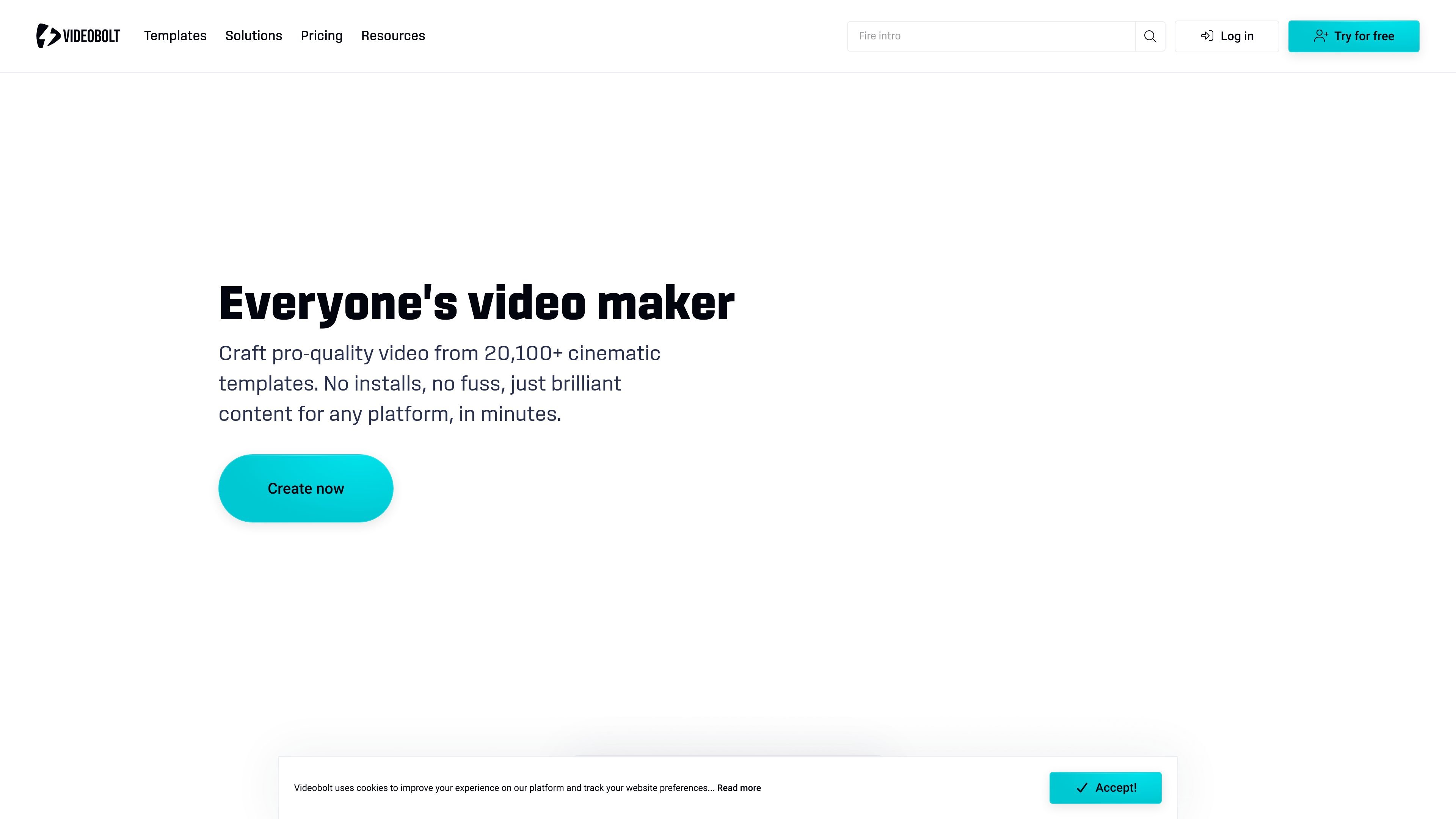
Videobolt is a browser-based video maker and motion graphics platform built around a large library of customizable templates. It is designed for users who need to create branded videos quickly without installing editing software or working from a blank timeline.
The service focuses on template-driven production for intros, slideshows, social ads, promo videos, music visualizers, lyric videos, logo animations, stream overlays, and mockups. Users can customize text, media, music, colors, and effects in the browser, then export watermark-free videos in HD, 4K, or ProRes depending on plan.
Browse a library of 20,100+ video templates covering intros, slideshows, music visualizers, promo videos, lyric videos, stream overlays, logo animations, and mockups.
Edit videos directly in the browser by replacing text, media, music, colors, and effects without installing desktop software.
Export videos watermark-free in HD or 4K, with plan-dependent limits for resolution, frame rate, duration, and storage.
Render videos in the cloud so export speed does not depend on your local device performance.
Use the Adobe Extension included with Pro to access projects from After Effects and Premiere Pro.
Apply brand kits and use uploaded fonts, stock assets, and audio to keep output aligned with a visual identity.
Create YouTube intros, outros, slideshows, and music visualizers from templates when you want polished output without manual animation work.
Produce branded social ads, promos, and product launch videos with consistent colors, logos, and messaging across campaigns.
Turn songs into lyric videos or visualizers for releases, channels, and promotional posts.
Build fast video assets for client work, event recaps, logo reveals, and pitch-ready mockups without hiring an editor for each project.
Use browser-based templates and cloud rendering to create web and social video content for teams that need quick turnaround.
Yes. The pricing page says subscription plans include commercial licenses for exported projects, and the Business plan adds a resale license.
The browser editor lets you pick a template, customize text and visuals, and export the result without installing software.
The FAQ on the site says subscribers can export without watermarks in resolutions from 720p HD up to 4K UHD, depending on plan.
The Pro plan includes an Adobe Extension for After Effects and Premiere Pro, while the site also describes browser-based creation and cloud rendering.
The pricing FAQ says every plan includes unlimited exports; monthly and annual subscriptions are the purchase model shown on the pricing page.