
Single-link collection
Send one link to invitees, then collect their video messages, photos, and in some cases audio responses in one place. The site also mentions prompts, reminders, and RSVP tracking to help participation.

VidDay is a web-based group video gift maker for collecting messages and photos through one link for birthdays, weddings, retirements, graduations, and team recognition.
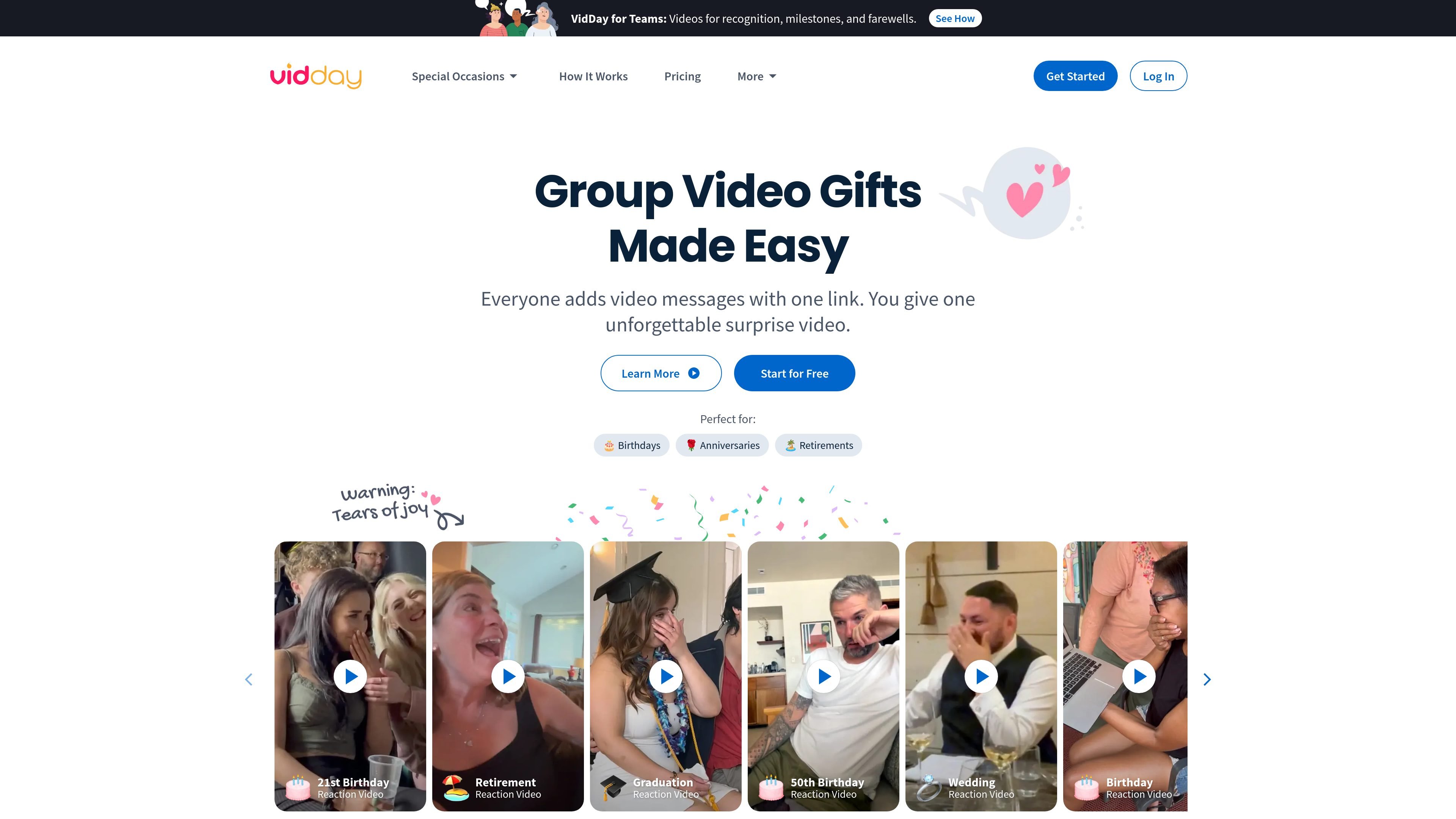
VidDay is an online group video gift maker for collecting messages and photos from friends, family, coworkers, or event guests through one shareable link. It is positioned for occasions such as birthdays, anniversaries, retirements, weddings, graduations, memorials, and other celebrations or tributes.
The workflow is straightforward: invite people, gather their submissions in one place, arrange the clips, add music or other finishing touches, and share the finished video. The site says you can start for free, no app is required for contributors, and paid checkout is only needed when you are ready to finalize the video or unlock paid outputs such as HD downloads and privacy controls.
Send one link to invitees, then collect their video messages, photos, and in some cases audio responses in one place. The site also mentions prompts, reminders, and RSVP tracking to help participation.
Use the drag-and-drop editor to reorder submissions, add music, customize text cards, and preview the finished video before sharing it.
Choose a premade theme or create your own by changing backgrounds, fonts, colors, and text cards. The source also mentions custom backgrounds and themed options for different occasions.
Offer optional group gifting alongside the video, including collected funds that can be redeemed as a gift card, prepaid Visa, or charitable donation. The feature can be turned off.
Turn completed videos into keepsakes such as a Video Book, postcard, USB, or DVD, depending on the product flow shown on the site.
Use customer support through live chat, email, or help-center articles while creating and sharing a project.
Create a birthday surprise by asking friends and family to submit clips, then reveal the finished montage at a party or send it privately.
Build a retirement, farewell, or recognition tribute that gathers memories and messages from coworkers, clients, or loved ones.
Assemble a wedding, anniversary, or engagement-style keepsake with messages and photos from guests and family members.
Send a teacher appreciation, graduation, or yearbook-style video that collects messages from students, classmates, and parents.
Use the business workflow for employee recognition, new-hire welcomes, client appreciation, or testimonial collection.
No. The source says VidDay is free to start, and you can collect messages and edit before paying. Payment is only required when you want to finalize and share or download the finished video.
VidDay’s workflow is designed around one shareable link. You invite friends and family, collect video messages, photos, and sometimes audio, then arrange the submissions into a finished group video.
The source says contributors can record or upload from any device with one private link, and that no app is required.
Yes. The pricing page says free projects can be created, while paid plans include 1080p HD downloads, secure hosting and privacy controls, digital gift wrap, and other extras depending on the plan.
VidDay supports both personal occasions and business use. The source also mentions a business plan for teams and organizations, plus custom plans for enterprises and event planners.