
2D and 3D development
Create 2D and 3D experiences in any style and for any platform, with the engine positioned as a flexible starting point for games and applications.

Unity is a game and app development platform for 2D and 3D across desktop, mobile, web, consoles, XR and industry use cases.
Unity is a game and app development platform for building 2D and 3D experiences across desktop, mobile, web, consoles, XR, and other supported devices. The site positions it as a single place to develop, deploy, and grow projects, with tools for creation, publication, player acquisition, monetization, and industrial applications.
The engine page emphasizes flexibility, C# and .NET scripting, graphics and performance tooling, and support for collaboration, multiplayer, and LiveOps. Unity’s site also points to a broader ecosystem that includes documentation, tutorials, community discussions, Unity Learn, and Unity AI.
Pricing is organized into Personal, Pro, Enterprise, and Industry. Unity Personal is free, while paid plans add capabilities such as console and Apple Vision Pro publishing, expanded support, cloud storage, on-prem build automation, and other plan-dependent services.
Create 2D and 3D experiences in any style and for any platform, with the engine positioned as a flexible starting point for games and applications.
Build for desktop, mobile, web, consoles, XR, and Apple Vision Pro, with platform coverage called out across the home, engine, and pricing pages.
Use C# and .NET with familiar tools such as Visual Studio and JetBrains Rider, and scale from simple object movement to complex, entity-heavy systems.
Use real-time lighting, shading, rendering optimization, and other graphics tools to support a wide range of visual styles.
Use built-in tools for performance inspection and troubleshooting, plus multiplayer, collaboration, and LiveOps workflows described on the engine page.
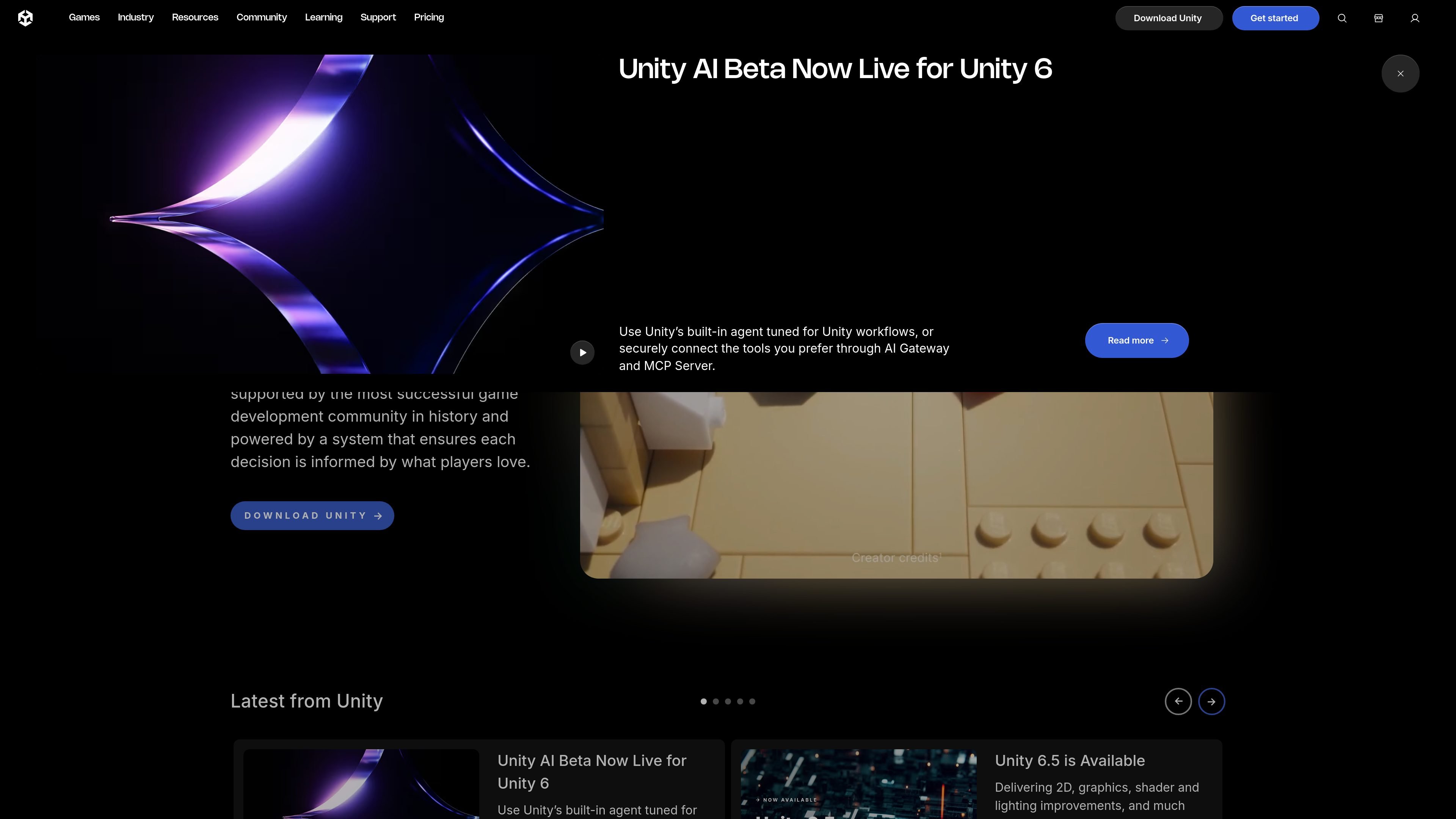
Explore Unity AI, which the home page describes as a built-in agent tuned for Unity workflows, with AI Gateway and MCP Server options for connecting verified third-party tools.
Use Unity to build a new game project from prototype to release, starting with 2D or 3D assets and iterating in C# as the game grows.
Ship the same project to desktop, mobile, web, consoles, XR, and Apple Vision Pro when you need a single engine with broad platform coverage.
Use the performance, multiplayer, collaboration, and LiveOps tooling to support games that need tuning, team coordination, and ongoing updates after launch.
Use Unity Learn, documentation, tutorials, and discussions to onboard new creators or help a small team work through engine workflows.
Apply Unity to industry use cases such as automotive, manufacturing, retail, and medical science when you need to turn CAD and 3D data into immersive applications.
Unity Engine is a game and app development platform for creating 2D and 3D experiences across many platforms. Its FAQ states that it is used to create video games across 20+ platforms and that it can also be used to transform CAD and 3D data into immersive apps and experiences.
The Unity Engine is available in the Unity Hub, and Unity directs users to follow the on-screen instructions during installation and setup.
Unity says Unity 6.0 is the latest long-term supported release of the next generation of the Unity Engine, and the home page also notes that Unity 6.5 is available.
Unity’s pricing page offers Unity Personal for hobbyists and small indie teams, Unity Pro for experienced teams and solo developers, and Unity Enterprise for ambitious teams with more complex needs. The pricing page also lists Unity Industry for applications outside games or entertainment.
Unity lists built-in support for desktop, iOS, Android, Nintendo Switch, PlayStation, Xbox, Meta Quest, web, and Apple Vision Pro on its home page and product pages. The pricing page also notes that some platform support, such as console publishing and Apple Vision Pro, is included in paid plans.