
Train on your own data
Train chatbots on URLs, uploaded files, CSVs, Q&A inputs, or Notion workspace content so responses come from your own material.
Thinkstack is a no-code AI chatbot and agent generator for support and sales teams. Train bots on your content and embed them on your website.
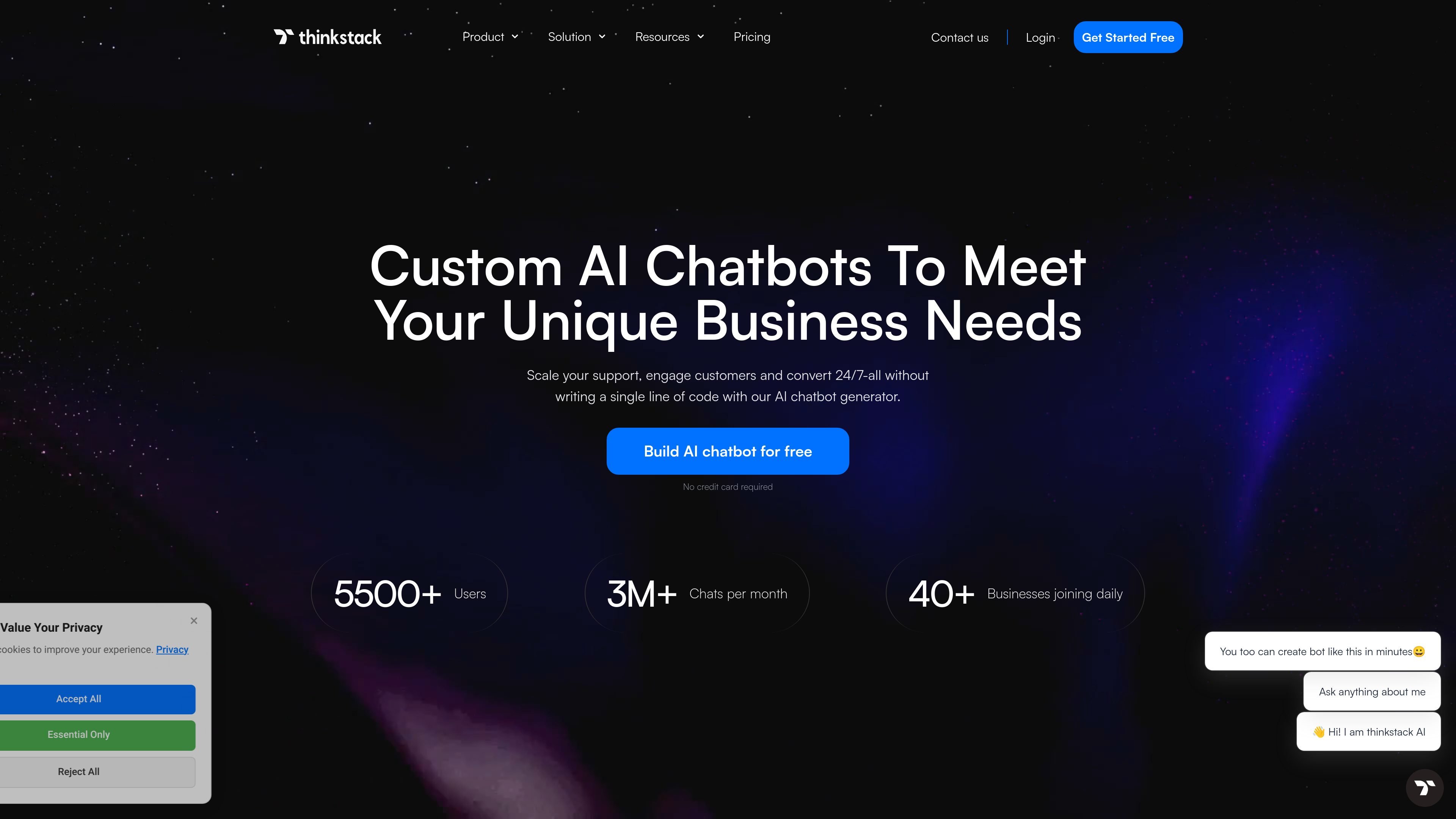
Thinkstack is a no-code AI agent and chatbot generator for support, sales, and other customer-facing workflows. It lets teams build a chatbot, train it on their own knowledge sources, customize the experience, and embed it on a website or other channels.
The product combines LLM-powered conversation with actions, forms, conditional flows, integrations, and human handoff. The published help content shows a setup path that starts with naming the bot, adding knowledge sources, configuring settings, previewing the result, and then copying an embed script into a site.
Train chatbots on URLs, uploaded files, CSVs, Q&A inputs, or Notion workspace content so responses come from your own material.
Copy the embed script into a website to add the bot as a chat bubble or chat window, and deploy it across sites and other channels.
Configure action-based workflows, conditional flows, API triggers, forms, and external integrations so the bot can do more than answer questions.
Pass conversations to human agents when needed, with routing to teams such as sales or support based on the query context.
Customize the chatbot’s name, subheading, placeholder text, welcome message, appearance, and brand styling to fit the site it appears on.
Connect the bot to tools such as Zapier, CRMs, Google Drive, and external APIs to retrieve or update data during conversations.
Build a support bot that answers routine questions from your help content and hands off unresolved issues to a human specialist.
Create a sales chatbot that qualifies visitors, captures leads, and routes conversations to the right team when a live rep is needed.
Use forms, actions, and integrations to collect user details, validate inputs, and pass data into CRMs or other systems.
Deploy a branded bot on a website builder, then embed it as a chat bubble or window to give visitors an always-available entry point.
Link the chatbot to Zapier or other external tools to trigger follow-ups, notifications, tickets, or data sync after a conversation.
Thinkstack is a platform for creating AI agents and chatbots that can be trained on URLs, files, CSVs, Q&A inputs, and Notion content. The bot can also use actions, conditional flows, and integrations to handle more than simple replies.
The help guide says you create a chatbot by logging in, naming it, and then training it with a knowledge base. You can add URLs, upload files, or enter Q&A content before customizing settings and embedding it on your site.
Yes. The source says Thinkstack offers a free forever tier and that no credit card is needed to start.
Thinkstack supports GPT-3.5, GPT-4.0, and GPT-4o, and the help guide also lists several GPT-5 and GPT-4 variants in the model selector.
Thinkstack can hand conversations over to human agents when the bot cannot answer a question or when a customer prefers a person. The handoff can route conversations to the appropriate team, such as sales or support.