
Ask Sybill for deal answers
Ask questions about deals and get answers grounded in meeting, email, CRM, and Slack context, with stronger context available on higher plans.

Sybill is an AI sales assistant for revenue teams that handles deal questions, meeting prep, follow-up emails, CRM updates, and sales summaries.
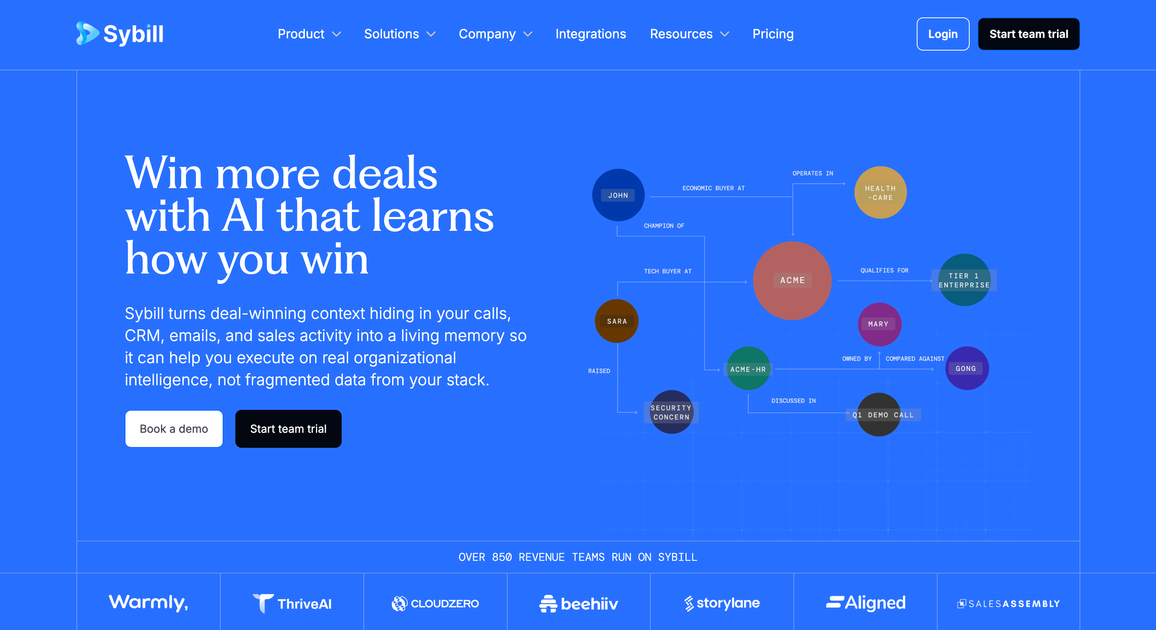
Sybill is an AI sales assistant for revenue teams. It is designed to capture deal context, answer questions about accounts and pipeline, and automate recurring sales work such as meeting prep, follow-up emails, CRM updates, and summaries.
The product positions itself as a shared context layer for sales teams rather than a narrow note-taker. Across the site, Sybill emphasizes learning from calls, emails, CRM data, Slack, and other deal activity so reps, managers, and leaders can reuse what the team has already learned when working the next deal.
Ask questions about deals and get answers grounded in meeting, email, CRM, and Slack context, with stronger context available on higher plans.
Generate pre-call briefs with company insights, participant summaries, and suggested angles so reps can prepare faster.
Turn calls into clear summaries and follow-up emails, with call summaries pushed into CRM, Slack, or email for sharing.
Auto-fill CRM fields after meetings and reduce manual entry by using prior call and email context to inform updates.
Bring deal context into a browser workspace, Slack, API, or MCP-connected workflows so teams can work where they already operate.
Create a shared memory of deal outcomes, objections, and selling patterns so later recommendations can reflect what actually worked.
An account executive can prepare for a call by reviewing a pre-call brief with company insights, participant summaries, and suggested next steps.
After a meeting, Sybill can draft a summary, generate follow-up email copy, and push relevant updates into the CRM so the rep can move on to the next call.
A manager or leader can ask Sybill what is happening across deals, why opportunities are stalling, or which risks need attention before pipeline reviews.
Teams can share call recordings, snippets, transcripts, and summaries to review objections, compare successful plays, and reuse patterns that worked in prior deals.
Revenue teams can use the browser app, Slack, API, or MCP access to surface deal context in the workflow they already use.
Sybill is built for revenue teams that want AI help across meetings, follow-ups, CRM updates, and deal context. The source pages highlight Account Executives, Sales Managers, RevOps, and Sales Leaders as role-based entry points.
The pricing page shows a Free plan, a Pro plan, a Business plan, and an Enterprise option. Free includes meeting context and basic automation, while higher tiers add more storage, CRM features, API/MCP access, customizations, and support.
Sybill can generate meeting summaries and briefs, draft follow-up emails, update CRM fields, answer questions about deals, and surface deal context across calls, emails, Slack, and CRM depending on plan and setup.
The source content shows access in the browser, via API, via MCP, in Slack, and on mobile. The pricing page also mentions in-person meeting capture through the mobile app.
The source does not provide a full list of integrations on the page text shown, so the exact connected tools should be confirmed during evaluation. The pricing page does indicate CRM integration, Slack or Teams prompts, and API plus MCP access on higher tiers.