
Automatic image tracing
Convert JPG and PNG images into SVG graphics using the browser-based autotrace tool. The free version provides standard automatic tracing.

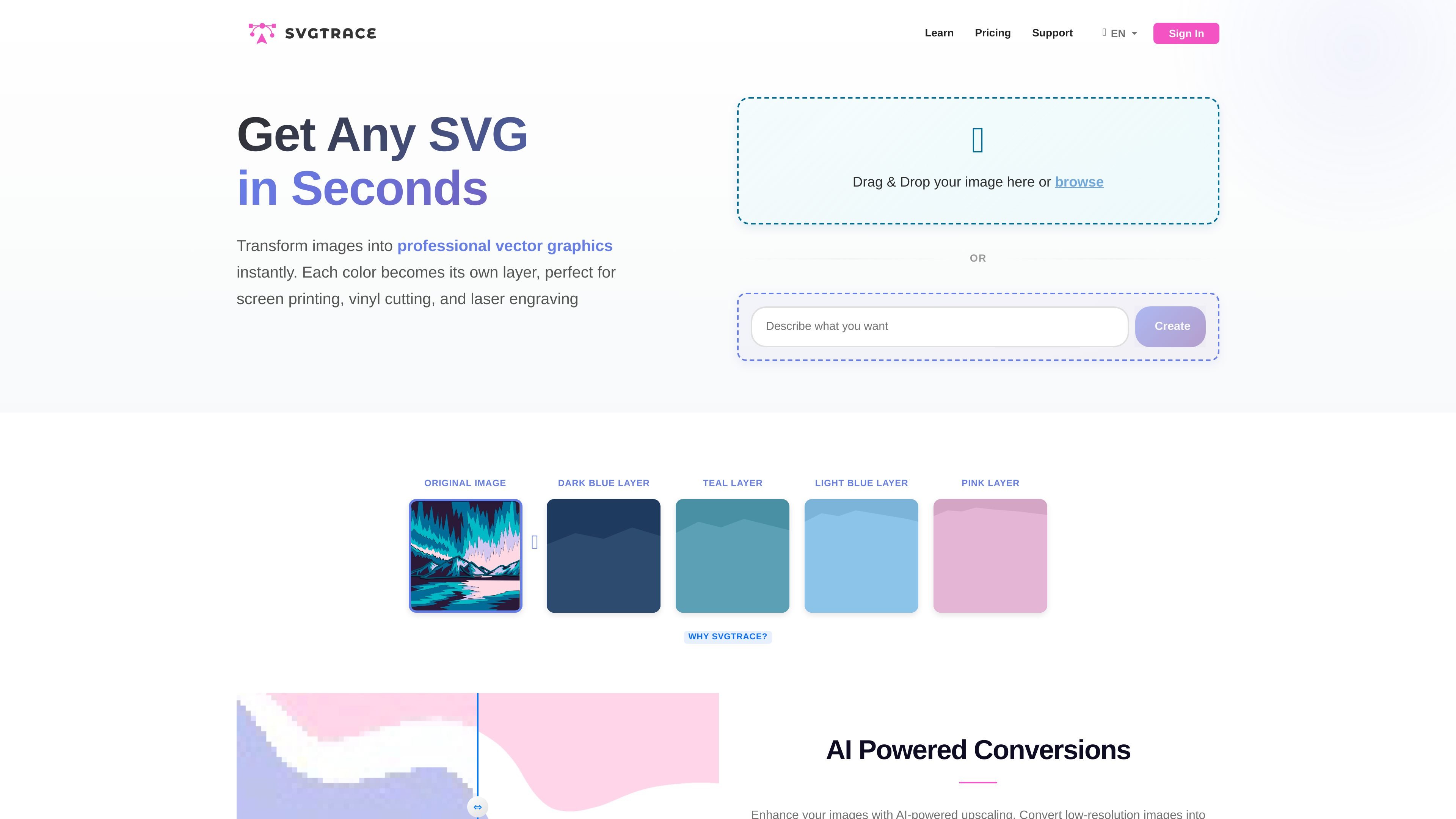
Convert JPG and PNG images into color-layered SVGs for crafting and vector design.
SvgTrace is a browser-based image-to-vector converter that turns existing artwork into SVG files. It separates colors into individual vector layers, helping users prepare graphics for craft and fabrication projects.
Users can drag and drop an image or browse for a file to start. The free tool provides automatic tracing and SVG downloads, while SvgTrace Pro adds editing tools and additional export formats. A separate Trace Orders service lets users submit artwork for tracing and receive vector files by email.
Convert JPG and PNG images into SVG graphics using the browser-based autotrace tool. The free version provides standard automatic tracing.
Each image color becomes a separate vector layer, allowing users to work with individual colors when preparing multilayer designs.
Enhance low-resolution images with AI-powered upscaling as part of preparing them for SVG conversion.
SvgTrace Pro includes a built-in editor with tools for cutting, erasing, copying, and adjusting individual layers.
The free version supports SVG downloads. Pro adds the ability to export to more file types.
Turn a flat image into separate color layers to prepare artwork for a printing workflow that handles each color individually.
Create SVG cut files from existing images for vinyl designs or paper projects, then adjust individual layers with the Pro editor.
Prepare vector artwork for laser engraving, plywood cutting, and layered 3D mandala projects using color-separated designs.
Yes. SvgTrace Free costs $0 and includes standard image-to-SVG autotrace, color-separated vector layers, and SVG downloads. No subscription is required.
Pro includes the free version's capabilities plus a built-in SVG editor and additional export formats.
Yes. Trace Orders accepts uploaded artwork and delivers vector files by email. One-time orders start at $10 USD, with a 30% discount for signed-in SvgTrace Pro members.
Trace Orders has a 15-minute turnaround target and includes three revisions. Complex artwork and busy periods can take longer.
Traffic data is for reference only.

pixelmator.com
Edit photos and build layered graphics on Mac or iPad with intelligent masking, retouching, resolution enhancement and vector tools.

gaoding.com
稿定设计 is an online design platform for quickly creating posters, PPTs, H5 pages, images, and videos with templates, assets, and AI tools.

58pic.com
千图网 (58pic.com) is a Chinese creative asset platform offering images, PSDs, templates, videos, illustrations, PPTs, AI tools, online design, and team collaboration, with personal, commercial, and enterprise licensing.

quiver.ai
QuiverAI is an AI vector design platform for editable SVG assets across product, brand, and marketing workflows.

style3d.ai
Style3D AI is an AI fashion design and virtual try-on platform for creating clothing concepts, garment visuals, prints, and ecommerce-ready imagery from prompts, sketches, or product images—without 3D modeling skills.

dropmagic.ai
Dropmagic is an AI Shopify store builder that turns source products into branded storefronts with generated copy, images, and design—helping merchants launch faster without coding or design work.