
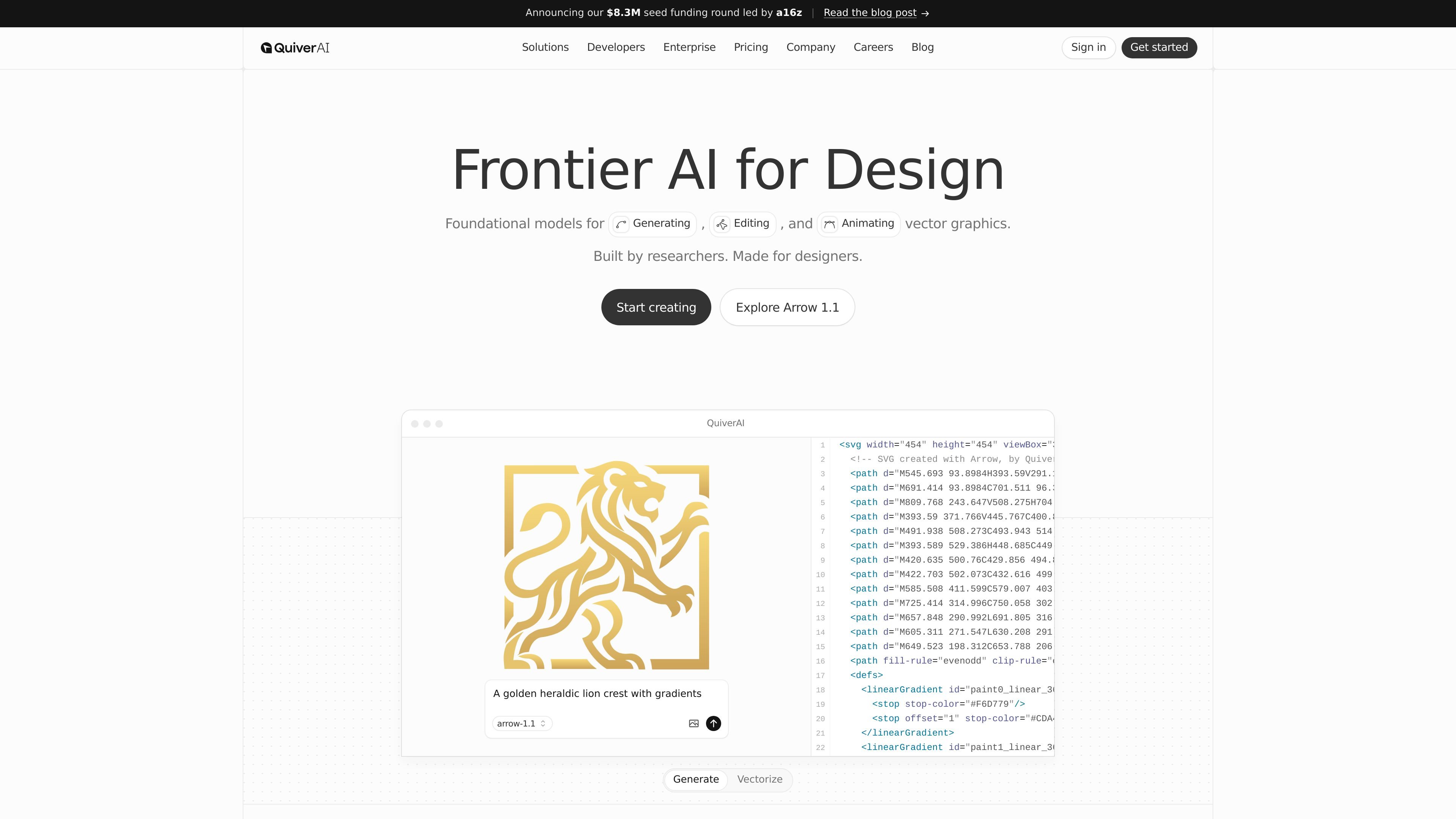
Text to SVG generation
Generate editable SVG assets from text prompts or reference inputs. The homepage and API pages both point to text-to-SVG generation as a core workflow.

QuiverAI is an AI vector design platform for editable SVG assets across product, brand, and marketing workflows.
QuiverAI is an AI vector design product for generating, editing, and animating editable SVG assets. The site presents it as a tool for teams working across product, brand, and marketing workflows, with an emphasis on producing vectors that remain editable rather than flattening into static raster graphics.
The product combines a web-based creation flow, a public beta sign-up, and an API for developers. The homepage highlights use cases such as logos, illustrations, typography, and animations, while the developer section shows model access and SVG generation endpoints for programmatic workflows.
Generate editable SVG assets from text prompts or reference inputs. The homepage and API pages both point to text-to-SVG generation as a core workflow.
Convert existing images into SVG outputs for vector-based editing and reuse. The developer section explicitly lists image-to-SVG conversion as an available API capability.
Edit and vectorize graphics with a focus on production-ready SVG output. The site describes QuiverAI as a tool for generating, editing, and animating editable SVG assets.
Animate SVG graphics directly without moving the work into a separate engineering workflow. The homepage says QuiverAI animates vectors such as logos, icons, and illustrations while keeping them lightweight and controllable.
Access models and generation endpoints through the API at api.quiver.ai. The developer section shows model listing and generation endpoints for authenticated organizations.
Choose from multiple model tiers, including Arrow 1.0, Arrow 1.1, and Arrow 1.1 Max on eligible plans. The pricing page links model access to plan level and output quality.
Create logos from prompts or references when you need editable vector artwork that can be refined before production. The homepage specifically calls out logo generation as a core workflow.
Produce illustrations that can be recolored or adapted across contexts such as UI, marketing, or product flows. The site positions illustrations as fully vector and editable.
Generate or adapt vector graphics for product and marketing teams that need assets to stay lightweight and controllable. QuiverAI frames itself around workflows that span product, brand, and marketing.
Use the API to list models and generate SVGs from prompts or image inputs inside custom tools. The developer section shows authenticated endpoints for programmatic use.
Animate vector assets directly for logos, icons, or illustrations without moving the work into a separate engineering pipeline. The homepage describes this as SVG animation with controllable output.
QuiverAI offers a public beta sign-up flow and a separate contact-sales form for enterprise interest. The source does not describe a separate installation process; the main entry points shown are account creation, the API, and sales contact.
The pricing page shows a free plan with weekly credits, paid Basic and Pro plans, and an Enterprise option with custom pricing. The site also says weekly credit limits apply across models and that unused credits do not have documented rollover terms in the provided source.
The homepage shows Text to SVG and Image to SVG in the developer API, and the product focuses on generating, editing, vectorizing, and animating editable SVG assets. The source does not document non-SVG export formats beyond the pricing page comparison.
The site explicitly mentions a hosted MCP server, an API at api.quiver.ai, and example endpoints for listing models and generating SVGs. No additional third-party integrations are described in the provided source.
The site positions QuiverAI for teams working on product, brand, marketing, and design workflows. The homepage examples emphasize logos, illustrations, typography, and animations, while the API page points to developer use cases.
Traffic data is for reference only.

moda.app
Moda is a web-based AI design tool for creating editable visual assets, including slides, social posts, documents, PDFs, and diagrams. Teams can produce on-brand designs from source material while keeping every element editable.

x-design.com
Zawa, formerly X-Design, is an AI brand kit generator and editor for creating logos, posters, mockups, social content, and other branded assets.

canva.cn
Canva is a web-based visual design tool for creating and sharing digital and print assets with drag-and-drop editing, templates, and AI-assisted features. It supports individual, team, and enterprise workflows for presentations, social posts, logos, posters, and more.

krumzi.com
AI design tool creating editable marketing graphics and videos from text briefs

sivi.ai
AI design platform for editable marketing visuals and API automation

evercopy.ai
AI creative platform for scalable, on-brand marketing assets