
Multi-video playback
Load up to 12 clips and play, pause, or scrub them together while keeping timelines aligned across all open videos.

Supra Player is a native macOS app for syncing, comparing, annotating, and exporting multiple clips in one workspace—ideal for multi-cam review without a full editor.
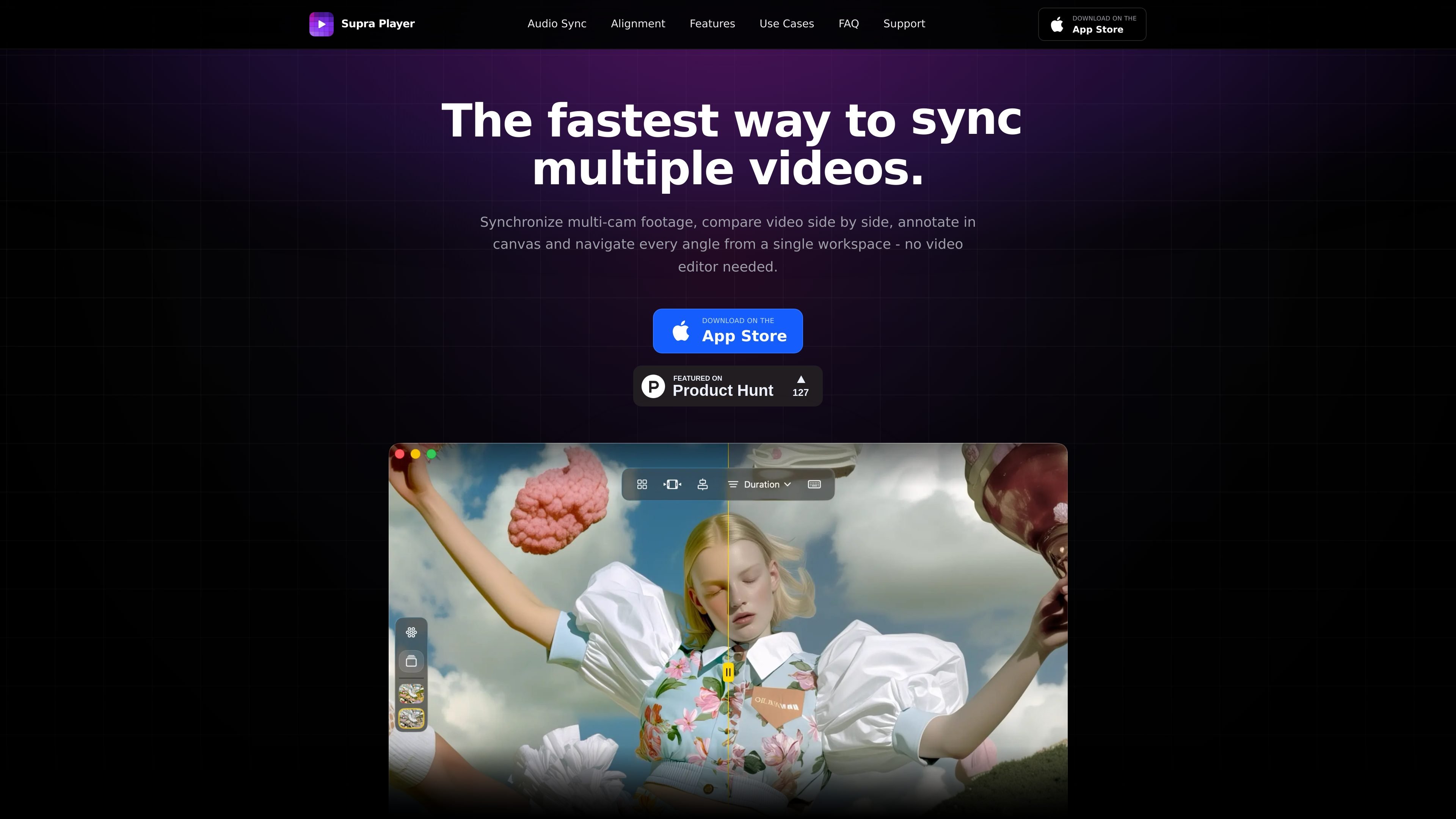
Supra Player is a native macOS video review app for comparing, syncing, and annotating multiple clips in one workspace. It is built for fast review workflows that need playback coordination without opening a full video editor.
The app supports Grid, Single, and Canvas layouts, loads up to 12 videos at once, and can synchronize multi-cam footage automatically using audio. It also includes timeline controls, trim tools, and export options for sharing a review layout as video.
Load up to 12 clips and play, pause, or scrub them together while keeping timelines aligned across all open videos.
Automatically align multiple cameras using audio, so synced review starts without manual matching or separate editing software.
Adjust start positions per clip on an expanded timeline with draggable tracks and waveform overlays.
Wipe between two videos in Single mode to compare cuts, grades, or takes side by side.
Use Grid, Single, or Canvas layouts; in Canvas mode you can drag, resize, annotate, undo or redo, and lock aspect ratio.
Export the current layout as video with resolution presets up to 8K and optional metadata burn-in.
Review camera angles from phones, pods, concerts, body cams, or CCTV in a single synced workspace instead of switching between separate players.
Compare edits, color grades, or alternate takes in Single mode with the compare slider to inspect differences quickly.
Use Canvas layout to place clips freely, add annotations, and export a review version for collaborators or stakeholders.
Trim clips, lock durations, and keep playback aligned across source files that do not share the same runtime.
Load up to 12 clips and sort by resolution, FPS, or duration when you need to review a larger set of versions at once.
Supra Player is a native macOS app. The source specifies macOS 14.0 (Sonoma) or later.
The app uses audio to align multiple clips automatically, so you can load multi-cam footage and sync it in one step without manual matching.
The source says Supra Player supports MKV, WebM, and more, but it does not provide a complete format list.
Yes. The product includes rendered export for the current layout, with resolution presets up to 8K and optional metadata burn-in.
The source says you can load up to 12 videos at once.