
AI auto editing
Upload a video or YouTube link and let Submagic detect highlights, remove silences, add captions, and format the clip for short-form output.

AI video editor for turning long videos into captioned short-form clips
Submagic is an AI video editing tool focused on short-form content. It is built to turn raw footage, podcasts, interviews, and YouTube videos into edited clips with captions, B-roll, trimming, and publishing tools.
The site positions Submagic as a faster workflow for creators, marketers, agencies, and businesses that want to produce TikTok videos, YouTube Shorts, Instagram Reels, and similar formats without spending hours on manual editing. The pricing page shows paid plans, a custom plan, and a trial flow that lets users start with free videos before choosing a plan.
Upload a video or YouTube link and let Submagic detect highlights, remove silences, add captions, and format the clip for short-form output.
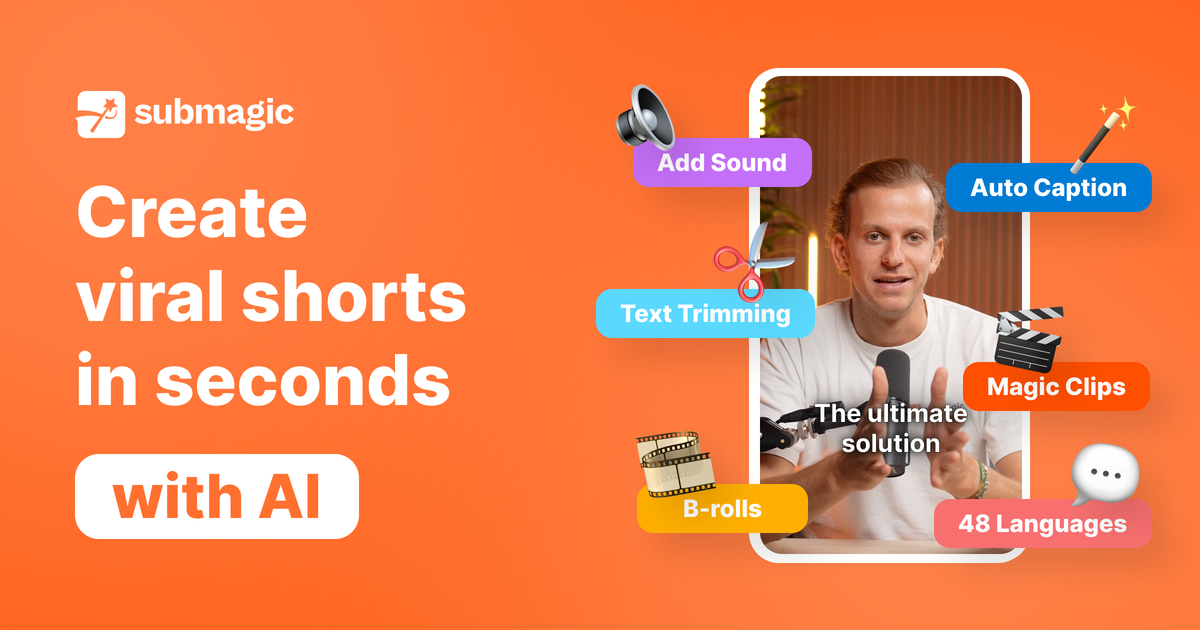
Generate captions in 48 languages with the site’s claimed 99% accuracy, and apply modern styles designed for short-form retention.
Turn one long video into multiple shorts by finding key moments and packaging them into ready-to-post clips.
Edit by trimming, cutting, and cleaning up bad takes or silences, including text-based trimming and AI clean audio on higher plans.
Publish from the editor to short-form platforms on a schedule, with exports up to 4K and 60 fps on the Business plan.
Use AI avatars, B-roll, translations, eye contact correction, auto-zoom, and other editing tools available across the product pages and pricing table.
Turn podcasts, interviews, webinars, or other long-form recordings into multiple short clips for social channels.
Produce branded short-form content for agencies and marketing teams that need a repeatable editing workflow.
Create captions, trims, B-roll, and highlight-based edits quickly when the goal is to publish shorts faster.
Prepare videos for specific formats such as TikTok, YouTube Shorts, Instagram Reels, and LinkedIn video posts.
Create short videos without filming from scratch by using AI avatars and other AI-assisted editing tools.
Submagic automatically detects highlights, adds captions, and formats clips for short-form platforms after you upload a video or paste a YouTube link. The result can then be edited and exported in minutes.
Yes. The FAQ and workflow text say you can upload a long-form video such as a podcast or interview, and Submagic can turn it into multiple ready-to-post shorts automatically.
Yes. Submagic generates captions automatically in multiple languages and applies readable caption styles for short-form viewing, with the site claiming 99% accuracy on the home page and 98% transcription accuracy on the auto editor page.
The pricing page shows paid plans for Starter, Pro, and Business, plus a custom plan and a free trial flow that says you can try it with 3 free videos and no credit card required.
Traffic data is for reference only.
contentfries.com
ContentFries has public pricing, but its product features are unconfirmed.

aivideocut.com
Web-based AI editor turning long videos into social clips

reap.video
reap turns long videos into clips, captions, dubs, and translated subtitles with AI.

rendercut.io
Browser-based tool for turning video or audio into captioned short clips with styled subtitles, B-rolls, GIFs, and exports for TikTok, Reels, and YouTube.

bitesyzed.com
AI video repurposing tool for turning long videos into shareable clips

app.hiclip.ai
HiClip is an AI video clipping tool that turns long videos into Shorts, Reels, and TikTok clips with automated captions and reframing.