
Clip sourcing and selection
Automatically sources high-performing videos based on your chosen filters, then uses AI to select material for short-form output.

Sludge AI is an AI tool for creating and automating short-form video content for creators, marketers, and brands with less manual work.
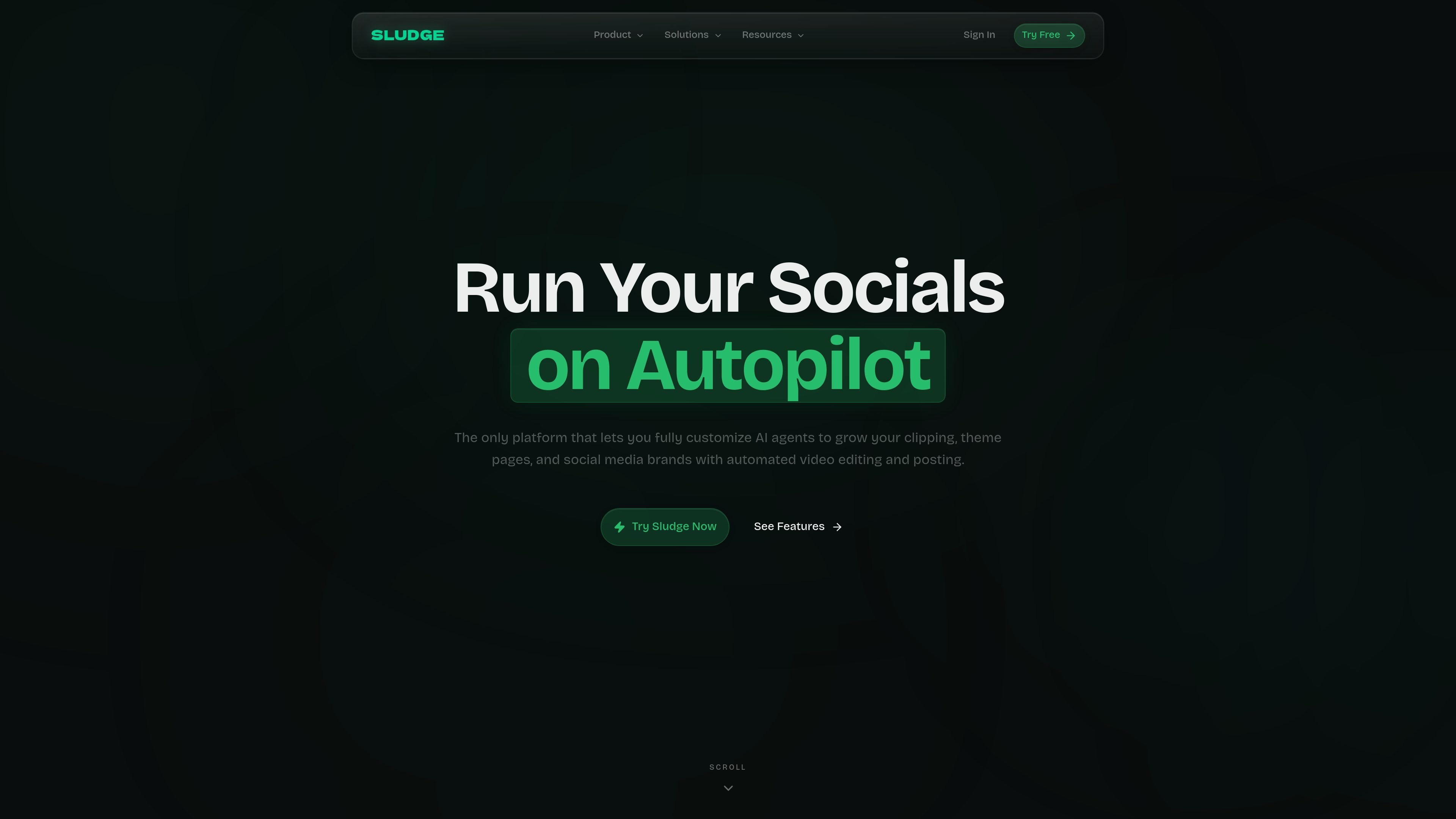
Sludge AI is an AI-powered content automation platform for short-form video. The homepage describes it as a tool for creators, marketers, and brands that want to scale clipping, theme pages, and social media accounts with automated editing and posting.
The product combines an AI agent workflow with a web editor. Site copy highlights clip sourcing, transcript-based editing, reusable templates, text-to-video prompting, and the ability to turn longer videos into short clips for social channels.
Automatically sources high-performing videos based on your chosen filters, then uses AI to select material for short-form output.
Applies smart AI edits to video content, with an editor flow that exposes transcript-based seeking, click-to-edit transcript segments, framing, caption styling, font settings, colors, positioning, and animation options.
Supports text-to-video prompts and can also turn long-form videos into short clips, based on the homepage FAQ description.
Lets users create branded templates once and reuse them across videos, so the same hooks, captions, and styling can be applied at scale.
Describes an AI agent workflow that can connect to creators, find clips, and automatically post to channels around the clock.
Provides web-based account flows for sign-in, signup, and password reset, indicating a browser-accessible product experience.
Creators who publish on TikTok, Instagram Reels, or Snap can use Sludge AI to find clips, edit them into short-form posts, and push them to channels with less manual work.
Theme page operators and content teams can build templates once, then apply the same visual structure and caption style across many videos.
Users starting from longer footage can turn source videos into shorter clips instead of editing everything from scratch.
Teams that want a lighter workflow can use the web editor to make transcript-based cuts and adjust framing, captions, fonts, colors, and animation by hand.
Marketers and brands can use the AI agent flow to connect creators, select clips, and automate posting across channels on a recurring basis.
Sludge AI is an AI-powered content automation tool for creating and scaling short-form video content. The homepage says it can source high-performing videos based on filters, apply AI edits, and generate original content from text-to-video prompts or long-form footage.
Yes. The homepage FAQ says Sludge offers a free trial so users can explore the features before committing to a paid plan.
The site describes Sludge as helping creators, marketers, and brands scale short-form content, and it also highlights theme account creation, affiliate marketing, and social media brands as part of its intended audience.
The homepage says the platform connects your favorite creators, finds the best clips, and can automatically post to your channels. The login and signup pages also show email and Google sign-in flows.