
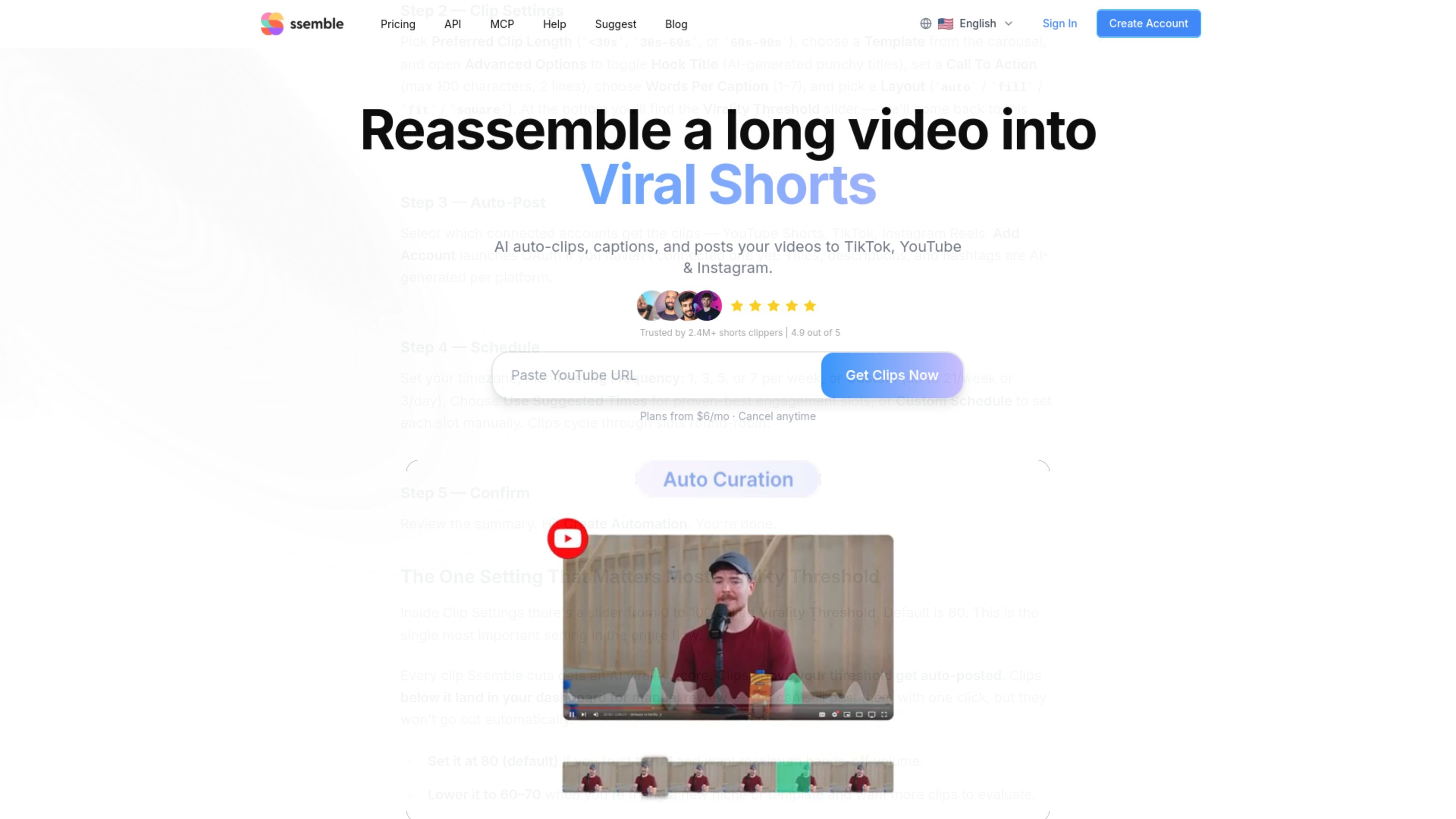
AI moment selection
Analyzes source video and selects segments for short clips, reducing the need to locate moments manually.

AI video clipping and publishing tools for turning long-form videos into social shorts.
Ssemble is an AI video creation platform for repurposing long-form videos as short-form clips. Users can provide supported video links or upload footage; the AI identifies segments, creates vertical clips, and can add captions and framing adjustments. The platform also includes tools to schedule and publish clips to TikTok, YouTube, and Instagram. It is intended for creators and teams that need to produce short videos from existing content, either through the web app or, for automated workflows, the Ssemble API.
Analyzes source video and selects segments for short clips, reducing the need to locate moments manually.
Automatically adds captions and can translate them into other languages while retaining the original audio.
Face tracking keeps detected faces centered in vertical formats. A separate sports mode follows the ball or sporting action instead of faces.
The API supports caption templates, background music, gameplay overlays, meme hooks, calls to action, and layout choices including auto, fill, fit, and square.
Schedule clips for TikTok, YouTube, and Instagram, including posts across multiple platforms.
Channel Automation can monitor a YouTube channel for new uploads, create clips, and auto-post qualifying clips to connected accounts. The REST API supports clip creation, status tracking, and result retrieval.
Turn long-form conversations into short clips for social feeds, using AI-selected segments and captions.
Use Twitch or Kick VOD links, or uploaded footage, to identify moments suitable for short-form posts.
Prepare multiple clips and schedule them across TikTok, YouTube, and Instagram rather than publishing each one manually.
Monitor new channel uploads, generate clips, and send qualifying results to connected social accounts.
Use the REST API to submit YouTube videos or direct file URLs, track processing, and retrieve generated clips for downstream workflows.
The web product lists YouTube, Vimeo, Kick, and Twitch links, as well as uploaded video files. The API accepts YouTube URLs or direct video file URLs.
The pricing FAQ says you can select a segment of up to 20 minutes for AI clipping. The API documentation describes configurable clip lengths from under 30 seconds to under 10 minutes.
Ssemble lists TikTok, YouTube, and Instagram for scheduling and publishing. The exact account connection limit depends on the subscription plan.
The pricing FAQ describes the AI clipping workflow as beginner-friendly and says users can make adjustments to refine generated clips.
Credits reset each billing cycle and do not roll over. Subscriptions can be canceled at any time; access continues through the current billing period.
Traffic data is for reference only.

latte.social
AI video editor for short-form social videos, with clips, subtitles, and text-to-video

podfyai.com
Browser-based AI video tool for turning text, audio, and music into short-form videos.

vmaker.com
AI video creation and editing platform for recording, repurposing, and publishing videos.

yuzzit.video
Yuzzit is a web platform for live clipping, video editing, and multi-platform publishing.

aivideocut.com
Turn long, speech-driven videos into captioned short clips for social platforms.

cococlip.ai
AI video editor for creating short-form social content