
Prompt-based clip selection
Choose a goal such as a trailer, topic clip, product ad, testimonial, or memorable phrase. A custom plain-text prompt can describe a specific kind of clip.

Turn long, speech-driven videos into captioned short clips for social platforms.
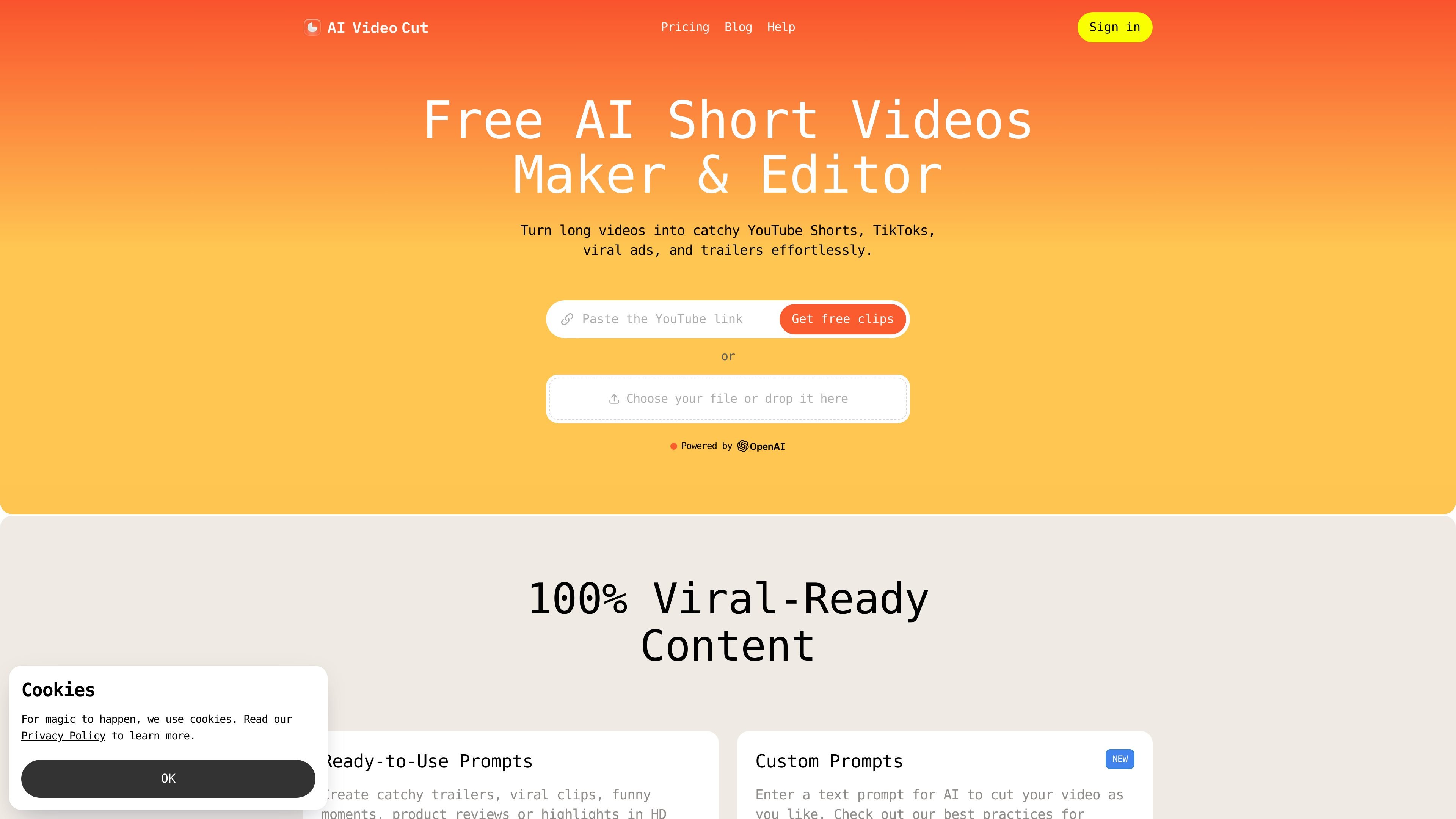
AI Video Cut is a browser-based video repurposing tool for turning long, speech-driven recordings into short clips for social platforms. Users upload a video or provide a YouTube or Google Drive link, choose a clipping prompt and output format, then review and download the resulting MP4. The workflow is designed for creators and teams who need selected moments from podcasts, interviews, webinars, tutorials, or product videos without manually searching the full recording.
Choose a goal such as a trailer, topic clip, product ad, testimonial, or memorable phrase. A custom plain-text prompt can describe a specific kind of clip.
The tool transcribes speech and generates captions in 100 languages, with multiple caption styles available for different publishing needs.
Face detection helps keep speakers in frame when converting horizontal video to vertical 9:16 output.
Fine-tune a generated clip by editing transcript text and the video timeline, including removing unwanted sections or filler words and correcting transcription typos.
Export in 9:16, 1:1, 16:9, or the original aspect ratio. Regenerate clips from the uploaded video with different prompts or caption styles without uploading it again.
Generate hashtags and descriptions for clips. Supported prompt types can produce up to 10 clips from one video in a batch.
Select memorable statements, topic segments, or humorous moments from an episode to create short clips for discovery on social channels.
Turn longer spoken recordings into focused highlights that can be shared separately from the full session.
Create product-focused clips or testimonial excerpts for social advertising and e-commerce content.
Extract instructional sections from tutorials or course recordings for shorter, topic-specific posts.
You can upload a local video file or provide a YouTube or Google Drive link.
The free plan supports files up to 2 GB and videos up to 30 minutes. Starter supports up to 4 GB and two hours; Pro supports up to 4 GB and three hours.
Clips are downloadable as MP4. Available aspect ratios are 9:16, 1:1, 16:9, and the original size.
Yes. You can adjust the transcript and timeline, refine captions, remove sections or filler words, and correct transcript typos.
No installation is required; processing takes place online and the tool works in modern browsers.
Traffic data is for reference only.

latte.social
AI video editor for short-form social videos, with clips, subtitles, and text-to-video

openmotion.design
OpenMotion is a prompt-driven motion design tool for creating editable scenes, launch videos, explainers, and social clips. It combines AI scene planning with a canvas, timeline, sound controls, and exports to video, transparent WebM, and self-contained HTML.

ssemble.com
AI video clipping and publishing tools for turning long-form videos into social shorts.

cybercut.ai
CyberCut is an AI-powered web video editor that turns footage or scripts into polished videos with less manual work, supporting natural-language editing, long-to-short conversion, and script-to-video workflows.

inshot.com
InShot is a mobile video and photo editor for creating, refining, and sharing short-form clips, collages, and social content with captions, AI tools, effects, music, and stickers.

cococlip.ai
AI video editor for creating short-form social content