
AI drafting and rewriting
Slashy drafts replies in your writing style, with inline tools to rewrite, shorten, expand, or fix grammar before sending.

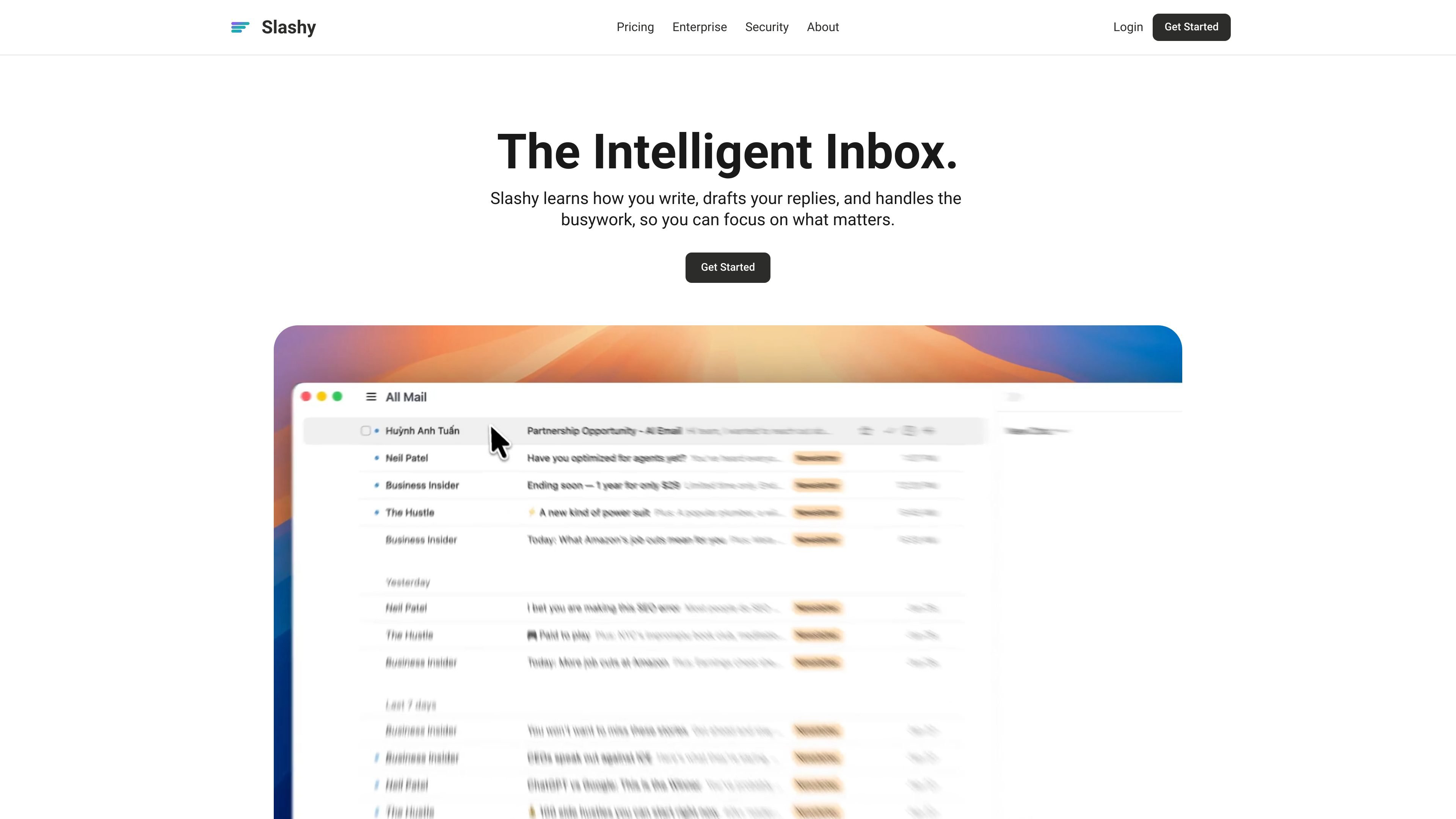
Slashy is an AI email client that drafts replies, organizes inboxes, and handles calendar and follow-up tasks in one workflow for individuals, teams, and enterprises.
Slashy is an AI email client built to help people read, write, and act on email faster. It combines drafting, inbox sorting, calendar handling, and follow-up tools in one workflow so users can manage communication without switching between separate apps.
The product centers on a connected inbox that learns a user’s tone, remembers preferences, and uses calendar context to draft replies or schedule meetings. Its pricing page positions it for individuals, teams, and larger organizations, with a Professional plan and an Enterprise tier for SSO, SCIM, custom security controls, onboarding, and dedicated support.
Slashy drafts replies in your writing style, with inline tools to rewrite, shorten, expand, or fix grammar before sending.
The inbox can auto-archive spam and low-priority mail, apply AI labels, split mail into focused streams, and surface important threads.
Slashy treats email as a workflow source, with automations that can run on incoming mail, calendar events, email opens, or a cron schedule.
Calendar actions include finding meeting times, rescheduling or declining events, inserting availability, and adding Zoom or Google Meet links.
Search, task tracking, open tracking, and meeting prep help users follow threads, track replies, and review context before meetings.
Slashy can connect to Claude, ChatGPT, or other MCP-compatible agents, and it also exposes access through Slack and iMessage.
Founders and operators can use Slashy to clear email faster by drafting responses in their own voice, applying labels, and turning high-value threads into tracked tasks.
People who schedule frequently can insert availability, propose meeting times, and add Zoom or Google Meet links while staying inside email.
Sales or customer-facing teams can follow open tracking, use CRM context in drafts, and route important threads with labels and automations.
Teams can work together with shared scheduling, private thread comments, and workspace-level controls for larger deployments.
Enterprise buyers can evaluate Slashy for SSO, SCIM, audit logs, and custom security controls when they need centralized access and governance.
Slashy connects to Gmail and Google Calendar through OAuth and works from an inbox-centered workflow. The site also references access through Slack and iMessage for triage, drafting, and calendar checks.
The pricing page lists a 7-day free trial for Professional, with credit card required, and Enterprise plans available with custom pricing.
Slashy uses multiple AI providers and states that customer data is not used to train its own models or third-party models.
Yes. The pricing page describes team scheduling, team comments, and support for multiple inboxes and automations, while Enterprise adds SSO, SCIM, and dedicated support.
Slashy provides a Help Center and notes that enterprise customers can contact sales for custom security, onboarding, and support questions.
Traffic data is for reference only.

town.com
Personal AI assistant for email, calendars, and recurring tasks, with free and paid plans.

shortwave.com
AI email app for organizing, writing, searching, scheduling, and automating inbox work

orchid.ai
Personal assistant for email, scheduling, travel, and admin

trymartin.com
AI personal assistant for calendars, inboxes, messages, and coordination

lindy.ai
AI executive assistant for email, meetings, calendars, and follow-ups

superhuman.com
AI-powered email for faster team workflows, scheduling, collaboration, and admin controls.