
Learns your patterns from existing work
Town learns from the work you have already done, including how you write, who you contact, and how you handle scheduling, then uses those patterns to produce work in your voice.

Town is a personal AI assistant for email, calendar, and recurring busywork. Free plan plus paid tiers for individuals and teams.
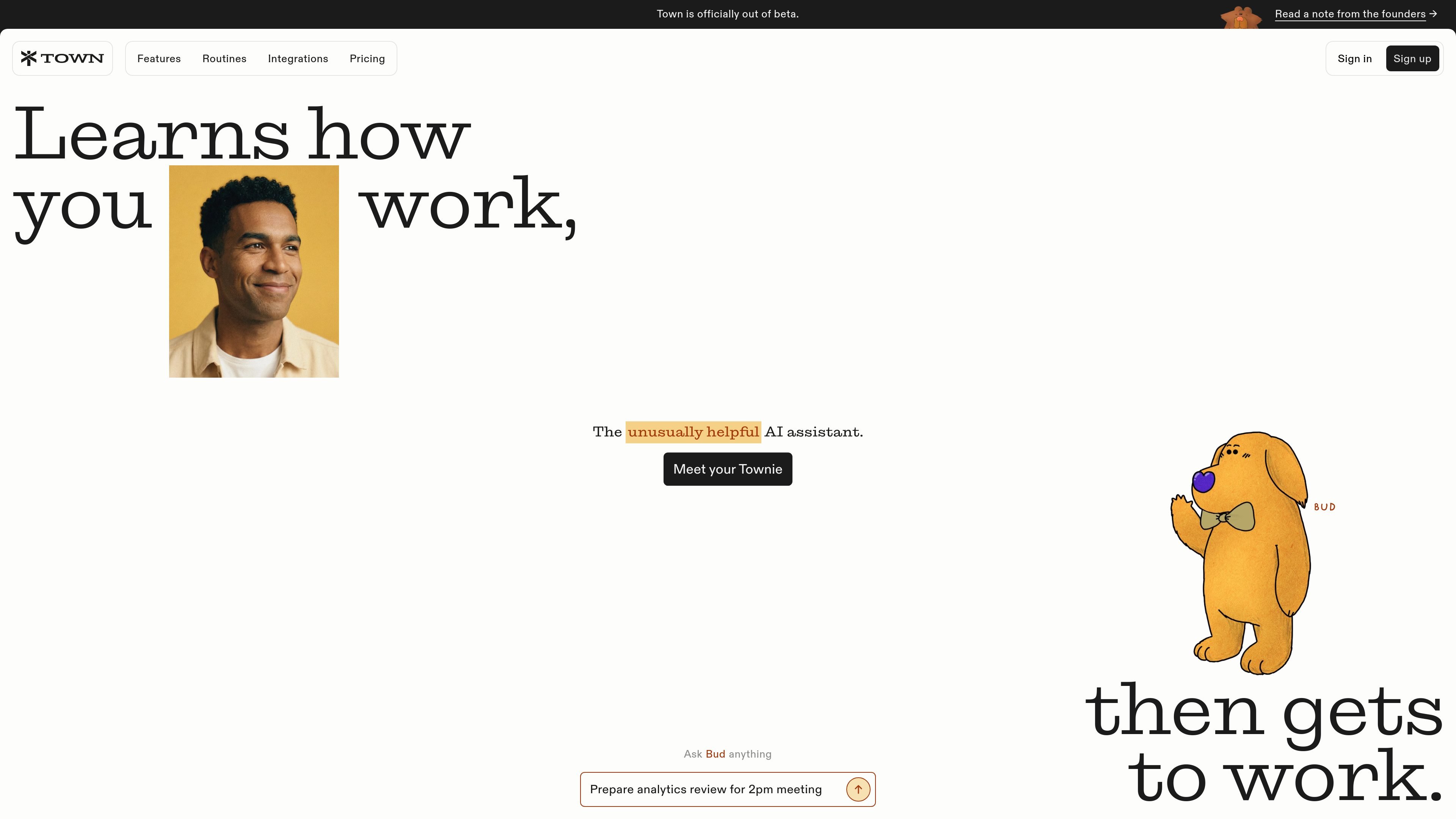
Town is a personal AI assistant that works across email, calendar, and routine tasks. The product is designed to manage busywork in the background while learning from how each user already works, so its output reflects that user’s patterns rather than a generic style.
The homepage shows Town handling inbox triage, scheduling, to-do list follow-up, meeting briefs, and repeat routines. The pricing page confirms a free plan, a Starter plan, and higher paid tiers for individuals and teams, while the company’s own explanation of the product emphasizes a one-to-one relationship between each user and their Townie.
Town learns from the work you have already done, including how you write, who you contact, and how you handle scheduling, then uses those patterns to produce work in your voice.
The product can triage incoming email, apply labels, draft responses when a reply is warranted, and support scheduling workflows from the inbox.
Town can generate recurring routines such as morning briefings, schedule optimization, meeting prep, newsletter digests, GitHub reports, and other scheduled workflows.
For meetings, Town can research upcoming conversations, skip lower-signal events, write concise briefings, and optionally save a private calendar copy.
The pricing page shows person research lookups, assistant-to-assistant collaboration, and higher-tier controls such as priority model routing and concurrency limits.
Town’s security materials say approvals are part of the design, so the assistant is intended to surface work for review rather than act without oversight in every case.
Use Town to sort incoming mail, label messages, draft replies, and surface scheduling help so routine inbox work does not consume the day.
Use recurring routines for work that happens on a schedule, such as morning briefings, client summaries, newsletter digests, or GitHub updates.
Prepare for calls with briefings that summarize upcoming meetings, pull out lower-signal events, and optionally save a private copy for reference.
Use Town to analyze the week ahead and generate recommendations that cluster meetings, preserve focus time, and reduce schedule overload.
Use research and collaboration features on higher tiers to gather context about people, companies, and business opportunities before outreach or follow-up.
Town is designed to work from your existing email, calendar, documents, and routines rather than requiring manual prompt engineering. The homepage and pricing page show personal assistant, email, calendar, meeting prep, and routine-based workflows, while the company page says a Townie learns from how you already work.
The pricing page separates individual and business/team offerings. It also includes shared workspace, pooled credits, and org usage analytics on higher-tier team plans, which suggests team collaboration is supported on business plans.
Town offers a free plan, a paid Starter plan, and higher paid plans billed per user on annual terms for Pro, Power, and Power Plus. The pricing page also notes a 14-day Pro trial on signup and an enterprise path that uses custom rates.
Town’s security page says approvals are built into the product design and that the assistant works behind the scenes. The public materials also emphasize privacy in the one-to-one relationship between each person and their Townie, but they do not provide a full technical security specification on the pages reviewed.
The pricing page and homepage show that Town can handle email, calendar, meeting briefs, and custom routines, plus integrations and assistant-to-assistant collaboration on higher tiers. The reviewed pages do not provide a complete public list of every supported integration or channel.