
Text-to-video creation
Generate 3D avatar videos from text, scripts, or PPT-based workflows without filming or post-production.

Rendora is a web-based 3D AI avatar video platform that turns scripts, templates, or PPTs into avatar-led videos without filming or post-production.
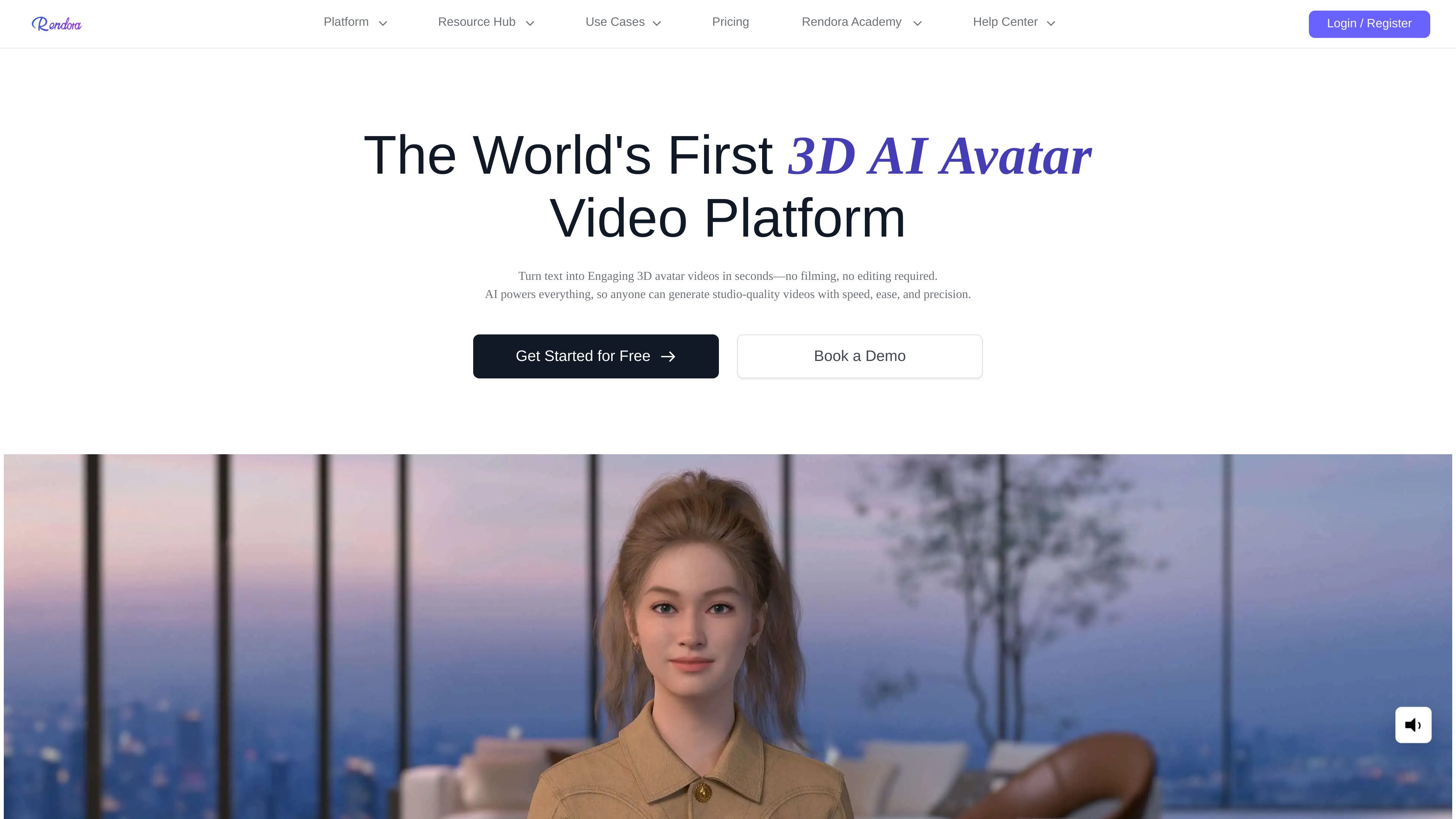
Rendora is a 3D AI avatar video generation platform that turns text, scripts, and PPTs into avatar-led videos. The product is positioned around fast creation with no filming, no editing, no actors, and no production crew required.
The site says users can start from scratch, from a template, with an AI script, or from a PPT. It also highlights custom editing controls for avatars, studio scenes, gestures, emotions, camera shots, and video effects, which makes the tool fit both one-off videos and repeatable content workflows.
Generate 3D avatar videos from text, scripts, or PPT-based workflows without filming or post-production.
Choose from more than 3,000 avatars on the homepage, or from 50+ avatars on the freemium plan and 800+ on paid tiers.
Adjust facial features, hairstyle, clothes, accessories, and brand elements to fit a specific presentation or identity.
Edit scripts, slides, gestures, emotions, camera shots, and video effects so the output can be updated after the first draft.
Generate voiceover in 100+ languages and multiple voices to support localization and regional delivery.
Use built-in AI writing assistance and camera movement generation to turn prompts and scripts into a more complete video draft.
Create training videos without presenters or studio production. The site positions Rendora for learning and development teams that need repeatable instructional content.
Produce marketing videos at speed and scale, especially when teams need to revise scripts or slides quickly for launches and campaign updates.
Turn support articles or help content into branded avatar videos for customer-facing guidance and self-service workflows.
Convert procedures, policies, and internal updates into clear video explainers for operational teams and IT or security communications.
Create anchor-led or professional-style video content from a script for publishing workflows, content creators, or career-oriented presentation clips.
Rendora’s homepage says you can create 3D avatar videos by entering a script, and the help center says generation and export require available credits. If a preview, render, or export fails, the help page recommends checking credits, using Chrome or Edge, and verifying that the script or upload is complete.
The pricing page shows a Freemium plan, a Starter plan, a Team plan, and an Enterprise plan. Freemium is listed with 300 credits per month, 540P output, and up to 3 video exports; Enterprise is handled through contact with sales and includes custom avatars, custom scenes, custom voiceover, 4K quality, and fastest generation.
The homepage and pricing page both indicate support for 3D avatars, 3D studios or scenes, voiceover, video editing, and script-based generation. The help center also recommends Chrome or Edge for browser compatibility.
The help center says to contact contact@rendora.ai if troubleshooting steps do not resolve a problem. It asks users to include the project link, account details, a screen capture of the failure, and a description of the issue.