
Text to speech audio creation
Turn text scripts, Word documents, PDFs, EPUB files, or plain text into spoken audio using realistic text-to-speech voices.

Narakeet is an online tool for turning text, slides, documents, subtitles, and scripts into narrated audio or video using realistic text-to-speech voices. It is aimed at people who need voiceovers, presentations, dubbing, or documentation videos without manual recording.
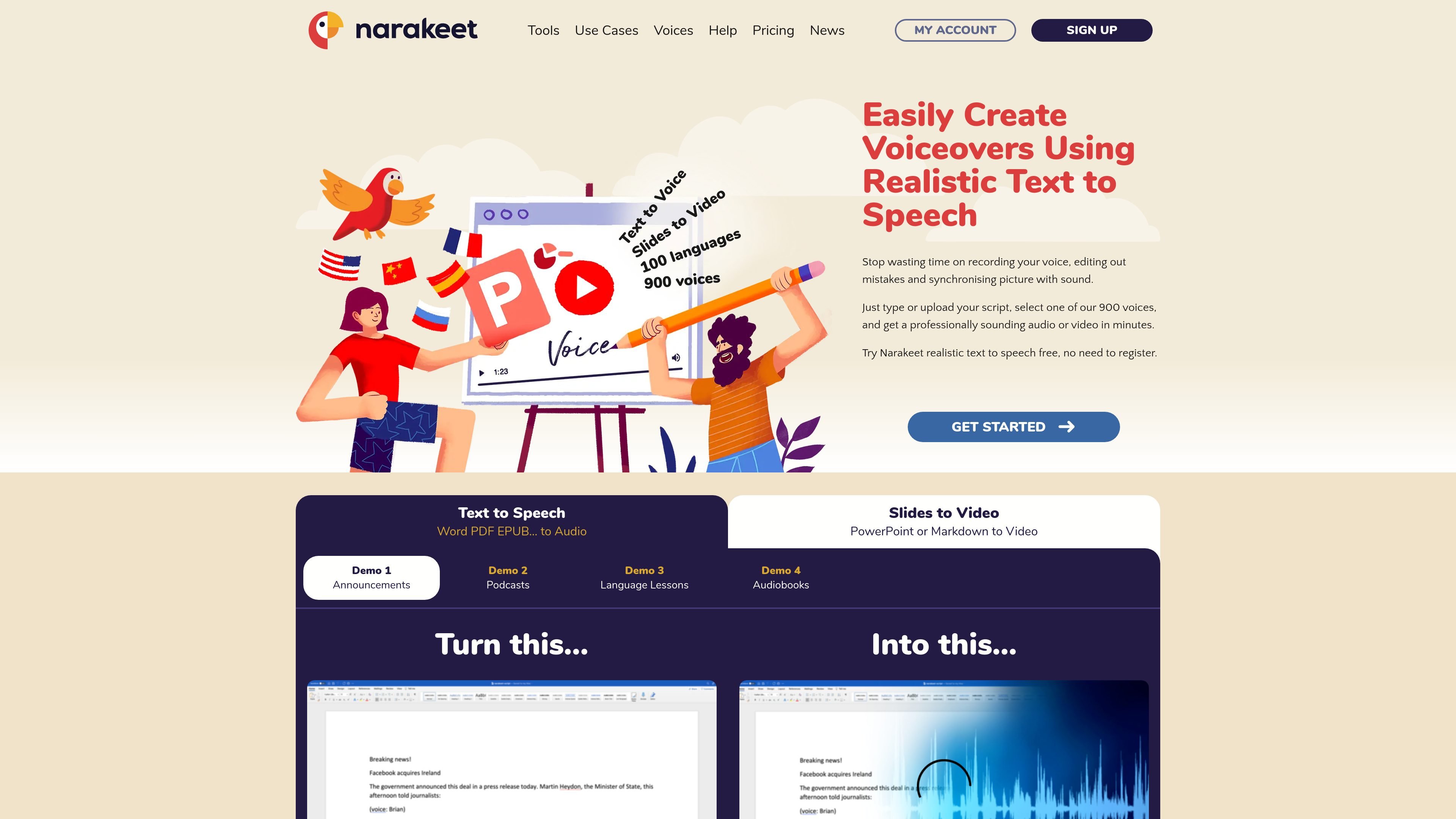
Narakeet is an online text-to-speech and narrated video creation tool. The site presents it as a way to convert text, slides, documents, subtitles, and scripts into audio or video using realistic AI voices.
Its main purpose is to reduce manual recording and editing work. The homepage highlights workflows for voiceovers, narrated presentations, dubbing, tutorials, announcements, and documentation videos, including projects that need quick updates or multiple language versions.
Turn text scripts, Word documents, PDFs, EPUB files, or plain text into spoken audio using realistic text-to-speech voices.
Convert PowerPoint, Google Slides, or Keynote content into narrated videos and add subtitles or closed captions automatically.
Turn SRT or WebVTT subtitle files into synchronized voiceover audio for dubbing and localized audio production.
Build narrated videos from Markdown, images, screen recordings, and video clips, with stage directions for layout, call-outs, and subtitles.
Use the API or command-line client to generate versions of audio and video projects in automated pipelines and continuous delivery workflows.
Create narrated lessons, lecture videos, and training materials from slides or scripts when you want to revise text instead of re-recording audio.
Produce voiceovers, announcements, and product demos for marketing teams that need a fast way to turn written copy into polished media.
Make dubbed or localized audio from subtitle files when a video needs a synchronized voice track in another language.
Generate documentation videos, screencasts, or recurring report videos from scripts, screenshots, or Markdown so updates can be made by editing source text.
Automate repeat video production in pipelines when the same template must be produced in multiple languages or resolutions.
Narakeet is designed for turning text, documents, slides, subtitles, and scripts into audio or narrated video. The home page highlights text-to-speech audio creation, slides-to-video workflows, subtitle-to-audio dubbing, and video automation.
The site shows workflows for Word documents, text scripts, PowerPoint, Google Slides, Keynote, Markdown scripts, image and video assets, and SRT or WebVTT subtitle files. It also mentions export to audio files, narrated videos, subtitles, and closed captions.
The documentation page describes help for text-to-speech, multiple voices, subtitles and closed captions, speech-to-text, and automating video production. The home page also says developers can use an API or command-line client to integrate video production into automation systems.
The pricing link currently returns a 404-style page that points users back to the home page, account creation, help, or email contact@narakeet.com. That means the public pricing page itself does not provide usable plan details in the source provided.
Narakeet appears suited to people who need narrated videos, voiceovers, dubbing, or subtitle-driven audio without recording everything manually. The source especially emphasizes training videos, lectures, announcements, product demos, and documentation videos.