
End-to-end short video generation
Generate a short video from an idea, a script, or a creative brief, then move through script, storyboard, visuals, voice, and subtitles in one workflow.

WUI.AI is a web-based AI video generator for faceless Shorts and TikTok-style videos. It turns an idea, script, or brief into storyboarded, voiced, subtitled short videos with a workflow designed for channel consistency.
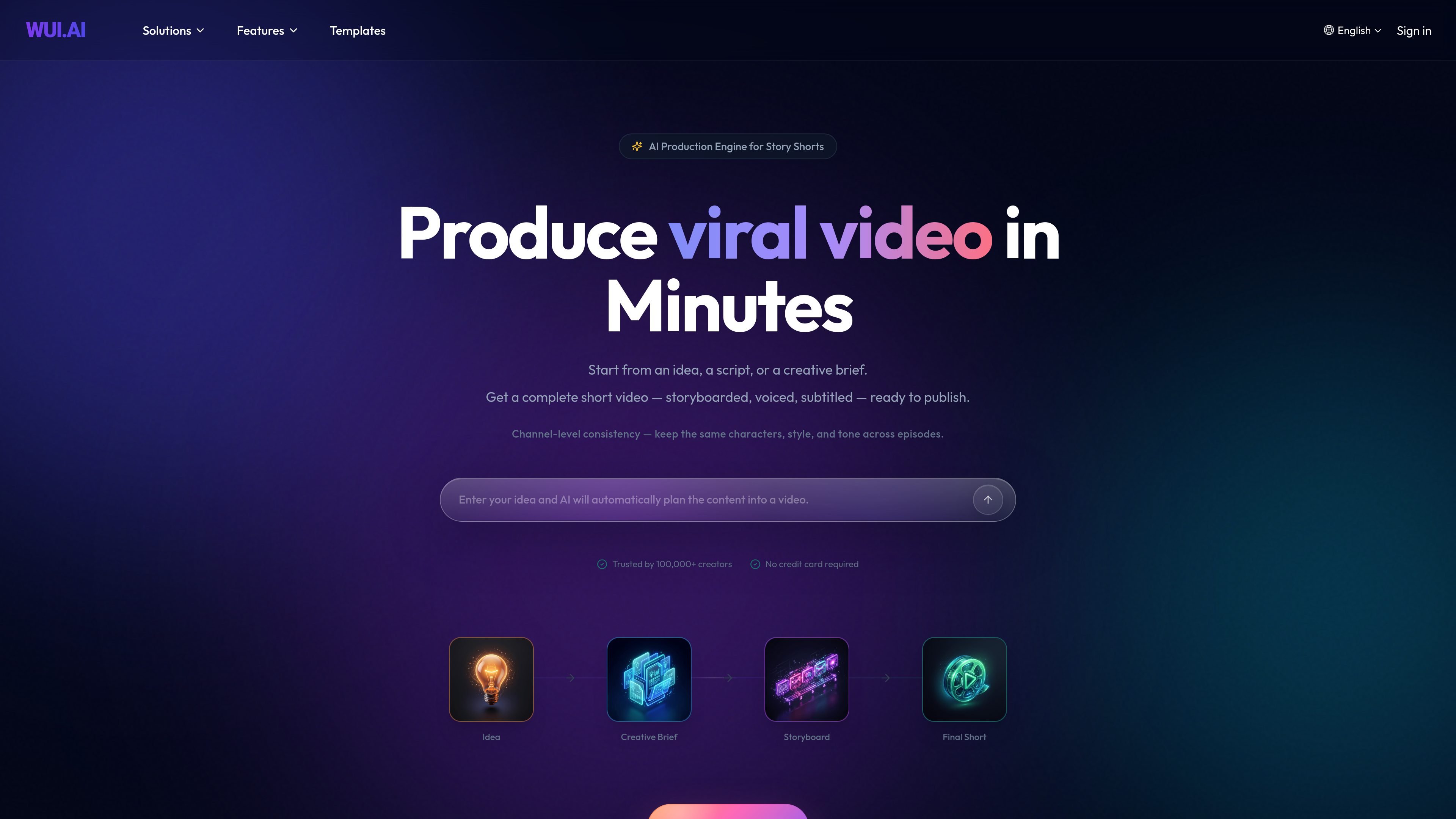
WUI.AI is an AI video creation tool focused on faceless story shorts for channels on platforms like Shorts or TikTok. It turns a rough idea, script, or creative brief into a storyboarded, voiced, subtitled video that is ready to publish.
The product positions itself as a way to avoid stitching together separate tools for scripting, image generation, video generation, voiceover, and editing. Its workflow centers on a director-style AI system that produces short-form videos with consistent characters, style, and tone across episodes.
Generate a short video from an idea, a script, or a creative brief, then move through script, storyboard, visuals, voice, and subtitles in one workflow.
Use a director-led AI crew with separate agents for script, storyboard, character, art style, and audio so the output is assembled in a structured way.
Keep the same characters, style, and tone across episodes, with channel-level consistency called out as a core goal of the product.
Adjust scenes, pacing, subtitles, and voice timing after generation, and regenerate a specific moment without restarting the whole video.
Upload a sample voice, clone it, and review the result in the Voices area, which indicates voice management is part of the workspace.
Browse public references and private style presets in the Art Styles area, alongside subjects and conversations in the workspace.
Create recurring story shorts for a channel where the same characters, art style, and tone need to carry across episodes.
Turn a topic or brief into a short educational video that presents information as a clear visual narrative rather than a long edit session.
Produce bedtime, children’s, Christian, motivational, or horror stories using the story templates and playbooks shown on the site.
Upload or clone a voice and manage style presets inside the workspace when a series needs a consistent narration voice.
Refine a generated short by adjusting pacing, subtitles, or one scene at a time instead of rebuilding the whole project.
Yes. The homepage says you can start from an idea, a script, or a creative brief, and the FAQ text explicitly notes that a rough idea, a topic, or a few bullet points can be turned into a structured story short.
The site says WUI.AI is built for producing story shorts and that exports are ready to publish in high definition. It also mentions consistency across characters, style, and tone, but it does not list specific export formats or aspect ratios in the provided text.
The site describes a workspace for conversations, subjects, voices, and art styles, and it includes sign-in flows. That suggests an account is needed to use the workspace features, while the homepage also says no credit card is required to start.
The site shows a pricing page with Free, Lite, and Pro options, and it says credits renew monthly. However, the pricing page itself is unavailable in the provided evidence, so the exact plan details are not fully verifiable here.
The source says the product can generate scripts, storyboarded scenes, visuals, voice, subtitles, and export a short video. It also mentions a video editor for refining scenes, pacing, subtitles, and voice timing after generation.