
Automated savings with Pump Save
Finds savings opportunities automatically as usage changes, and helps apply commitment-based savings so teams do not have to manage every optimization manually.

Pump is a cloud management platform for monitoring, optimizing, and managing cloud spend, security, and operations. It supports AWS, GCP, and Azure, with a free entry tier and paid plans for deeper visibility and automation.
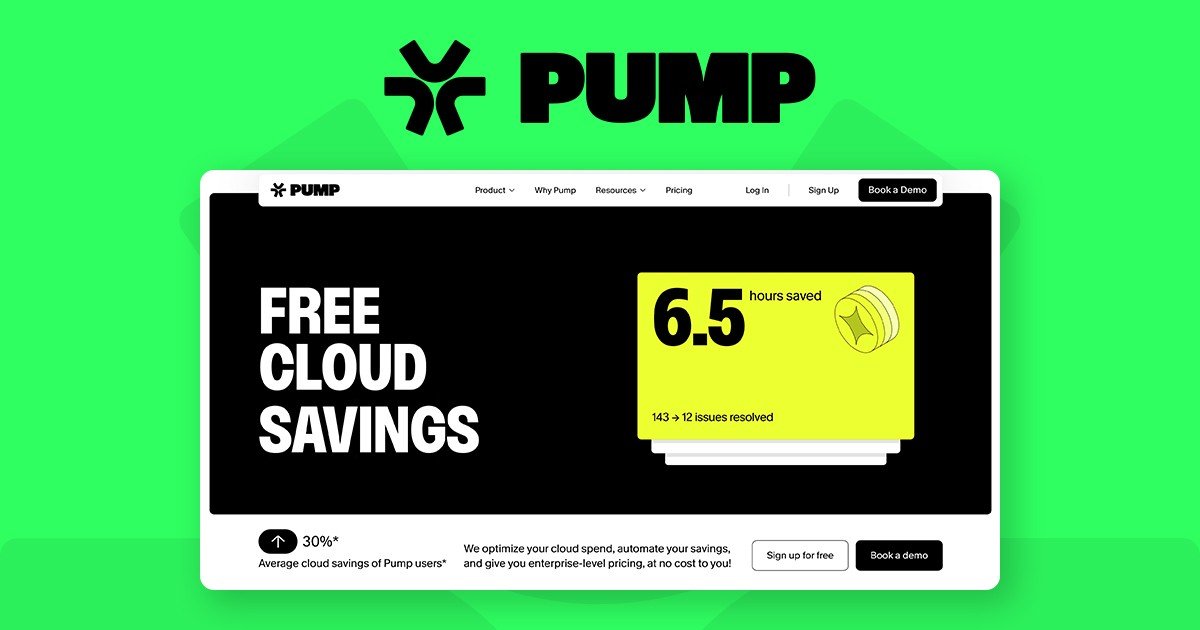
Pump is an intelligent cloud platform for monitoring, optimizing, and managing cloud infrastructure. The site positions it as one place to handle cloud costs, visibility, security, and operational workflows without requiring engineering-heavy setup.
Its main products are Pump Save for automated savings, Pump View for spend visibility and forecasting, and Pump Secure for security monitoring and remediation guidance. Pump Intelligence is listed as a coming-soon incident-response layer that keeps context across tools during outages.
Finds savings opportunities automatically as usage changes, and helps apply commitment-based savings so teams do not have to manage every optimization manually.
Breaks down cloud costs and helps forecast spending so teams can see where money is going and plan ahead.
Scans cloud environments against compliance frameworks and provides step-by-step fixes with continuous monitoring.
Supports incident response by keeping context across tools so teams do not have to switch between dashboards during outages.
Offers Slack-first workflows and alerts, plus reporting and annotations, to surface spend and security events where teams already work.
Provides API access, a Terraform provider, and custom integrations on enterprise plans for teams that want to plug Pump into existing systems.
A startup or growth-stage team can connect its cloud account, review savings estimates, and start with a free visibility-focused plan before upgrading to deeper automation.
Finance, engineering, or platform teams can use Pump View to break down spend by service and forecast future costs instead of working from manual spreadsheets.
Security or infrastructure teams can use Pump Secure to scan against compliance frameworks, monitor continuously, and follow guided fixes for critical issues.
SRE or DevOps teams can use Pump Intelligence, once available, to reduce context switching during incidents by bringing tool context into one place.
Larger organizations can use enterprise options for custom commitments, infrastructure recommendations, automation, and API or Terraform integration.
Pump connects a cloud account, such as AWS, GCP, or Azure, and then surfaces savings estimates and cloud visibility from that connection. The source says setup takes about two minutes and does not require engineering effort.
The site describes Pump as one platform for monitoring, optimizing, and managing cloud spend, security, and operations. Its modules include Pump Save, Pump View, Pump Secure, and an upcoming Pump Intelligence product.
Pump’s pricing page shows a Base plan, a Plus plan, and an Enterprise option. The Base plan starts at $0 per month, Plus is listed at $599 per month, and Enterprise uses custom pricing.
The pricing and home pages say Pump supports AWS, GCP, and Azure. The pricing page also lists support for 22+ providers on some plan tiers, but the named cloud platforms are AWS, GCP, and Azure.
Pump says it works without engineering required and that teams can start by connecting cloud accounts with read-only permissions or a CSV upload. The site also notes that customers with existing commitments can still use Pump.