
AI Website Generation
Describe the business you need, and Pineapple Builder generates a website that it can further optimize for growth.

Pineapple Builder is an AI website builder for businesses to create, host, and publish sites with pages, forms, analytics, SEO tools, custom domains, and SSL.
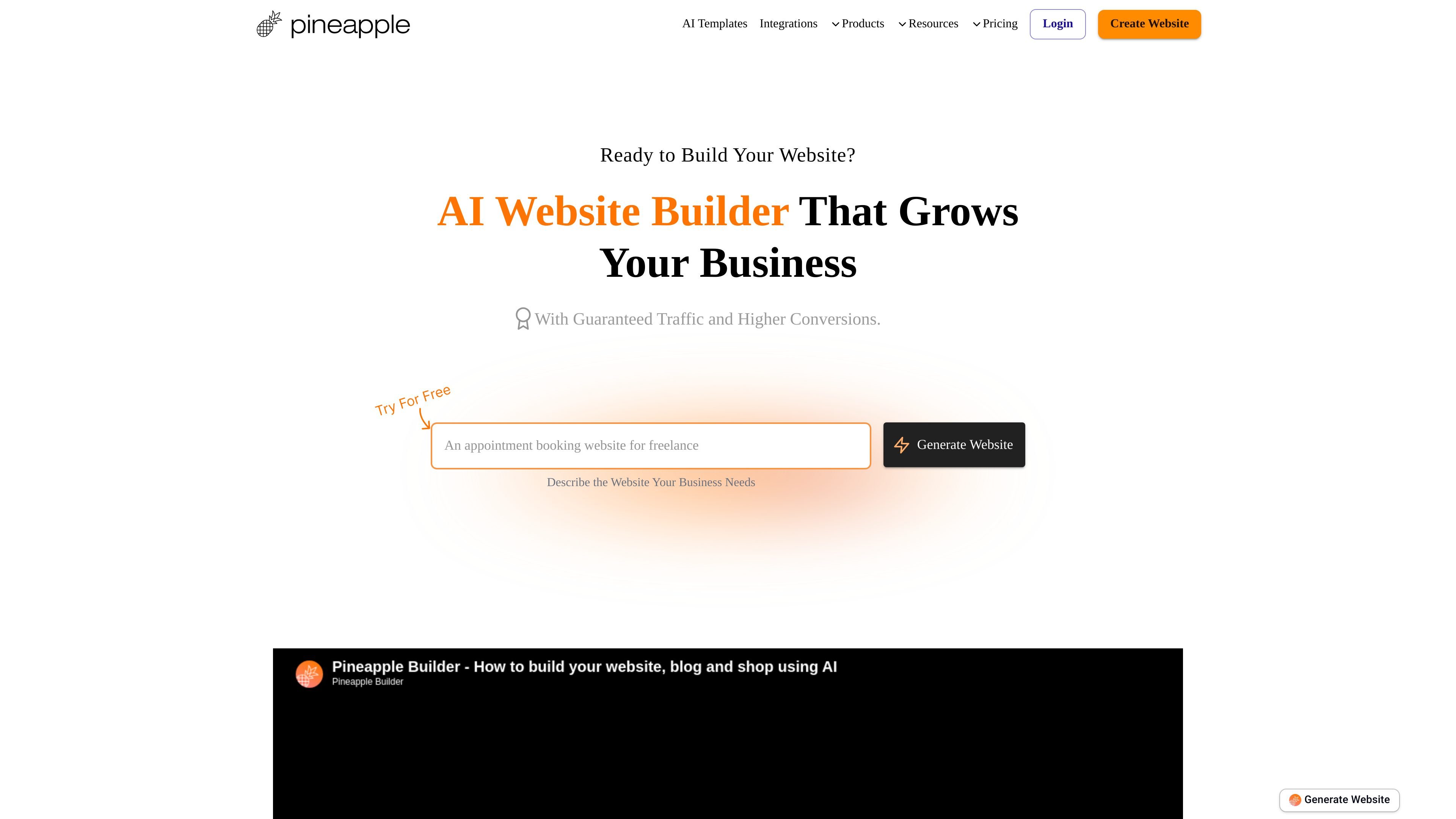
Pineapple Builder is an AI website builder for businesses that want to create and publish a site without building everything manually. The homepage presents it as a way to describe your business, let AI build and optimize the website, and then publish it with hosted infrastructure and SSL.
The site positions the product around business websites, landing pages, and blogs. Its pricing and product pages show support for custom domains, forms, custom code, SEO-related files, analytics, and A/B testing, which makes it more than a simple page generator and closer to an all-in-one site builder for publishing and growth tasks.
Describe the business you need, and Pineapple Builder generates a website that it can further optimize for growth.
The pricing page says paid plans include an AI-powered editor, AI business coach and marketer, and AI designer and developer.
The pricing page includes built-in blog and page management, plus blog-specific features such as unlimited blog posts on the Grow plan.
The pricing page includes contact forms, membership forms, newsletter-style email collection, and custom form embeds.
The analytics page adds goals, top sources, UTM links, conversion reports, funnel tracking, events, and A/B testing.
The pricing and product pages mention hosting, SSL certificates, custom domains, sitemap.xml, robots.txt, and SEO guidance.
Use the builder to generate a business website from a plain description, then refine it with the AI editor and publish it on a hosted domain.
Choose the Basic plan when you need landing pages with forms, custom code, custom domain support, and SEO and analytics tools.
Use the Grow plan for blogging workflows, including blog posts, CMS-style page management, email collection, and larger video uploads.
Track how visitors interact with your site by setting goals, reviewing top sources, adding UTM links, and measuring events and funnels.
Test different page versions with built-in A/B testing and use the analytics tools to compare which version performs better.
Yes. The pricing page says you can connect any custom domain and manage it from the domain page.
Yes. Pineapple Builder hosts your website and manages SSL certificates so you can publish with one click.
Yes. The pricing page says you can publish under a Pineapple subdomain if you do not use a custom domain.
Yes. The pricing page says it can generate sitemap.xml automatically and add robots.txt and nofollow tags when needed.
Yes. The pricing page says paid plans allow custom code, and the analytics page shows features like goals, top sources, UTM links, and A/B testing.