
Autonomous browser workflows
Pazi can carry out multi-step browser tasks instead of stopping at a single action. The docs describe it handling web research, data extraction, content generation, and QA testing end to end.

Pazi is an AI-powered browser assistant for multi-step research, content generation, QA testing, and ticket-driven workflows with permission controls.
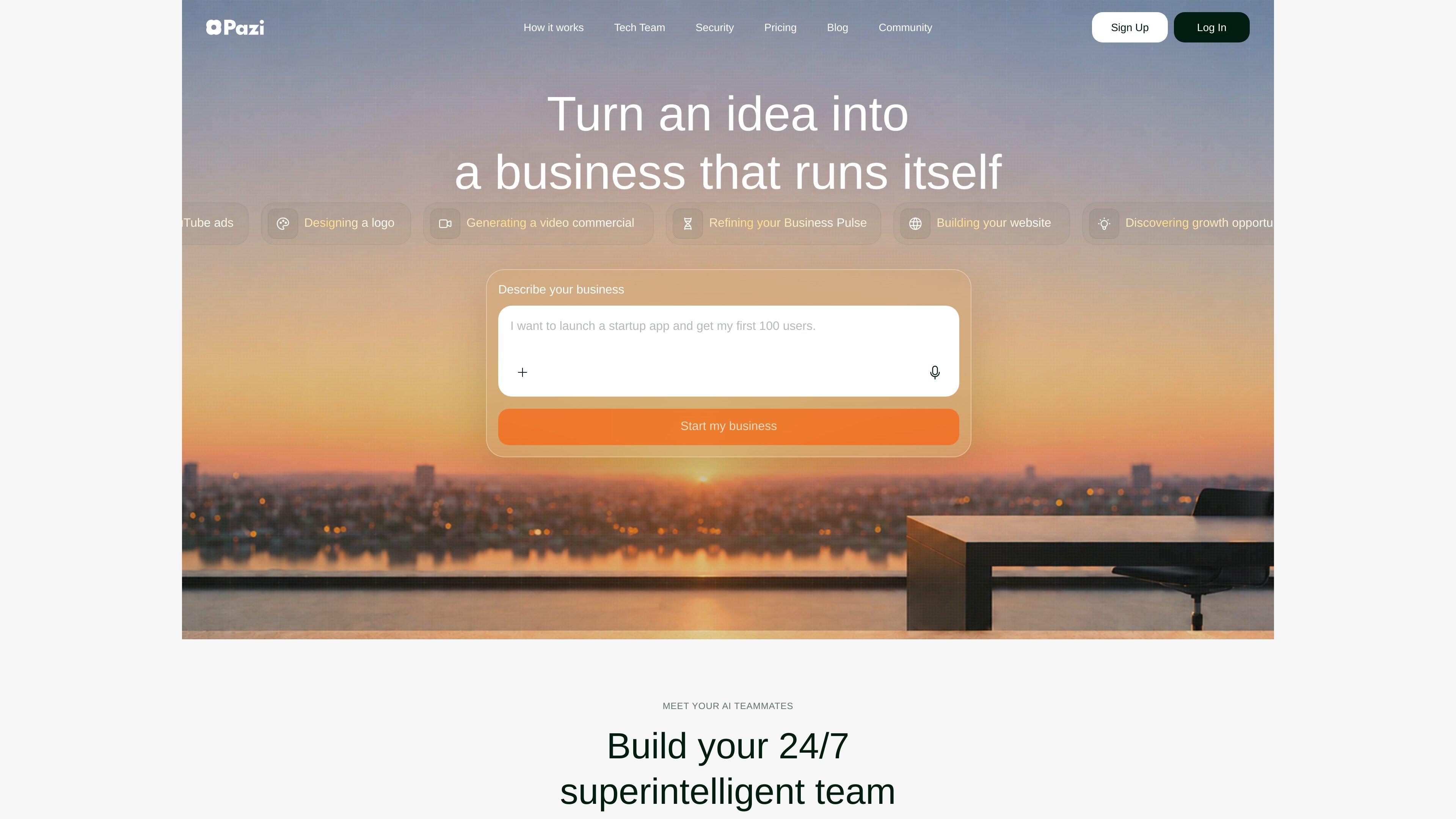
Pazi is an AI-powered browser assistant designed to execute complex tasks autonomously. Across the site, it is positioned as a tool for turning prompts into completed workflows, including web research, data extraction, content generation, QA testing, and multi-step browser operations.
The product also includes a “Tech Team” workflow that organizes agents into roles such as Developer, QA, and Tech Lead. In the examples shown, Pazi can pick up tickets, plan work, implement features, test changes, and hand off results through PRs and team chat-style updates.
Pazi can carry out multi-step browser tasks instead of stopping at a single action. The docs describe it handling web research, data extraction, content generation, and QA testing end to end.
The tech team template presents a coordinated AI team with Developer, QA, and Tech Lead roles. Tickets move through planning, implementation, testing, and release readiness with each agent taking a distinct part of the workflow.
Examples on the home and template pages show Pazi reading Linear tickets, building plans, implementing features, creating pull requests, and reporting back into Slack or Linear-style workflows.
The security page says Pazi requires explicit approval for websites and can be restricted to navigation-only mode. This gives users control over whether an approved site can only be read or can also be interacted with.
Pazi documents proactive warnings for potentially irreversible actions such as deleting accounts, modifying settings, submitting forms, or purchasing subscriptions. Users are prompted to confirm high-risk actions before they proceed.
The pricing page ties plans to compute environments, disk space, and monthly credits. Higher tiers add larger environments and more credits, while some plans include 24/7 accessible agents and unlimited agents.
Use Pazi when you want an AI assistant to research across websites, extract information, or follow a multi-step prompt that spans several pages and tools.
Use the tech-team workflow to move a Linear ticket from planning through implementation and QA, with the system creating a PR and reporting progress as it goes.
Use the product assistant workflow when you want GitHub updates turned into a publishable announcement or social post, including a human review step before posting.
Use the executive assistant workflow to review data from tools such as Linear, Intercom, Posthog, and Discord and turn the findings into a report.
Use the security controls when tasks involve sensitive websites or actions that could be irreversible, so access can be restricted or confirmed before execution.
Pazi is presented as an AI-powered assistant that can execute complex tasks autonomously. The examples shown include web research, data extraction, content generation, QA testing, and multi-step workflows across websites.
The source shows Pazi working inside the browser and starting tasks from a user prompt. It can take on workflows such as running research across sites, producing content, or handling QA-style tasks with human review at key points.
The pricing page shows four plans: Free, Starter, Advanced, and Pro. The listed plans differ by environment size, monthly credits, accessibility, and whether agents are available 24/7.
The security page says Pazi uses explicit website access, optional navigation-only mode, domain-level isolation, and transparency before meaningful actions. It also warns users about potentially irreversible actions and AI hallucination risk.