
Context-grounded chat
Chat answers are grounded in connected company context and can use Fast Chat for quick questions or Deep Work for multi-step research and analysis across tools.

Coworker is an enterprise AI agent platform for chat, agents, and code work across connected company tools, with 50+ integrations.
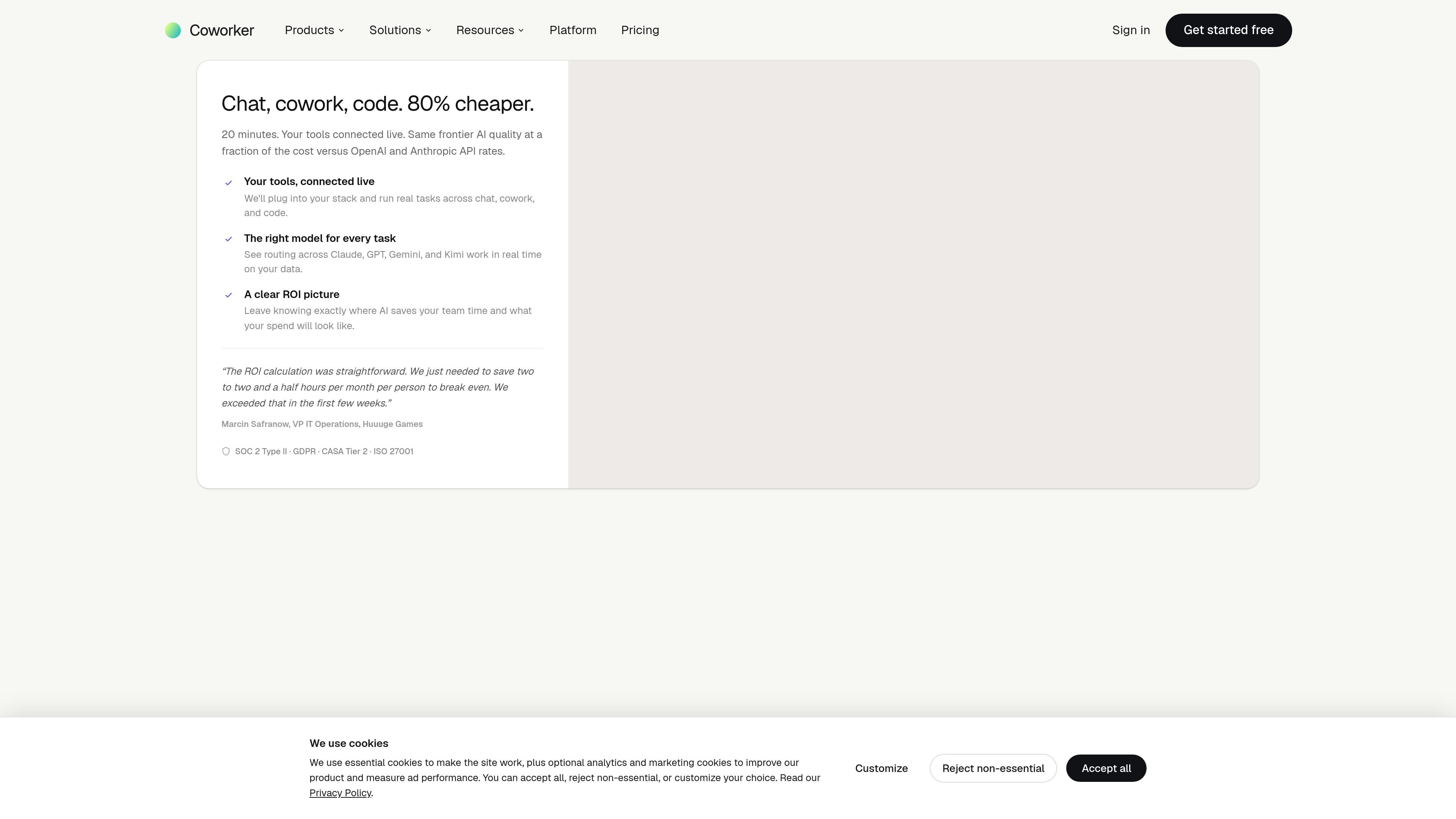
Coworker is an enterprise AI agent platform for chat, agents, and code-related work across a company’s connected tools. It routes tasks to the right model, uses full company context, and is positioned as a lower-cost way to get frontier-style AI output in day-to-day work.
The product combines conversational search, long-running agents, artifact creation, and cloud-sandboxed execution. It connects to 50+ native integrations and is designed for teams that want AI to read and act across systems such as CRM, communications, docs, data warehouses, and engineering tools.
Chat answers are grounded in connected company context and can use Fast Chat for quick questions or Deep Work for multi-step research and analysis across tools.
Long-running agents can act across Slack, CRM, calendar, and email based on triggers, and the product says they can be built in plain English without code.
Build turns live company data into editable artifacts such as dashboards, financial models, branded PDFs, decks, reports, and interactive mini-apps inside a secure cloud sandbox.
Coworker learns tool structure, terminology, and workflows through tool-specific memory, individual memory, and organizational memory so outputs fit how teams work.
Native OAuth connectors link Coworker to tools such as Salesforce, HubSpot, Slack, Jira, Google Workspace, Notion, GitHub, BigQuery, and Snowflake, with read/write access where permissions allow.
Coworker MCP lets compatible AI clients such as Claude Code and Cursor access the organization’s connected context, run agents, and write back to the stack.
Ask questions across connected systems and get answers grounded in source data from places like Slack, CRM, docs, and data warehouses.
Create decks, docs, dashboards, financial models, PDFs, and mini-apps from live company data, then edit or share the result.
Set up agents that watch for triggers in Slack, CRM, calendar, or email and then take or draft the next step across systems.
Use Coworker’s meeting notetaker to capture transcription, summaries, and action items and sync them back to CRM and docs.
Connect an MCP-compatible client such as Claude Code or Cursor to the organization’s context so external AI tools can read and write through Coworker.
Coworker is an enterprise AI agent platform that supports chat, agents, meetings, and code-oriented workflows. The source materials emphasize use across connected company tools rather than a single-purpose chatbot.
The pricing page says the Free Trial lasts 14 days and includes 500 one-time credits, 5 connectors, unlimited agents, Chat, Build, Cloud Sandbox, and meeting notetaker access with 7-day retention.
Plans are available on monthly or annual billing, with Pro and Max shown as annual subscriptions on the pricing page. The site also offers Enterprise with custom deployment and sales contact.
Coworker uses native OAuth connections and says most integrations take under 2 minutes to set up. The connectors page says no code or engineering work is required to connect tools.
The pricing page describes Build as an artifact engine for dashboards, financial models, branded PDFs, multi-slide decks, customer reports, and interactive mini-apps, all running in a secure cloud sandbox.