
Connectors and custom integration builder
Use 130+ pre-built connectors or build custom connectors against third-party APIs, then extend them with managed auth and embedded UX components.

Paragon is an integration infrastructure platform for developers building native SaaS and AI integrations, with connectors, managed auth, sync, workflows, embedded UI and monitoring.
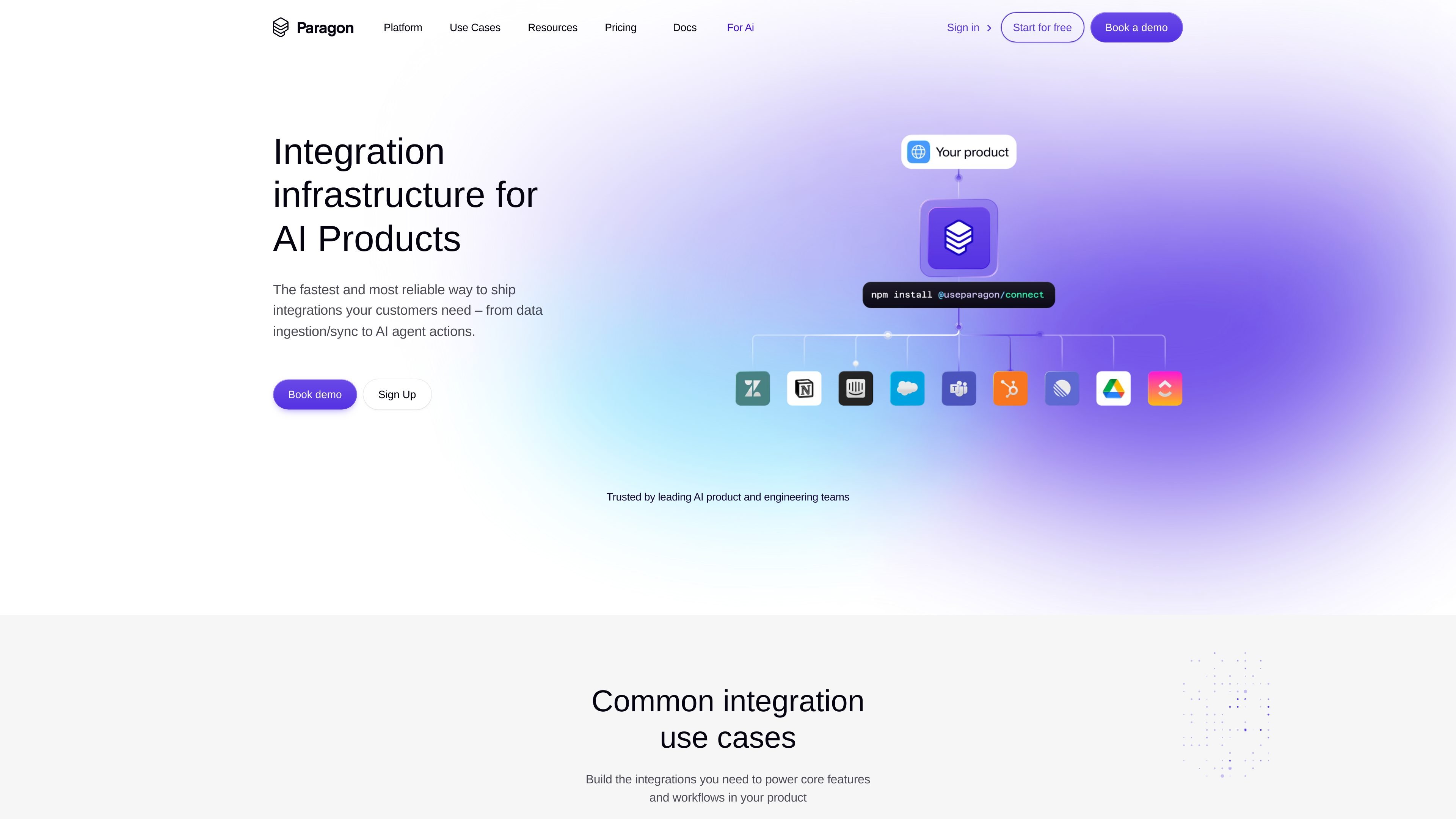
Paragon is an integration infrastructure platform for developers who need to ship product integrations inside their own SaaS or AI applications. It combines pre-built connectors, custom connector tooling, managed authentication, sync pipelines, action APIs, workflows, embedded UI, and monitoring so teams can build and operate integrations from one platform.
The site positions Paragon around several integration patterns: high-volume data ingestion, real-time automation, bidirectional sync, AI agent tool calling, and embedded connection experiences. It also supports multiple deployment models, including cloud, self-host, and forward-deploy, with enterprise-oriented security and access controls.
Use 130+ pre-built connectors or build custom connectors against third-party APIs, then extend them with managed auth and embedded UX components.
Support API key and OAuth-based authentication flows, including refresh handling, so users can connect external apps without bespoke auth plumbing.
Build normalized ingestion pipelines for external data, configure sync frequencies up to every minute, and use the Permissions API to enforce access control in RAG scenarios.
Run synchronous CRUD actions through ActionKit, with API and MCP access for AI agents and workflow products that need real-time responses.
Author asynchronous integration logic in TypeScript or a low-code workflow editor, trigger workflows from app events or third-party webhooks, and integrate with CI/CD workflows.
Monitor integrations through event logs, task history, webhook visibility, and dashboard tooling, with options to forward events to external observability platforms.
Build pipelines that continuously ingest customer data into a RAG application, with normalized schemas and permissions-aware access control.
Give an AI agent access to external apps through synchronous actions and API or MCP access for real-time tool use.
Add integrations to a workflow product with many integration nodes, then orchestrate asynchronous logic through TypeScript or low-code workflows.
Create two-way syncs between your application and third-party systems, including webhook-driven updates and real-time event handling.
Ship custom integrations for apps such as Airtable, Square, Wrike, Twilio, or Attio when a pre-built connector is not enough.
Paragon is built for engineering teams that need to ship native product integrations, embedded connection flows, sync pipelines, and workflow automation without assembling those pieces from separate tools.
The site presents Paragon as a platform that supports integrations through pre-built connectors, custom connectors, managed authentication, workflows, and embedded or headless UI options.
The pricing page says the platform includes Managed Sync, ActionKit, and Workflows, and that it supports unlimited integrations with usage based on connected users.
Paragon’s site indicates deployment options that include cloud, self-host, and forward-deploy, with enterprise options for airgapped deployments.
The FAQ and pricing pages suggest Paragon can handle unsupported integrations through custom connectors, and users can also build custom integrations on top of the platform.
Traffic data is for reference only.
| May | 97119 |
|---|---|
| Jun | 72045 |
| Jul | 79693 |
Traffic analytics are not available yet.
Traffic analytics are not available yet.