
Interactive UI outputs
Build agents that output charts, forms, cards, tables, slides, and reports rather than plain text responses.

Thesys is frontend infrastructure for AI products, with Generative UI API and Agent Builder for charts, forms, cards, dashboards, slides, and reports.
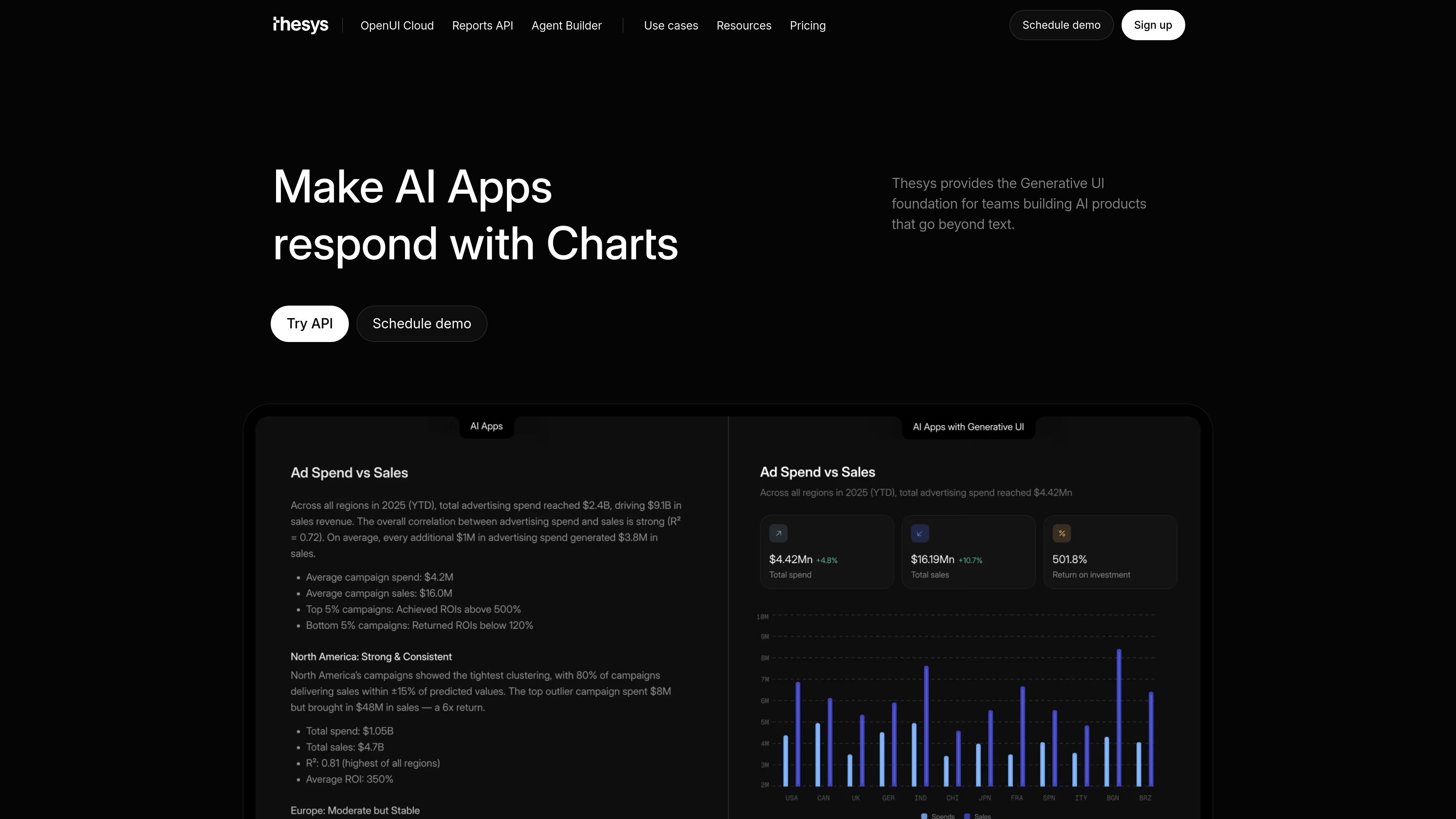
Thesys is frontend infrastructure for AI products, built around a Generative UI API and Agent Builder for teams that want AI interfaces to go beyond text. The product is positioned as a way to create interactive, real-time UIs that adapt to context and user intent.
The site shows two related ways to use the platform: build with the C1 API, or use Agent Builder to create and deploy no-code agents. Those agents can respond with charts, forms, cards, dashboards, slides, and reports, and can be embedded into an existing product or launched as a standalone experience.
Build agents that output charts, forms, cards, tables, slides, and reports rather than plain text responses.
Connect files, apps, databases, business data, and other tools so the agent can use real context when responding.
Define instructions, guardrails, and workflows to shape how the agent behaves and what it can do.
Deploy agents as standalone apps or embed them in a product, dashboard, or internal tool.
Customize colors, themes, typography, layout, and voice to match the product experience.
Work with team permissions, SSO, RBAC, workspace-level access, and authentication controls on production plans.
Create agents that surface metrics, drop-offs, trends, and summaries from business data so users can act on the output instead of reading a static response.
Generate weekly updates, client reports, business reviews, slides, and summaries from live data for recurring internal or client-facing workflows.
Add a website copilot that answers visitors from site content and can be embedded quickly using the Website Assistant template.
Build internal or customer-facing agents for revenue, finance, product, or operations work, including dashboards, charts, and decision-support views.
Embed an interactive agent into an existing product as a side panel, copilot, or full-screen surface with controlled behavior and branding.
Agent Builder is a no-code platform for building and deploying AI agents that return charts, forms, cards, tables, and other interactive UI instead of plain text. The source says you can connect data, define instructions, and deploy the agent as a standalone app or embed it in an existing product.
The source describes it as a fit for product teams, founders, growth and ops teams, and anyone who wants users to act on top of their own data rather than just read text answers. It is also positioned for teams building AI products and interactive frontends.
No. The product page says you can build, customize, and deploy entirely from the Thesys interface. It also says every agent is available through the C1 API if you want more control later.
You can deploy an agent as a standalone web app on a Thesys URL or embed it as a copilot, side panel, or full-screen experience inside an existing product. The site also says the same agent can run on multiple surfaces.
Pricing is usage-based. The site says you start for free and pay for what your agents generate, including the charts, cards, and forms they create, with full details on the pricing page.