
Drag-and-drop site editing
Build websites and popups with a drag-and-drop editor. The homepage emphasizes starting with a template and customizing layouts without code.

Pagecloud is a web-based website builder for creating branded sites, popups, banners, landing pages, link-in-bio pages, and storefronts. It is aimed at businesses, marketers, agencies, and teams that want a drag-and-drop editor, basic analytics, and collaboration tools.
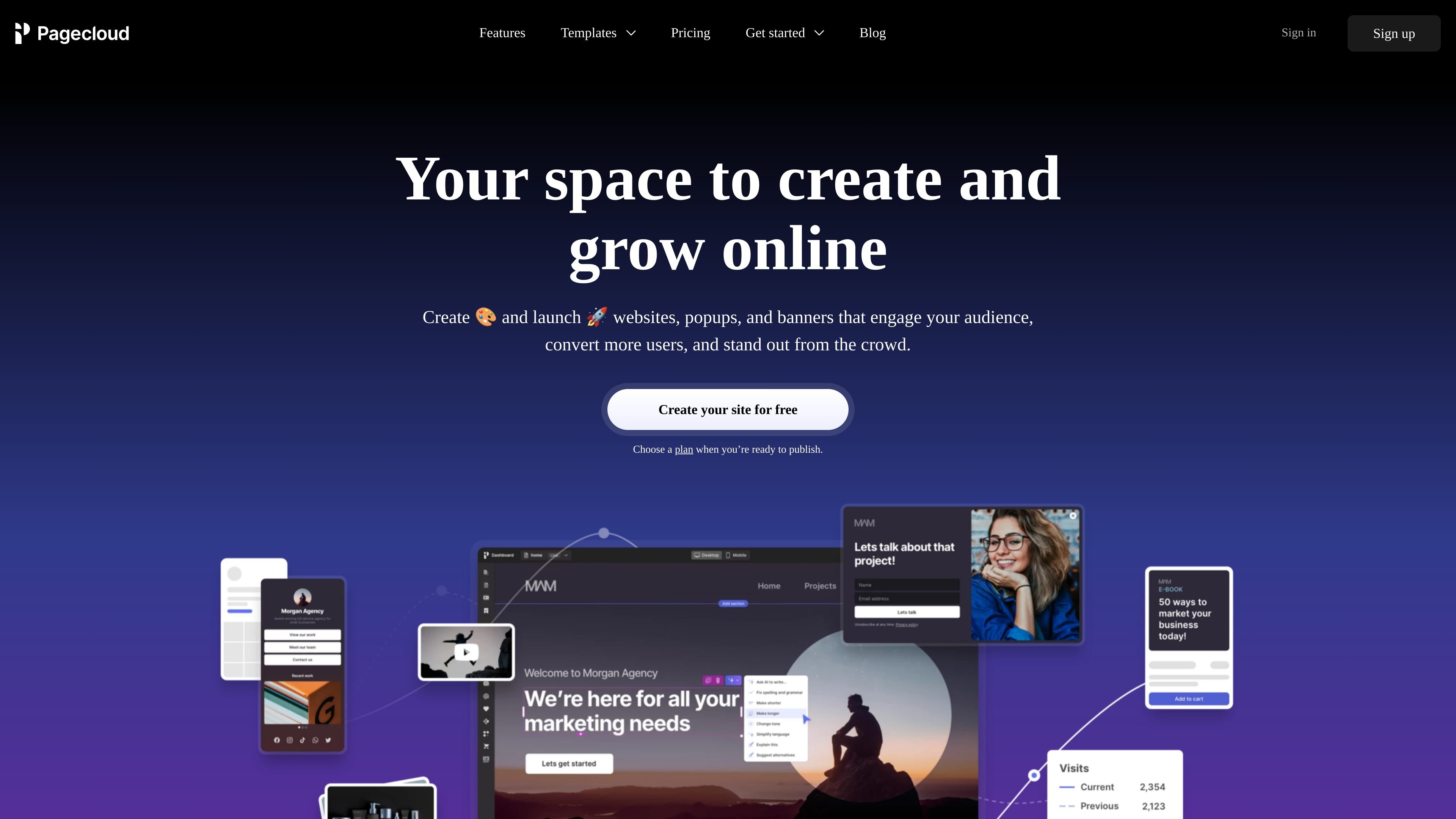
Pagecloud is a website builder for creating custom websites, popups, banners, landing pages, link-in-bio pages, and storefronts. Its homepage centers on a drag-and-drop editor that lets users start from a template and customize designs without code.
The product is positioned for growing businesses, marketers, agencies, professional services, and small businesses that need to publish branded pages, capture leads, track basic site performance, and collaborate on web projects from a single dashboard.
Build websites and popups with a drag-and-drop editor. The homepage emphasizes starting with a template and customizing layouts without code.
Create websites, landing pages, link-in-bio pages, and popups from the same product. The site positions Pagecloud as a tool for several kinds of web content, not just standard pages.
Review visits, clicks, form submissions, broken links, and more from the dashboard using privacy-first analytics. This gives you basic performance visibility without leaving the product.
Capture leads with custom forms and other lead-capture tools, including popups and banners designed to convert visitors.
Add and manage team members and share draft pages. The homepage also calls out collaboration for agencies and teams working on client projects.
Publish storefronts, manage inventory, and sell products or services across channels such as Instagram, TikTok, Amazon, Facebook, and eBay.
Create a branded website from a template, then customize the design in the editor without writing code. This suits users who want control over layout and styling without relying on a developer.
Use popups, banners, custom forms, and lead-capture tools to collect interest and improve conversions on a campaign page or existing website.
Publish a link-in-bio page, landing page, or small content hub for social channels and promotional traffic. Pagecloud lists these as supported page types on the homepage.
Manage client websites and growth work as a team. The homepage highlights adding team members, sharing draft pages, and collaborating on client projects.
Sell products or services through a storefront and manage inventory from the same product. The site also says sales can extend to channels such as Instagram, TikTok, Amazon, Facebook, and eBay.
Yes. The homepage says you can create and launch websites, popups, and banners, and it also mentions a free-start flow with no credit card required until you choose a plan to publish.
Pagecloud is positioned for people building websites, landing pages, popups, link-in-bio pages, and storefronts, so it fits a mix of marketing and publishing workflows rather than a single narrow use case.
The homepage says the editor is drag-and-drop and that users can start with a template and customize anything without code.
The homepage mentions adding and managing team members and sharing draft pages, which suggests it supports collaboration on page creation.
The site says Pagecloud includes privacy-first analytics, forms, lead capture tools, SEO tools, blogging, collaboration features, social presence tools, and storefront features, but the pricing page and detailed feature pages were not available.