
Auto-detects your Notion schema
Connect a Notion database and map testimonial fields automatically. The product can detect common columns such as name, quote, photo, and rating, while still letting you override the mapping if needed.

NotionProof turns a Notion database into embeddable testimonial widgets for websites, so you can publish testimonials on live pages without copying data elsewhere.
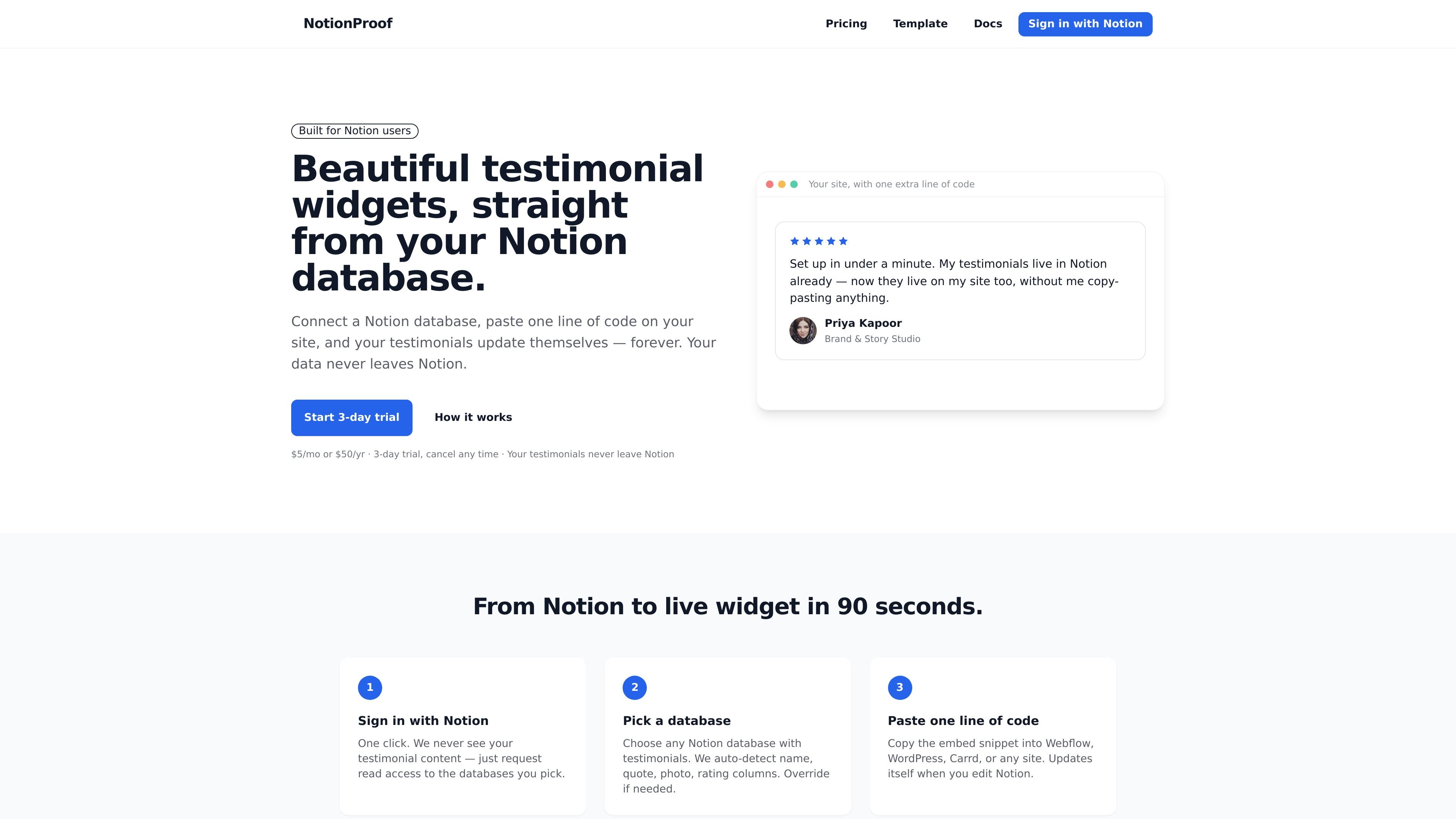
NotionProof turns a Notion database into embeddable testimonial widgets for websites. It is built for people who already collect testimonials in Notion and want a way to display them on live pages without copying data into another system.
The workflow is simple: sign in with Notion, choose a database, then paste the widget code into a site such as Webflow, WordPress, Carrd, Framer, or a plain HTML page. When the source database changes, the widget updates automatically, so Notion stays the source of truth.
Connect a Notion database and map testimonial fields automatically. The product can detect common columns such as name, quote, photo, and rating, while still letting you override the mapping if needed.
Choose from Wall, Carousel, or Floating layouts, and switch between them from the dashboard without changing the embed code. Each layout is meant for a different presentation style.
Adjust the appearance with three theme presets, color controls, and toggles for rating, photo, company, and date fields. Background options include light, dark, and transparent.
Embed a single script on your site and reuse it across pages. The widget loads asynchronously and uses shadow DOM isolation so it does not interfere with your site styles.
Keep testimonial data in Notion while the widget updates automatically from that source. Changes made in Notion refresh the embedded widget without manual re-importing.
Support text, photo, and video testimonials from the same Notion database. Video can come from a Loom share link, YouTube, Vimeo, or a direct media file link.
Use NotionProof when testimonials are already collected in Notion and you want to publish them on a marketing site without exporting or reformatting the data.
Use the widget on landing pages where you want a compact testimonial treatment, such as a carousel or floating card, while keeping the source content centralized in Notion.
Create separate widgets for different pages or audiences by pointing each embed at a different Notion database or by varying the layout and theme from the dashboard.
Use video fields when your testimonial source includes Loom, YouTube, Vimeo, or direct video files and you want those videos to appear inline with the written quote.
NotionProof charges $5 per month or $50 per year on a single plan that includes unlimited widgets, unlimited testimonials, text, photo, and video support, and all three layouts. New accounts get a 3-day free trial with card on file.
Testimonials stay in your Notion workspace. NotionProof reads them from your database and does not copy them into its own database.
You can create as many widgets as you want. Each widget can point to a different Notion database or reuse the same one with a different layout or theme.
Yes. NotionProof is designed to work wherever you can paste an HTML or script embed, including Webflow, WordPress, Carrd, Framer, plain HTML, Wix, and Shopify.
Yes. Add a Video column with a Loom, YouTube, Vimeo, or direct video file URL such as .mp4, .webm, or .mov, and NotionProof can embed the player on each card.