
Community library of browser modifications
Install shared Tweeks from the community library or discover them from the product homepage.

Tweeks is a browser extension for customizing websites with small, site-specific changes. Remove distractions, add controls, and export content without coding from scratch.
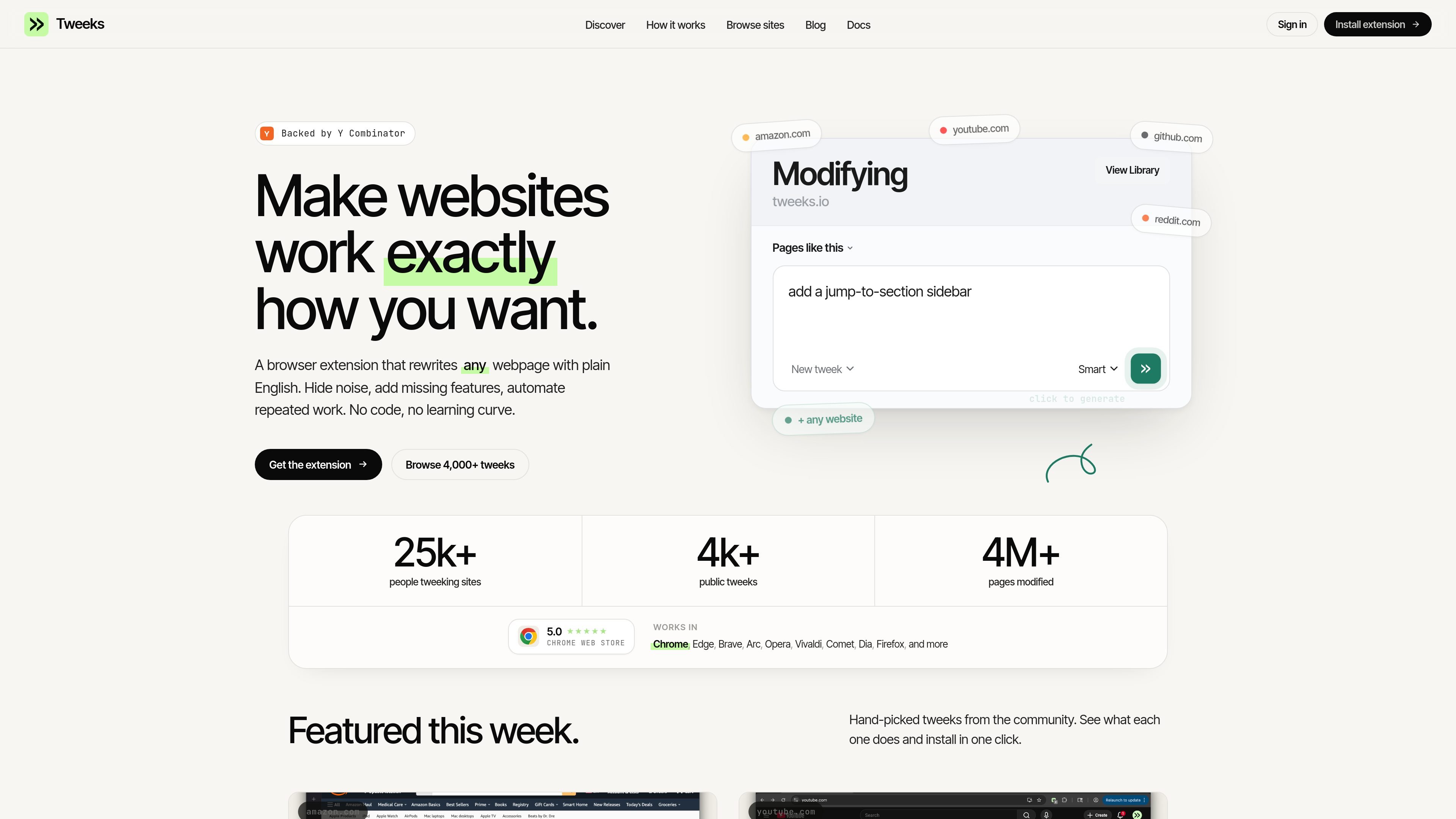
Tweeks is a browser extension and modification platform for customizing how websites work. It lets people install community-made tweaks or create their own changes for specific sites without writing code from scratch.
The product focuses on small, targeted browser modifications such as removing distractions, hiding modules, adding controls, and exporting content. Source examples include hiding YouTube Shorts, removing Google sponsored results and AI Overview blocks, adding an X personalization panel, showing Amazon price history, and exporting chats from ChatGPT, Claude, and Gemini.
The extension is presented as running locally in the browser and applying only on the sites you choose. Users can toggle tweaks on and off, inspect or edit the generated code, and share tweaks with a link or a public profile.
Install shared Tweeks from the community library or discover them from the product homepage.
Describe a desired change in plain English and let Tweeks generate and install the modification.
Review and edit the full script code for any Tweek before enabling it, with the ability to update it through follow-up requests.
Enable or disable Tweeks at any time so the modification only applies when you want it to.
Create a Tweek in the browser and then refresh the page to apply the change, based on the workflow shown in the listing.
Export chats from ChatGPT, Claude, and Gemini to the clipboard or as Markdown, showing the product can handle specific task-oriented site modifications.
Hide sponsored results, AI Overview blocks, shorts shelves, sidebars, or other elements that interrupt reading and browsing.
Add site-specific controls such as a personalization panel, a not-interested button, or a timer widget to shape how a platform behaves.
Track information directly on a page, such as Amazon price history, without leaving the site to compare context manually.
Export chat history from ChatGPT, Claude, or Gemini as Markdown or clipboard text for reuse in notes, docs, or archives.
Use shared Tweeks from the community or iterate on a generated tweak until it matches a specific workflow.
Tweeks is a browser extension for customizing how specific websites behave. The source shows it can add, remove, or modify page elements on sites like Google, YouTube, X, Amazon, ChatGPT, Claude, Gemini, Reddit, Pinterest, LinkedIn, and Hacker News.
The Chrome Web Store listing says you can install community-made modifications or create your own by describing the change in plain language. It also says Tweeks generates and installs the modification, then you refresh the page to apply it.
The source says Tweeks runs locally in your browser and applies only on the sites you choose. You can toggle it on or off anytime and see or edit the full script code.
The Chrome Web Store listing shows support for ChatGPT, Claude, Gemini, Google Search, YouTube, X, Amazon, Reddit, Pinterest, LinkedIn, and Hacker News examples. The provided sources do not give a complete compatibility list.
The pricing page shows a sign-in flow with Google or email code, but it does not expose detailed plan names or prices in the provided text. The Chrome listing also notes in-app purchases.