
Motion editing
Transform designs into looped animations in an always-live interface, with the site describing the workflow as fast and intuitive.

Modyfi is a browser-based design platform for multidisciplinary designers. Design, generate, animate, and collaborate in one editor with non-destructive workflows and a command bar.
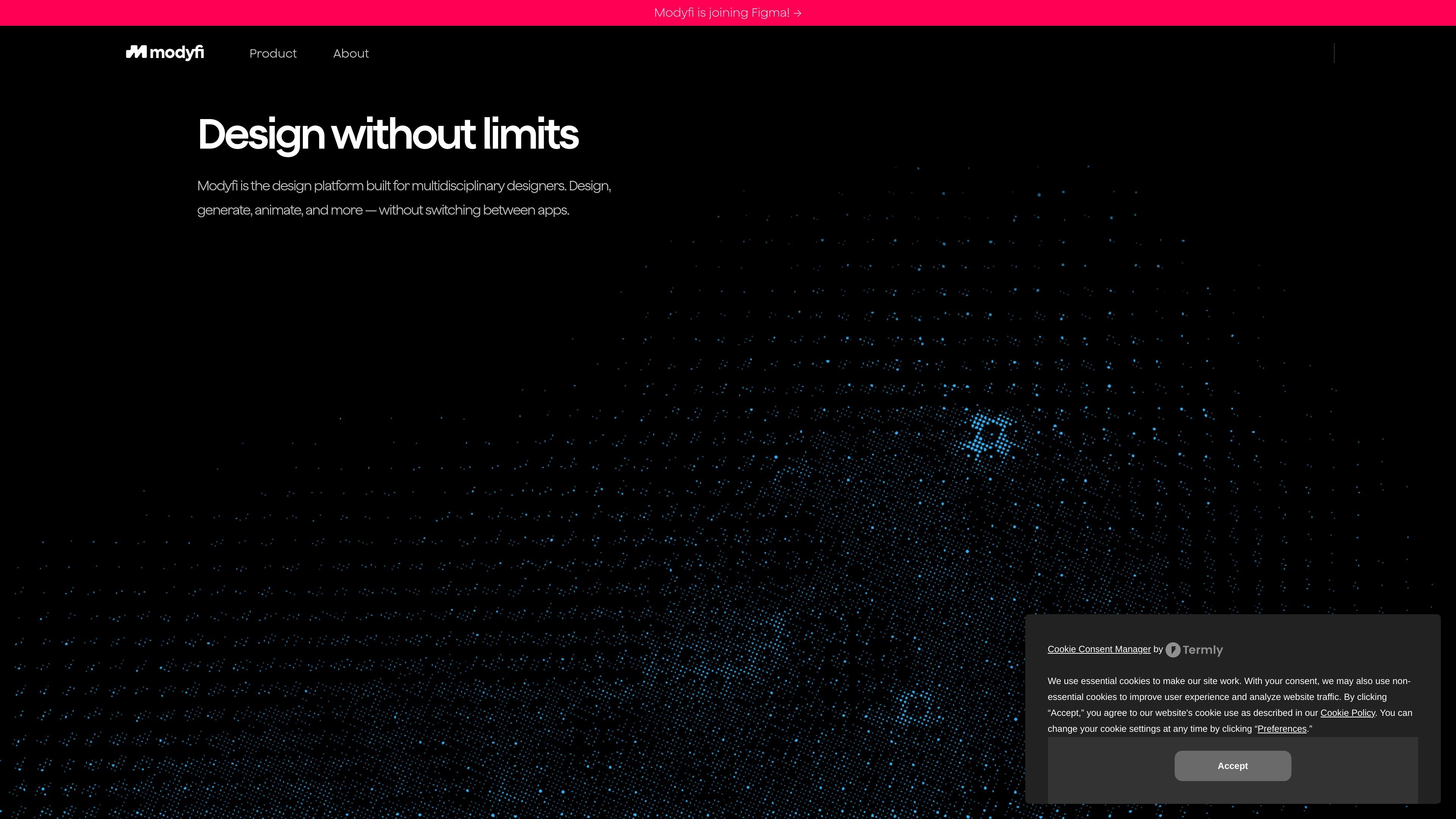
Modyfi is a browser-based design platform for multidisciplinary designers. Its homepage positions the product as a place to design, generate, animate, and collaborate without switching between apps.
The site emphasizes a single editor that combines vector and raster tools, AI-assisted image generation, and motion work. It also highlights non-destructive image processing, a command bar for quick actions, and collaboration around shared projects and assets.
Modyfi states that it is joining Figma, but the captured pages do not provide a detailed product roadmap, pricing structure, or release status beyond the live site text.
Transform designs into looped animations in an always-live interface, with the site describing the workflow as fast and intuitive.
Use world-class image editing, vector tools, and AI-driven art direction in one editor instead of moving between separate apps.
Generate images with designer-focused AI and fine-tuneable controls so the output can be adjusted rather than left fully automatic.
Work with non-destructive image processing and node-based editing to explore variations without committing to a single version too early.
Browse and import stock images from favorite repositories, with the site also calling out stock image browsing as a feature.
Use the command bar for quick actions, and look ahead to in-app code editor customization that the site marks as coming soon.
Build static layouts, vector elements, and raster imagery in one workspace when a project needs more than a single-purpose editor.
Create short looping motion pieces from existing designs using the always-live animation workflow described on the homepage.
Experiment with AI-generated imagery while keeping manual control over the result through fine-tuneable settings.
Review and share work with teammates using projects and assets in one place, especially when you want feedback before exporting files.
Remix community designs from the public gallery to adapt existing work into a new composition or study the platform’s capabilities.
Modyfi is a browser-based design platform for multidisciplinary designers. The site presents it as a place to design, generate, animate, and collaborate without switching between apps.
The homepage highlights three core workflow areas: motion, next-generation editing, and AI-assisted generation. It also mentions vector and raster tools, non-destructive image processing, and a command bar for quick actions.
The site says Modyfi is browser-based and describes it as the first WebGPU-enabled image editing platform. It does not provide desktop app downloads in the captured content.
The captured site text says projects and assets are kept in one place and that sharing progress and getting feedback does not require exporting. That points to collaboration around shared projects, but the source does not describe detailed permissions or roles.
The homepage shows a pricing page URL that returns a not-found page, and the captured content does not confirm paid plans, free tiers, or trial details. The source does say 'Get started for free' on the Made with Modyfi page, but it does not explain the full pricing structure.