Migaku logo

Migaku

Claim

Migaku turns websites, videos and subtitles into study material, with word lookup, flashcards and structured language-learning workflows.

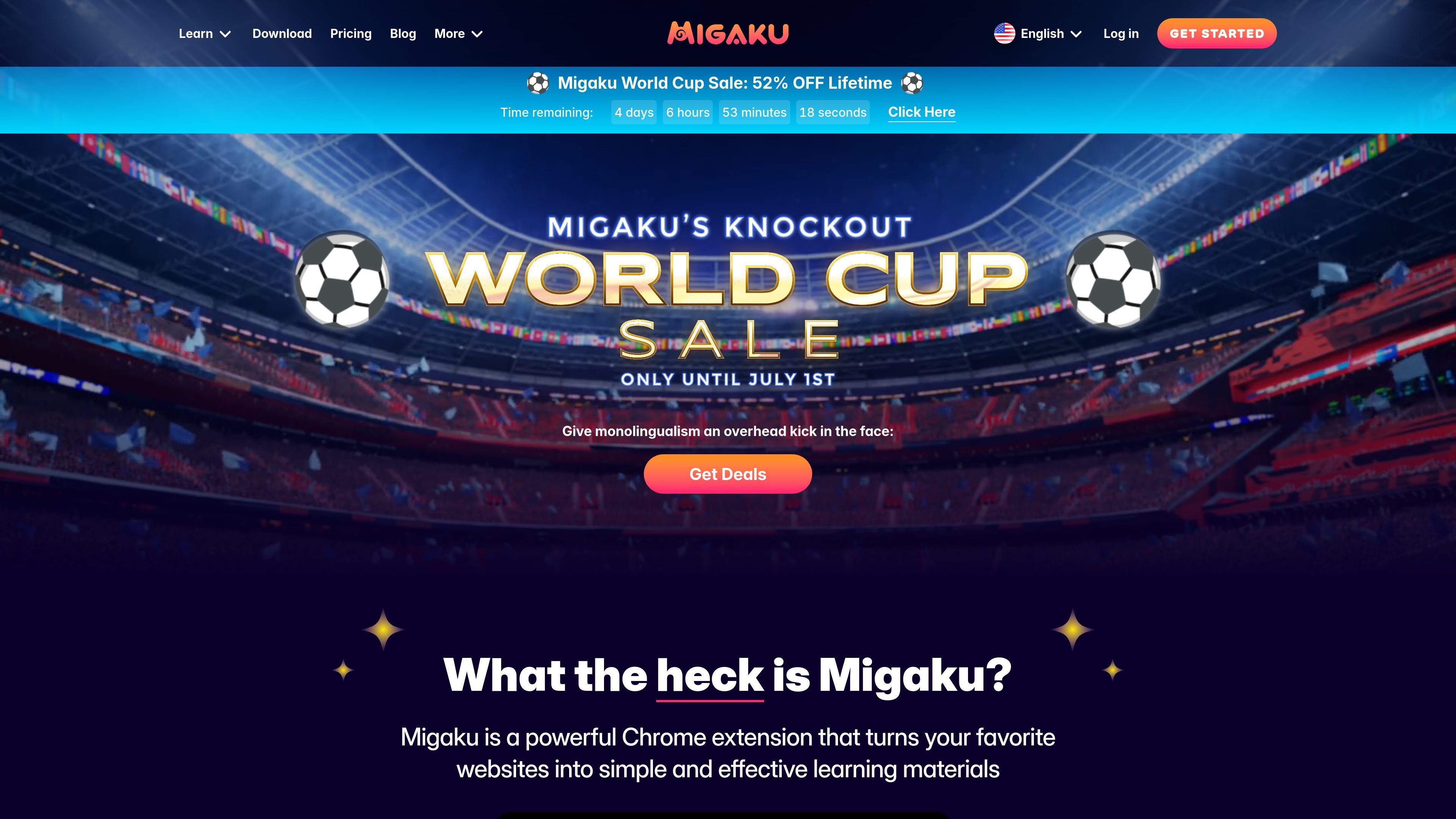
Migaku preview

What Migaku does

Migaku is a language-learning platform centered on a Chrome extension that turns real-world content into study material. The site positions it around reading and watching content you already enjoy, then extracting vocabulary, explanations, and flashcards directly from that material.

The product combines beginner courses, inline word lookup, flashcard creation, spaced repetition, dictionary tools, subtitle handling, and content comprehension tracking. The pricing page says Migaku supports 11 languages and is available on iOS, Android, desktop, and the web, while the homepage emphasizes a browser-first workflow that works with popular sites such as YouTube, Netflix, Disney+, Viki, X, and Reddit.

Core capabilities

Turn everyday content into study material

Migaku is positioned as a Chrome extension that turns websites and streaming content into study material. The homepage highlights use with sites such as YouTube, Netflix, Disney+, Viki, X, and Reddit, while noting that the brand is not affiliated with those services.

Inline lookup on words and subtitles

Users can click or hover over words in websites and subtitles to see definitions, pronunciations, images, and AI-generated explanations in context. This supports reading and watching without leaving the original content.

Build flashcards from the source material

The product can create flashcards from media, websites, books, photos, and other content, and includes context sentence, audio, screenshot, definition, and AI explanation among the captured fields.

Comprehension tracking

Migaku tracks learned words and generates a comprehension score for the content you visit, helping you gauge whether a video, article, or other source is likely to match your level.

AI tools and reference support

The pricing page lists subtitle generation and translation, high-quality text-to-speech, OCR, custom AI prompts, and dictionary integration, including monolingual options for fuller immersion.

Cross-platform study workflow

Migaku offers interactive subtitle visualizations such as gender, readings, and pitch accent, and says its learning content is available across iOS, Android, desktop, and web with Anki compatibility.

Common ways to use Migaku

  • Study from video and streaming content

    A learner watching shows or YouTube videos can look up unknown words in subtitles, see explanations in context, and create cards without leaving the original content.

  • Learn from websites and reading material

    Someone reading articles, web pages, or other online text can click unfamiliar terms, use dictionary support, and turn the material into a more manageable study session.

  • Start with structured beginner courses

    Beginners can use the hand-crafted courses to build vocabulary and grammar foundations before relying more heavily on native content.

  • Deepen knowledge with higher-level tools

    Intermediate and advanced learners can import subtitles, use monolingual dictionaries, and review flashcards with spaced repetition for more input-heavy practice.

  • Choose content based on comprehension

    Learners who want to organize study around comprehension can use word-tracking and content scoring to decide what to watch or read next.

Pros and Cons

Pros

  • Uses content from sites and media learners already watch and read, which keeps study tied to real input.
  • Combines lookup, explanation, flashcards, spaced repetition, and comprehension tracking in one workflow.
  • Includes support for dictionaries, subtitle generation and translation, OCR, and text-to-speech.
  • Offers beginner courses alongside more advanced tools such as monolingual dictionaries and importing subtitles.
  • Lists cross-platform availability and Anki compatibility.

Cons

  • Some capabilities are described broadly on the marketing pages, so the exact limits of integrations, supported sources, and advanced workflows are not fully spelled out.
  • The source reviewed does not provide detailed implementation caveats for team usage, platform-specific restrictions, or all pricing edge cases.

FAQ

What is Migaku and how do people use it?

Migaku is described as a Chrome extension and language-learning platform that lets you study from websites, subtitles, and other content you already consume. The site also says it supports iOS, Android, desktop, and the web, with a browser extension as the starting point for many workflows.

How do I get started with Migaku?

The homepage says setup is easy and takes a couple of minutes: sign up for a free account, start a 10-day free trial, install the Chrome browser extension, and then begin studying or creating cards from content.

What pricing options does Migaku offer?

The pricing page states that Migaku offers monthly, yearly, and lifetime pricing options. It also says there is a 14-day money-back guarantee on the listed plans, and that lifetime includes access to Early Access features.

What does Migaku include in the subscription?

Migaku says it supports study in 11 languages and includes hand-crafted beginner courses, AI learning tools, dictionary integration, flashcard creation, subtitle generation and translation, and Anki compatibility.

Are there limitations or setup caveats I should know about?

The source emphasizes learning from input-heavy content and shows support for browsing, video, subtitles, dictionaries, flashcards, and comprehension tracking. It does not spell out every integration, workflow detail, or platform limitation on the pages reviewed.

Quick Facts

Category
Language learning
Primary format
Chrome extension and companion learning platform
Platforms
iOS, Android, desktop, and web
Languages
11 languages
Pricing
Monthly, yearly, and lifetime plans are listed
Source domain
migaku.com