
Voice-based English practice
Buddy listens and responds through voice recognition and AI, so children practice speaking instead of only tapping through screens.

Buddy.ai is an AI English learning app for children with voice lessons, games, and guided practice to build speaking, listening, pronunciation, and vocabulary.
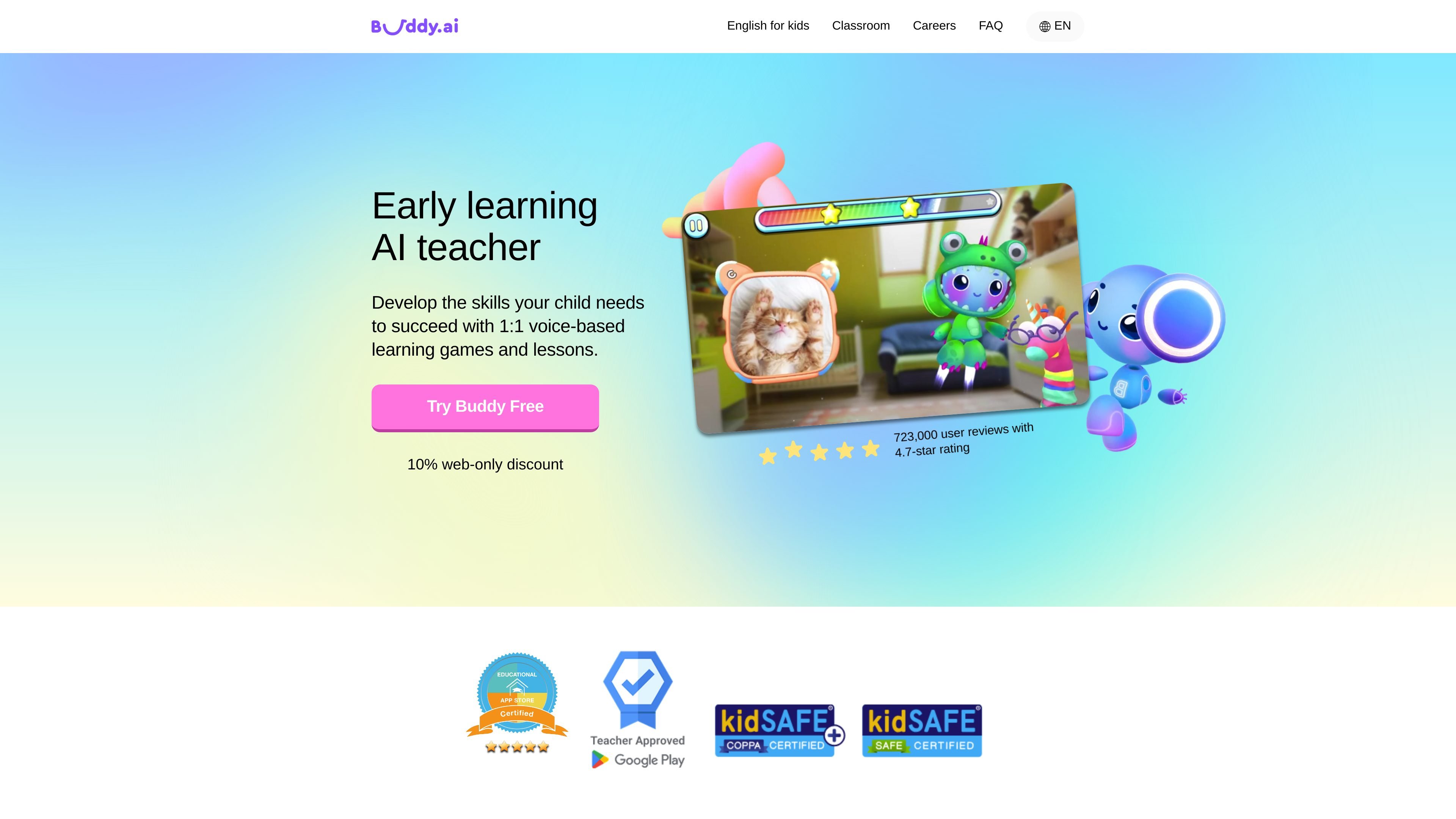
Buddy.ai is an AI-powered English learning app for children. It focuses on speaking practice through a friendly animated tutor that interacts by voice, rather than through passive exercises alone.
The product is built for home learning and classroom support. Pages on the site describe use by families and teachers, with courses and lesson paths for young learners who are just starting English as well as children who are ready to practice basic conversational skills.
Buddy’s lessons combine voice-based games, multimedia prompts, and guided recall. The site says this approach is designed to build confidence with pronunciation, listening comprehension, vocabulary, and language production while keeping lessons playful and structured.
The site also presents Buddy as a tool that can supplement schoolwork or homework, and as a classroom aid where teachers need more 1:1 speaking practice than a multi-student setting usually allows.
Buddy listens and responds through voice recognition and AI, so children practice speaking instead of only tapping through screens.
Lessons use game mechanics, cartoons, and interactive exercises to keep children engaged while they learn new words and phrases.
The app adapts lessons to a child’s learning style, with activities designed for visual, auditory, and kinesthetic learners.
The curriculum covers more than 1,500 everyday English words and phrases across topics such as animals, colors, body, numbers, and nature.
Each lesson introduces material with flashcards, 3D objects, animations, video fragments, and sounds, then moves into practice and contextual questioning.
Buddy asks children to recall earlier material and revisits harder words to support retention over time.
Parents can use Buddy at home to give a child more speaking practice than they may get in a classroom, especially when the child is just starting English.
Teachers can use Buddy as a classroom aide when they want students to practice speaking individually or in small bursts during lessons.
Families can assign Buddy as homework or 'Buddy time' to reinforce what was learned during the school day.
Children who are shy about speaking English can practice with the animated tutor in a lower-pressure setting before speaking in front of peers.
Learners who are ready to expand basic English can work through vocabulary, pronunciation, listening comprehension, and short conversational tasks at their own pace.
Buddy.ai is designed to be used after downloading the app and personalizing a child’s learning plan. The source describes a three-step flow: download the app, personalize the plan, and complete the first lesson together.
The source positions Buddy.ai for children learning English from little or no exposure through early conversational practice. It highlights ages 3–7 on the English-for-kids pages and ages 4–10 on the schools page, with courses mapped to Pre-A1, A1, and A2 levels or to preschool, kindergarten, and first grade on the home page.
Buddy.ai uses voice-based interaction, flashcards, 3D objects, animations, video fragments, sounds, and conversational games. Lessons follow a warm-up, presentation, practice, and production pattern or a PPP-style structure depending on the page.
The source does not describe team collaboration features or classroom admin software in detail, but it does say teachers can use Buddy in the classroom and for homework, assign 'Buddy time,' and review progress reports.
The pages say Buddy is available anytime and supports unlimited speaking practice, but they do not provide a detailed free-trial or subscription breakdown on the captured content. The home page does mention a 'Try Buddy Free' call to action and a web-only discount.