
One-click reprompting
Send the same prompt to another model with one click, making it easier to compare responses or continue work with a different system.

Mammouth is a subscription platform for accessing multiple GenAI models in one place, with text, image, video, and web-capable models.
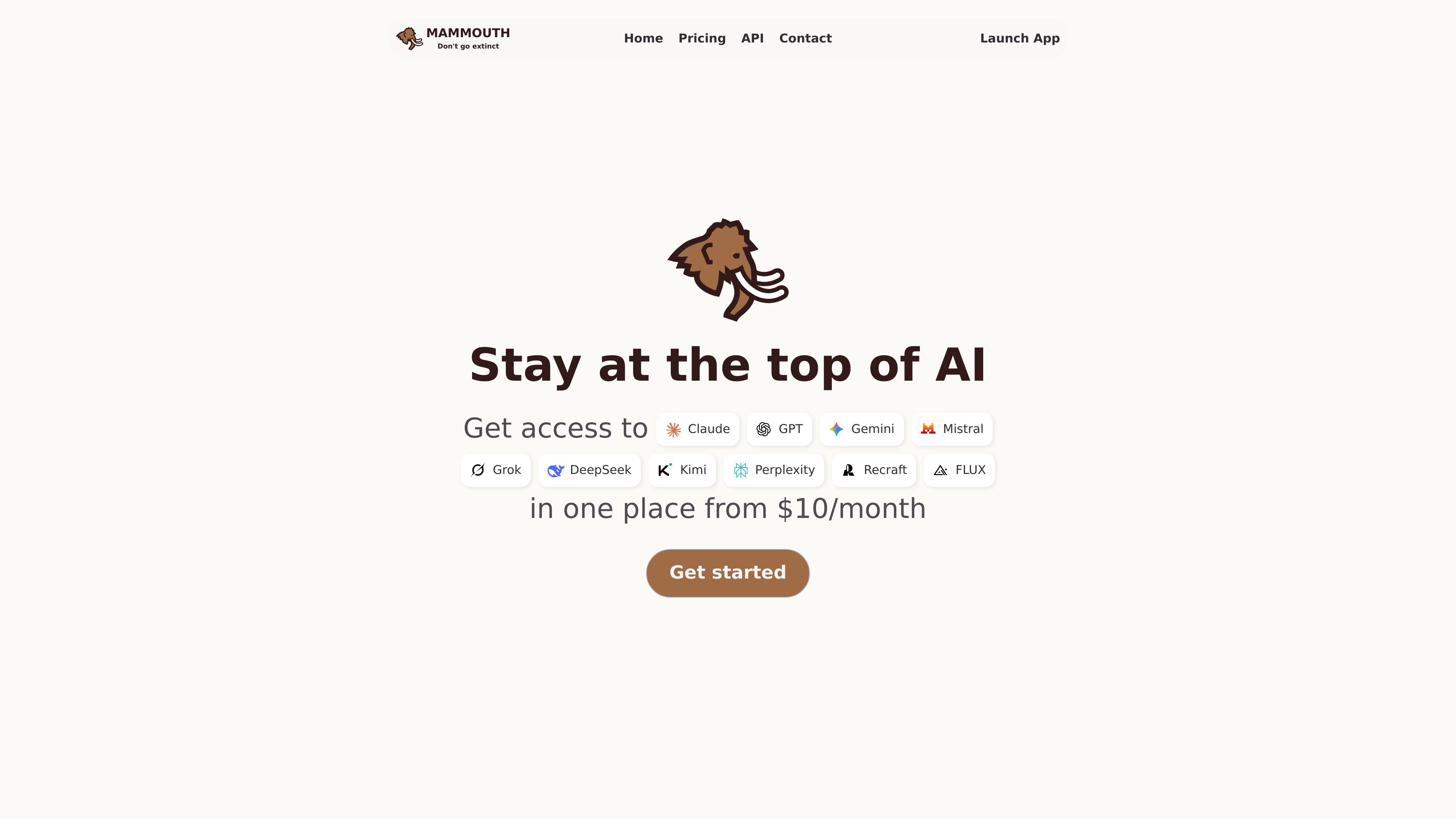
Mammouth is a subscription platform that puts several GenAI model families in one place, including text, image, video, and web-focused models. The site presents it as a way to use current models such as GPT, Claude, Gemini, Mistral, Llama, Grok, DeepSeek, Kimi, Perplexity, and image generators like Nano Banana, FLUX, GPT Image, Stable Diffusion, and Recraft.
It is aimed at people who want to compare models, switch between them quickly, and keep up with frequent model releases without managing separate subscriptions. The product also adds workflow features such as Projects, voice chat and dictation, AI web search, and tools for coders, while the pricing page shows individual, team, and enterprise buying paths.
Send the same prompt to another model with one click, making it easier to compare responses or continue work with a different system.
Work across text, image, video, and web models in a single product, with the pricing page grouping LLMs, image generation, video generation, and deep research together.
Use Projects to organize documents and chats, keeping related prompts and outputs grouped by task or initiative.
Use voice chat and dictation for hands-free input, which the pricing page lists as part of the available workflow tools.
Access tools for coders, including API credits and Mammouth Code on paid plans, for workflows that need developer-oriented usage.
Manage data retention with GDPR processing, no model training, provider-side zero retention, and account-level history deletion.
Use Mammouth to compare several model outputs on the same prompt, then continue with the one that fits the task best. This is useful when model quality changes quickly or when you want a second opinion on a draft, analysis, or outline.
Keep documents, chats, and related outputs in Projects so a multi-step task stays organized. This works well for research work, content drafts, or internal workstreams that need a shared thread of context.
Use the image and video model group when the job is visual rather than text-only. The source lists image generators such as Nano Banana, GPT Image, Stable Diffusion, Recraft, FLUX, and video models such as Sora, Veo, and Kling.
Use web and deep research models when a task needs current information rather than a static answer. Mammouth groups Perplexity and other web-capable models together for that workflow.
Choose team and enterprise plans when multiple people need access, centralized billing, or shared projects. The pricing page also mentions admin controls, SSO, and flexible payment options for larger deployments.
Mammouth is a subscription service for accessing multiple GenAI models in one place. The source says it includes GPT, Claude, Gemini, Mistral, Llama, Grok, DeepSeek, Kimi, Perplexity, and several image and video models, with current versions listed on the site.
The pricing page shows monthly plans for Starter, Standard, and Expert, plus a Team option for workspace and team management. The page also says enterprise customers can contact sales for a quote.
The site presents Mammouth as accessible from the web and says you can download the app on any device. The source does not provide a full platform matrix, so the safest reading is that it supports multiple devices rather than naming every operating system.
Mammouth lets users switch prompts between models with one-click reprompting, organize work in Projects, use voice chat and dictation, and access AI web search and model selection features.
The source says content is processed in accordance with GDPR, is not used to train models, providers do not retain prompts sent via Mammouth, and history can be deleted from account settings.