
Access to 80+ AI models
The homepage states that users can chat with more than 80 AI models, indicating broad model coverage from one interface.
Chatbot UI is a web-based PWA for chatting with 80+ AI models from one interface, with quick browser access, login, and sign-up.
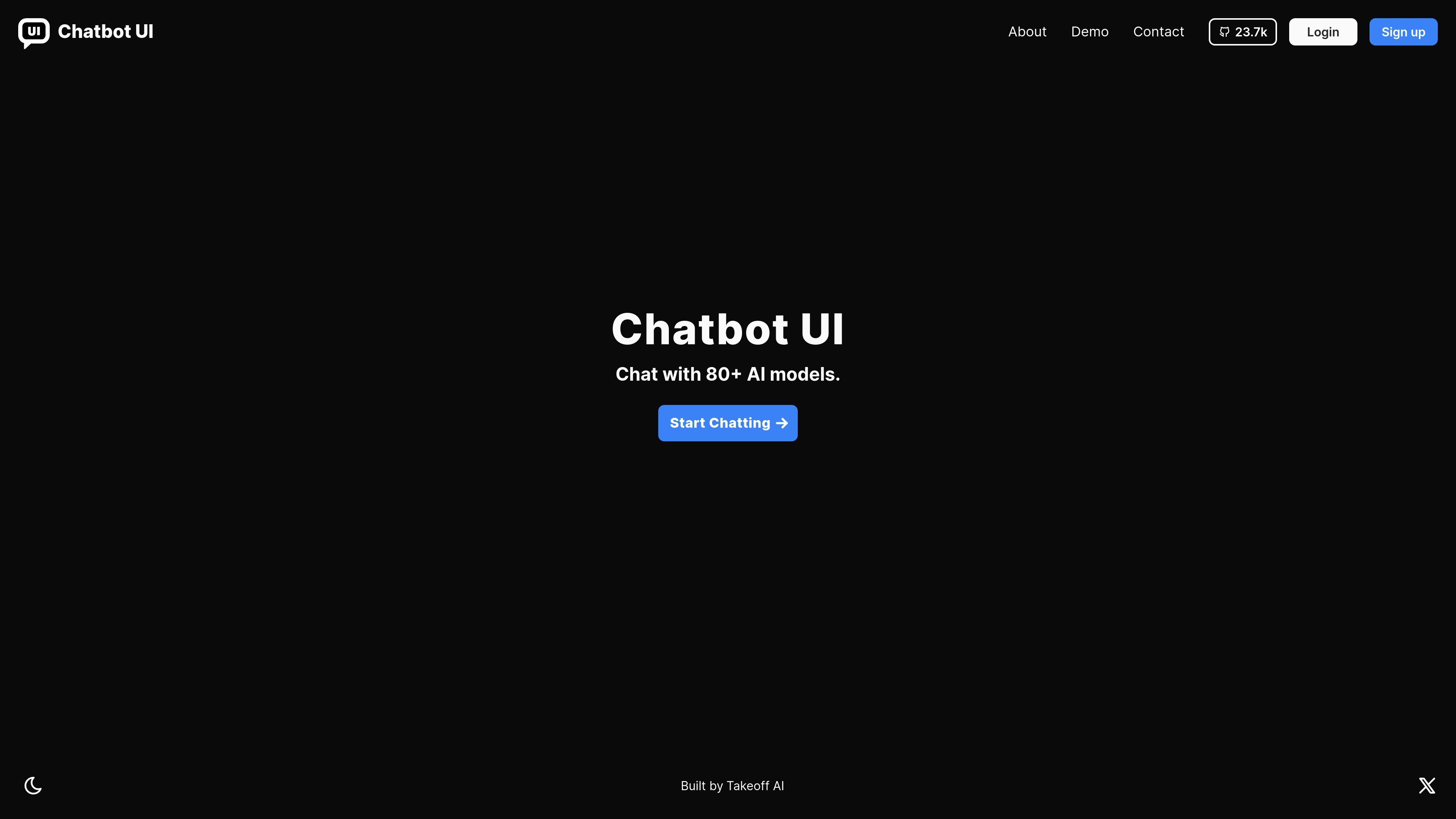
Chatbot UI is a web-based chat product presented as a progressive web app (PWA). Its homepage positions the tool around one core job: letting users chat with 80+ AI models from a single interface.
The available site text shows a straightforward entry flow with start-chatting, login, and sign-up actions. That makes the product look suited to people who want a browser-accessible way to try or use multiple AI models without switching between separate tools.
The homepage states that users can chat with more than 80 AI models, indicating broad model coverage from one interface.
The product is presented as a PWA, which points to a web app designed for app-like use in the browser.
A visible "Start Chatting" call to action suggests a direct conversation workflow rather than a setup-heavy interface.
Login and sign-up links are surfaced prominently, showing account-based access to the product.
The pricing page text includes Google sign-in and password-based login fields, indicating multiple authentication entry points are supported in the product flow.
Use Chatbot UI when you want a browser-based place to chat with many AI models without moving between separate apps.
Use it as a lightweight daily chat interface if you prefer a PWA-style product you can open directly in the browser.
Use the visible login and sign-up flow to create or access an account before continuing with chats.
Use the product when you want a simple start-chatting entry point rather than a workflow centered on complex setup.
Chatbot UI is a PWA for chatting with 80+ AI models from a single interface.
The source shows a pricing page, but it does not provide readable plan details in the collected text, so pricing should be verified directly on the site.
The collected page text does not list supported providers or integrations, so those details are not confirmed from the available evidence.
The homepage presents a direct start-chatting flow and login/sign-up options, suggesting the product is set up for interactive use after account access.