
Automatic and manual account connection
Lums links to bank accounts through Plaid and also supports manual account entry for cash and foreign accounts, so users can keep checking, savings, credit, investment, and cash in one place.

Lums is an AI-powered personal finance app for budgeting, balance forecasting, and live account tracking. Connect bank accounts, ask money questions, and build budgets from current transactions.
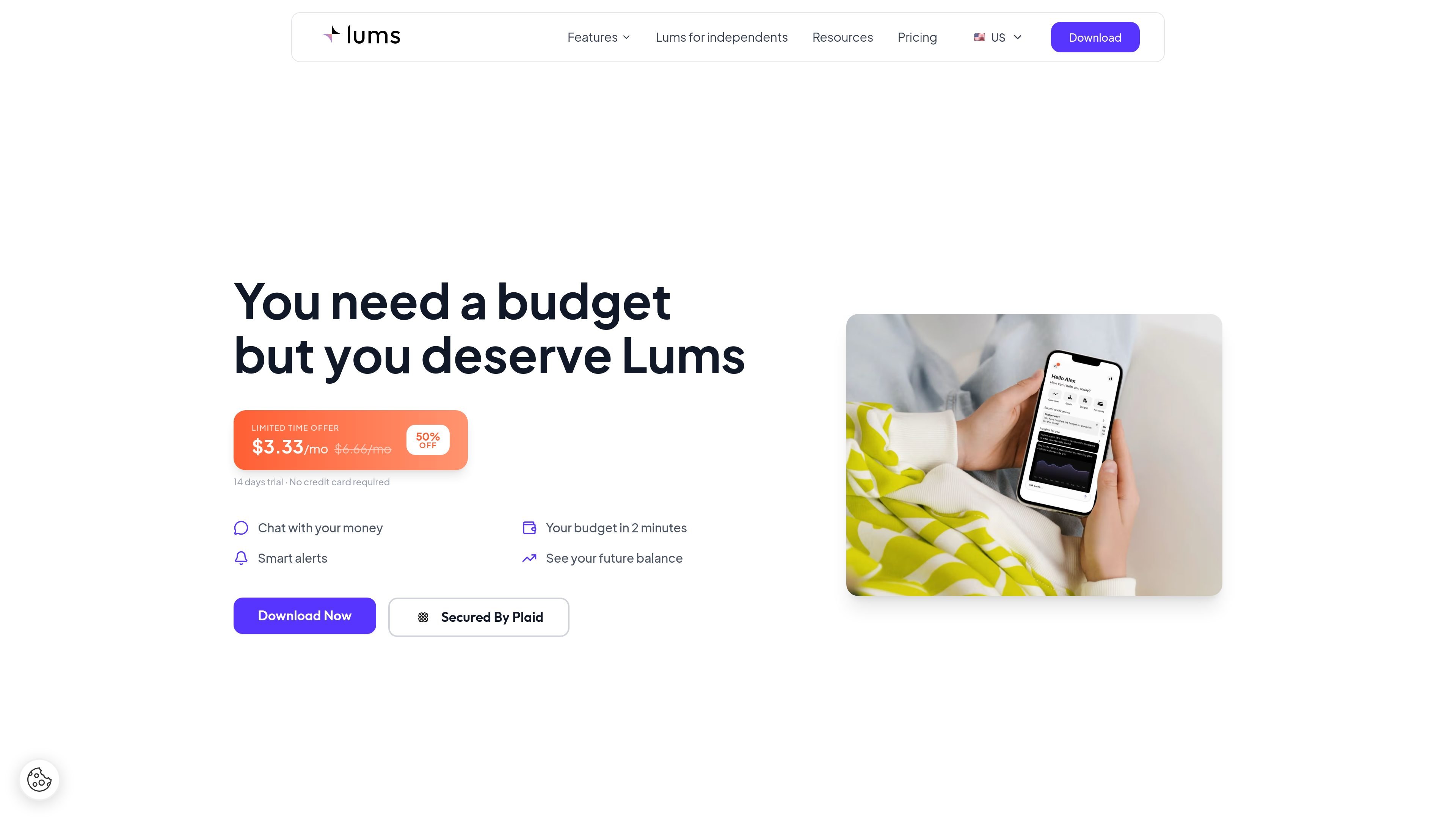
Lums is an AI-powered personal finance app for budgeting, balance forecasting, and transaction tracking. It connects to bank accounts through Plaid or manual entry, then brings balances, spending, cash flow, and net worth into one dashboard.
Its main job is to help people understand where their money stands now and what is likely to happen next. The product combines live account data, automatic categorization, and a double-entry accounting engine so users can ask questions, build budgets quickly, and review financial history with more structure than a simple spending tracker.
Lums links to bank accounts through Plaid and also supports manual account entry for cash and foreign accounts, so users can keep checking, savings, credit, investment, and cash in one place.
The accounting engine uses double-entry bookkeeping to keep records self-balancing and to verify transactions automatically, including transfers, duplicates, and missed syncs.
The dashboard combines net worth, cash flow, and spending views, with live multi-currency conversion and account-level data pulled into a single view.
Users can ask questions in plain English and get charts, trends, and comparisons automatically from their connected accounts and transactions.
Lums helps build budgets in minutes, organizes expenses into budget groups, and shows remaining amounts and time left in the budget period.
The app sends smart alerts and balance predictions so users can see future balance changes and plan ahead from current transactions.
Connect bank accounts, review categorized spending, and keep a live view of balances, cash flow, and net worth in one place.
Use the forecasting view and smart alerts to see whether current spending patterns may affect the next payday or month-end balance.
Set up budget groups in minutes and monitor how much remains in categories such as groceries, restaurants, transportation, or pets.
Ask direct questions like what was spent on groceries and get charts or breakdowns from linked accounts without exporting data.
Review a full transaction history and verified balances when you want an accounting-style record instead of a short retention window.
Lums is a personal finance app that lets you connect bank accounts, ask questions about your spending, and get budget and balance insights from live data. The site also says you can try it for 14 days without a credit card.
The site says you can connect bank accounts automatically through Plaid, or add accounts manually, including cash and foreign accounts. Once connected, Lums shows a dashboard with net worth, cash flow, spending, and AI-generated answers based on your live data.
No. The privacy page says Lums uses Plaid for bank connections, does not store your bank credentials, and keeps access read-only.
The pricing page shows a single plan with monthly and yearly billing options, plus a 14-day free trial and no credit card required. It also shows a limited-time discount on the current pricing.
Lums says it does not train on your financial data, does not send financial data to external AI providers, and lets you disconnect or delete your data at any time.
Traffic data is for reference only.
| Apr | 353 |
|---|---|
| May | 302 |
| Jun | 2224 |
Traffic analytics are not available yet.
Traffic analytics are not available yet.