
AI image generation
Create images through the platform’s image generation flow. The collected page text confirms an image tool, but not its exact controls or output formats.

Kling AI is a generative AI creative studio for creating images and videos, with audio, creative effects, and developer tools.
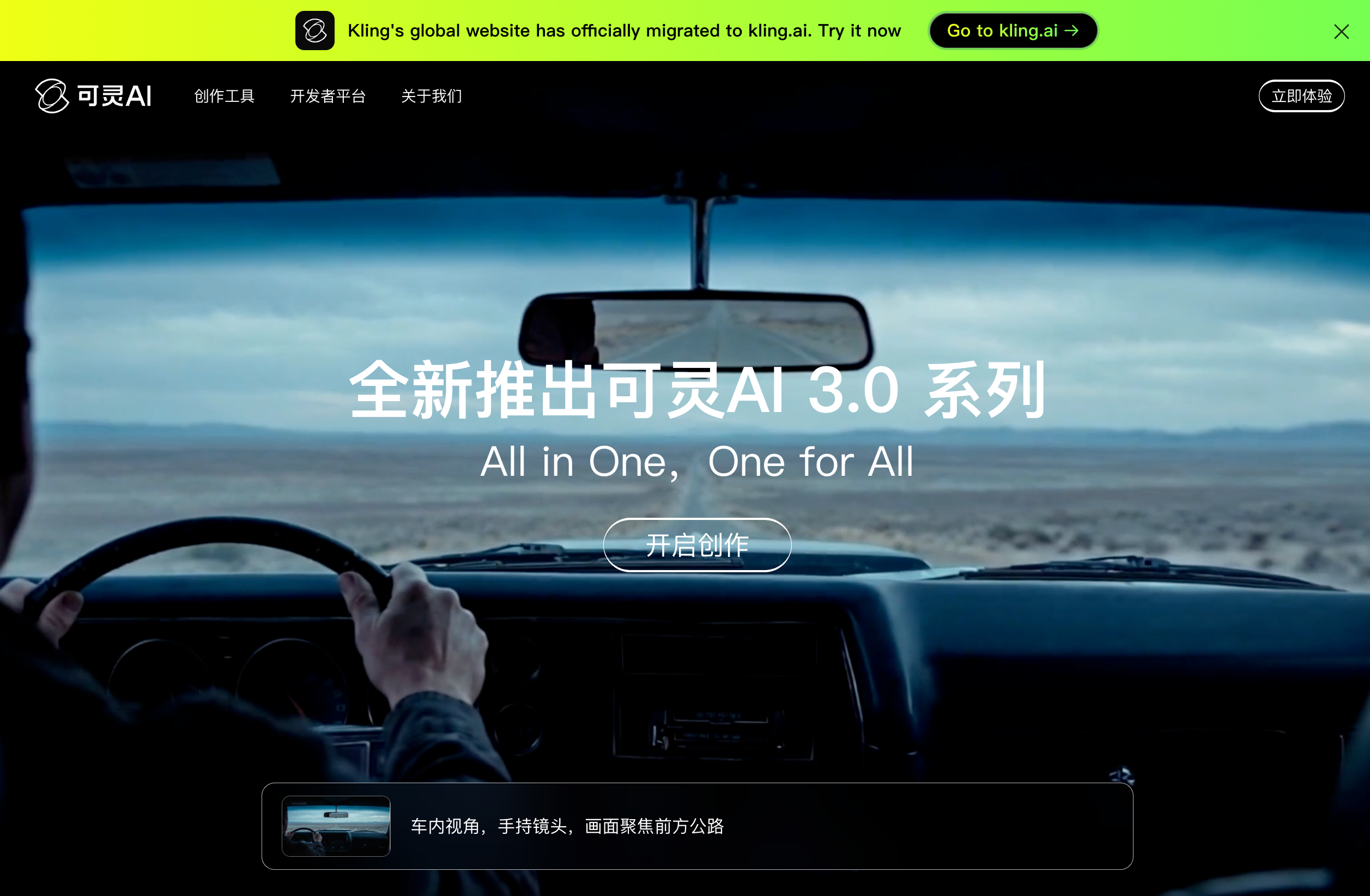
Kling AI is a generative AI creative studio for making images and videos. The site positions it as a next-generation creative platform built around the Kling 3.0 model series, with tools that support image generation, video creation, and related creative workflows.
The product pages and pricing area also reference a wider studio surface that includes AI audio, creative effects, a developer platform, documentation, and mobile apps. The site’s public copy emphasizes multimodal instruction parsing, cross-task integration, and the ability to keep visual identity and vocal tone consistent across complex scenes.
Create images through the platform’s image generation flow. The collected page text confirms an image tool, but not its exact controls or output formats.
Generate videos from the platform’s video workflows, including the 3.0 series and video 3.0 Omni model family referenced on the site.
Use multimodal instruction parsing in the 3.0 model series, which the site says supports deeper interpretation of combined prompts.
Combine tasks across creative workflows, with the site describing cross-task integration in the 3.0 series.
Access native audio support in the 3.0 series, which the page describes as helping with sound and narrative control in video creation.
Work across the broader Kling AI product surface, which the site lists as including image, video, audio, and creative effects tools.
Create concept images or visual drafts when you need a generative tool for early-stage ideation or presentation assets.
Produce short-form or longer-form video content using the platform’s video generation tools and 3.0 model family.
Build scenes that need tighter control over prompts, structure, or continuity across multiple creative instructions.
Develop polished creative content where audio and visual identity need to stay aligned across a sequence.
Kling AI is positioned as a creative studio for generating images and videos with generative AI. The site also points to an AI audio/sound and creative effects area, but the collected page text does not provide detailed workflow documentation for those tools.
The rendered pages describe Kling AI 3.0 and the video 3.0 Omni model family, with native support for multimodal instruction parsing and cross-task integration. That suggests the platform is centered on image creation, video generation, and related creative workflows.
The collected pricing page text confirms a pricing area exists, but it does not expose plan names, prices, or usage limits in the provided evidence.
The homepage and pricing page text reference the platform, a developer platform, documentation center, usage guide, and mobile apps for iOS and Android. The collected evidence does not include enough detail to confirm how those parts connect in practice.
Traffic data is for reference only.
| Jun | 2623453 |
|---|---|
| Jul | 1986612 |
| Aug | 1895728 |
Traffic analytics are not available yet.
Traffic analytics are not available yet.