
AI video clipping
Identifies notable topics in a long video and turns them into shorter clips for social platforms.

Klap is an AI video clipping tool that turns long videos, podcasts, and webinars into short social clips for TikToks, Reels, and Shorts.
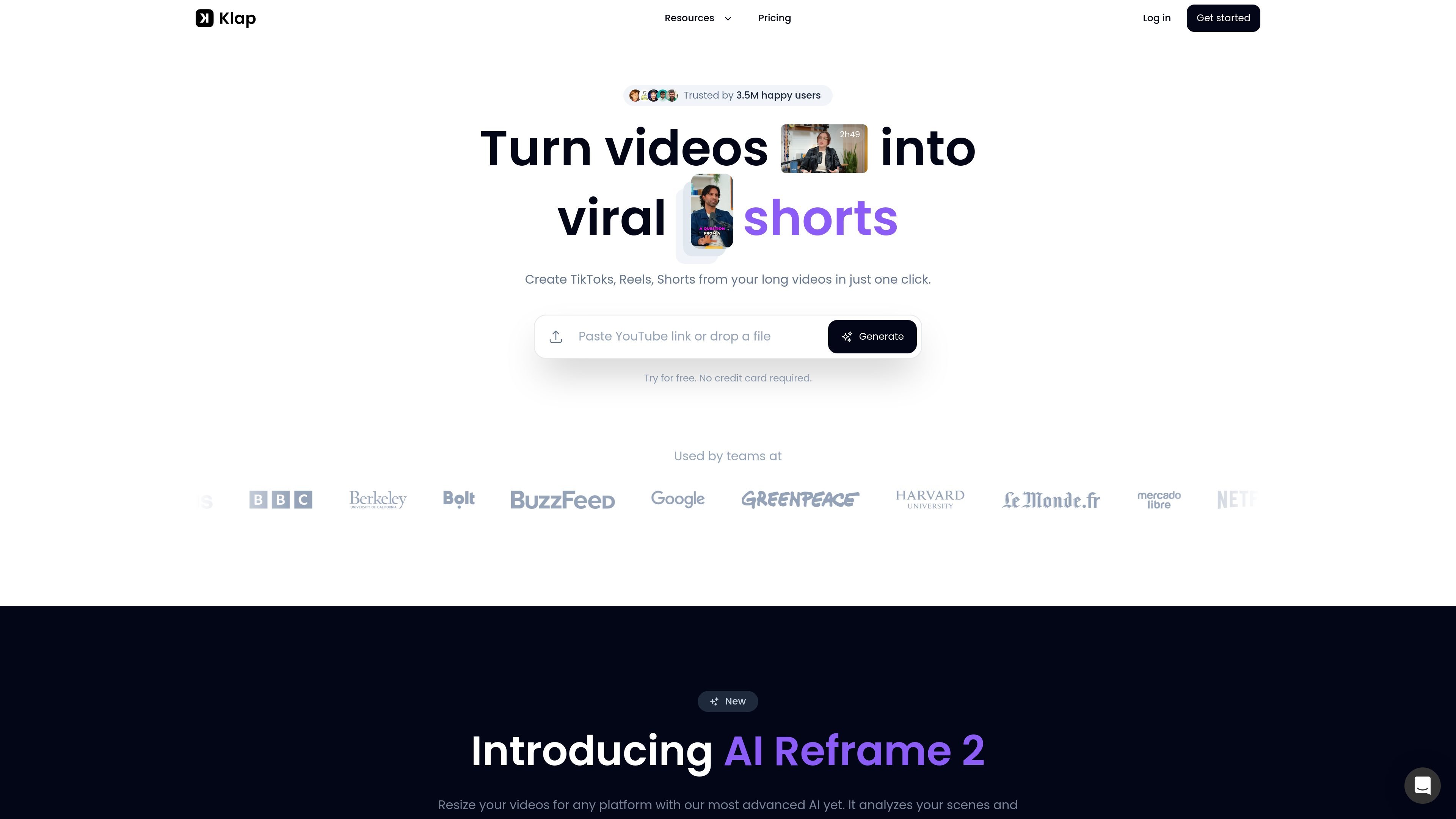
Klap is an AI video clipping tool that turns long-form videos, podcasts, and webinars into shorter social-ready clips. The product is positioned around one-click creation of TikToks, Reels, and YouTube Shorts from uploaded video files or YouTube links.
Its workflow centers on finding the most interesting parts of a video, reframing them for vertical formats, adding captions, and exporting or scheduling the results. The pricing page also shows plans for creators, teams, and API users, with higher tiers adding features such as AI dubbing and larger usage limits.
Identifies notable topics in a long video and turns them into shorter clips for social platforms.
Reframes clips to keep the main subject in view for vertical formats and other layouts.
Adds subtitles and caption styling to make clips easier to follow on social platforms.
Lets users adjust fonts, colors, logos, and framing to match a brand’s style.
Supports direct publishing and scheduling to TikTok, YouTube, Instagram, and LinkedIn.
Offers a REST API and plans that include AI dubbing on higher tiers.
Convert long recordings into short, vertical clips that can be posted across short-form social platforms.
Create a repeatable clipping workflow for podcasts, interviews, and educational videos where speech detection can find the key moments.
Prepare branded clips with custom fonts, colors, logos, and framing for a consistent look.
Generate and schedule clips for teams that want to publish to TikTok, YouTube, Instagram, or LinkedIn from one workflow.
Use the API or higher-tier plans when clipping needs to happen at larger volume or alongside other systems.
Klap lets you upload a video or paste a YouTube link, then uses AI to identify interesting topics, apply reframing and subtitles, and generate shorter clips for posting.
The source says Klap works best for videos with speech, including podcasts, interviews, educational videos, product reviews, and training videos. It can handle different kinds of videos, but speech detection is central to the workflow.
Klap says it edits and transcribes videos in 52 languages.
Yes. The site says you can create one video for free, and the pricing page shows paid plans for creators, teams, and API users.
The site says you can contact the team on Discord or by live chat.