
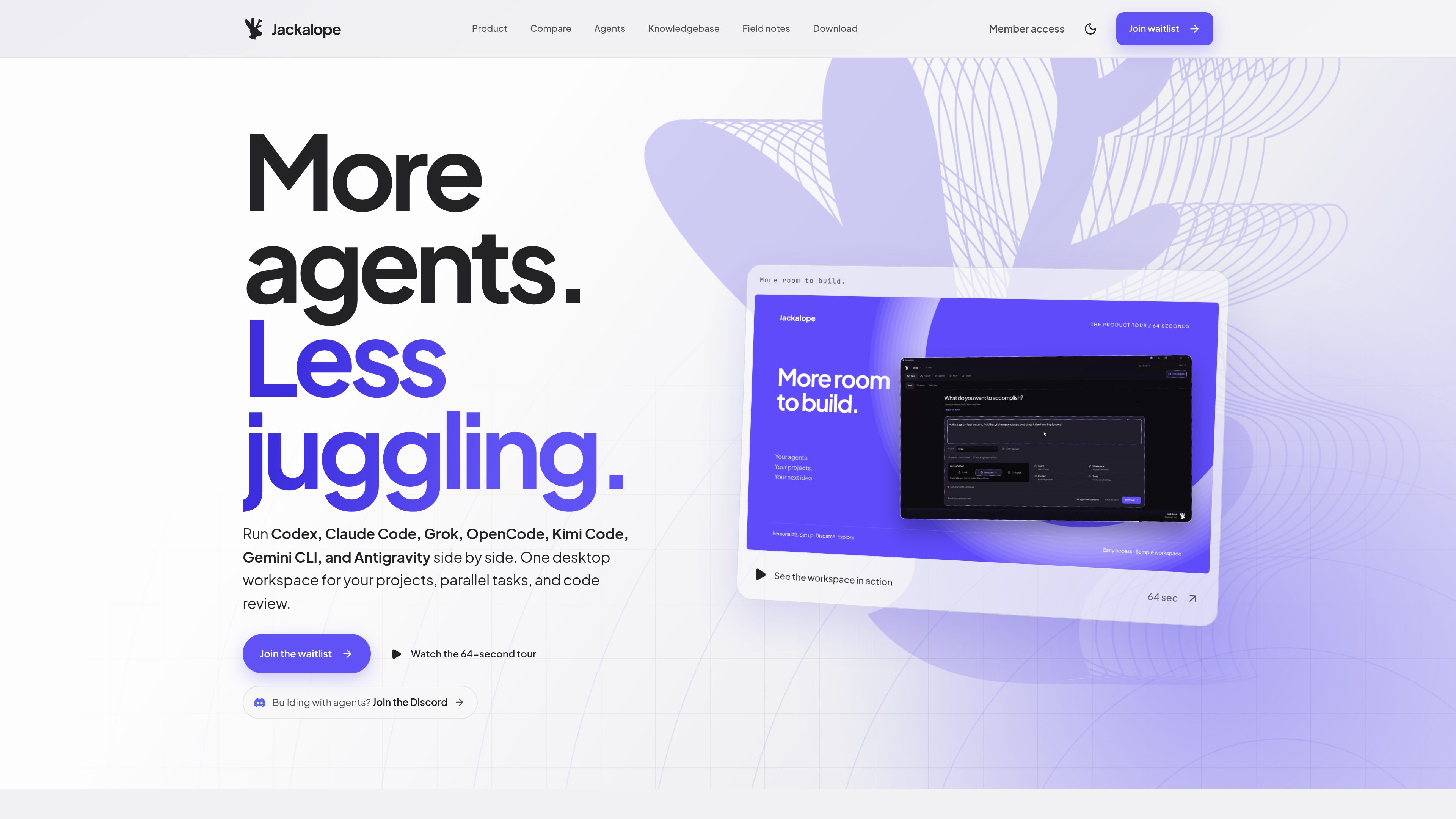
Parallel agent worktrees
Assign supported coding agents to independent tasks in separate Git worktrees. Dependencies can be set when one change needs another, while progress remains visible in one workspace.

Jackalope is a desktop workspace for running AI coding agents in parallel across separate Git worktrees. It helps developers carry project context between tasks, use supported agent tools, and review related changes together.
Jackalope is a desktop workspace for coordinating AI coding agents on local software projects. It runs supported agents in parallel across separate Git worktrees, keeping each task’s brief, account, worktree, questions, and result together.
The product combines task coordination, reusable project guidance, dependency-aware exploration, and code review. Developers can define dependent tasks, inspect the context passed to an agent, review related patches together, and decide which changes enter the project. Jackalope also supports browser and computer-use tools, MCP connections, and recurring local tasks. It is currently in early access, with public pricing not announced.
Assign supported coding agents to independent tasks in separate Git worktrees. Dependencies can be set when one change needs another, while progress remains visible in one workspace.
Save project instructions and lessons once, then apply relevant guidance and project defaults to new tasks. The selected context can be adjusted and inspected before work begins.
Read an agent’s result beside its original brief, review related changes as a combined patch, keep checks tied to the code they tested, and request another pass before merging.
Browse a map of the project, follow resolved file dependencies, and inspect related files to help decide what to check during review. The map does not replace tests.
Connect project tools through MCP and give agents browser actions such as navigation, form filling, screenshots, and accessibility checks. On Windows, a user can explicitly approve an app window for clicks, typing, and scrolling.
Schedule checks or launch them after committed changes on a local branch, with a separate history for each run. The Jackalope command also provides parallel conversations from a repository terminal.
Split a feature into separate implementation and polish tasks, assign each to an agent and worktree, then review the resulting changes together before deciding what to combine.
Use an agent to trace related files through the codebase map while another task explores a possible fix. Project guidance and task dependencies keep the investigation tied to the repository’s conventions.
Give a separate worktree to a second direction or experimental change so it can proceed without disturbing the main task. Compare the results during review rather than juggling multiple terminal tabs.
Have an agent navigate a web page, fill forms, capture screenshots, or check accessibility in a separate browser session. On Windows, approve a specific application window when local desktop interaction is needed.
Schedule checks and chores, or trigger them when committed code changes appear on a local branch. Review each execution in its own history while Jackalope remains open and the computer is awake.
The site lists Codex, Claude Code, Gemini CLI, Grok, OpenCode, Kimi Code, and Antigravity. Agent setup and provider access are separate from the Jackalope workspace.
Yes. Jackalope expects you to bring a supported agent CLI and its provider account. Model access comes from the installed agents and provider accounts rather than being included in the workspace.
The download page lists Windows 10 or later on x64, macOS, and Linux. Each is currently marked as coming soon, and the product is in early access.
Users need to be accepted from the waitlist or claim a friend’s Instant Access Pass. An invited user can open an invite link or sign in with the invited email address.
No. Its codebase map is described as a review aid and does not replace tests. Recurring tasks require Jackalope to be open and the computer to be awake.
Traffic data is for reference only.

code.claude.com
Claude Code is an agentic coding tool from Anthropic that reads codebases, edits files, runs commands, and supports development work from the terminal, IDE, desktop app, or browser. It is designed for developers handling tasks such as bug fixes, tests, onboarding, and code migrations.

mastra.ai
Mastra Factory is an open-source, agent-powered software delivery environment for taking software work from issue intake through planning, implementation, and pull-request review. It provides persistent coding agents, repository workspaces, and configurable lifecycle stages in a web application you can deploy on the Mastra Platform or your own infrastructure.

kilo.ai
Kilo Mobile extends Kilo’s AI coding workflow to iPhone, iPad, and Android. It lets developers launch cloud coding sessions, control supported CLI and VS Code sessions, and review GitHub pull requests from a mobile device.

onorca.dev
Orca is an Agent Development Environment for shipping with coding agents, running parallel CLI agents in isolated worktrees with desktop and mobile companion workflows.

blopai.com
Blop writes browser tests as code, runs them in CI, clusters repeated failures, and opens pull requests to fix broken tests.

rlama.dev
Local AI platform for RAG systems and intelligent agents