
AI site generation and templates
Build a site by describing it to AI or by selecting from 300+ designer-made templates. The homepage also says you can create a professional site in seconds with a prompt.
Hostinger Website Builder is a website builder for individuals, businesses, and online sellers to create and publish sites with templates or AI, plus hosting, SEO, email, and ecommerce tools.
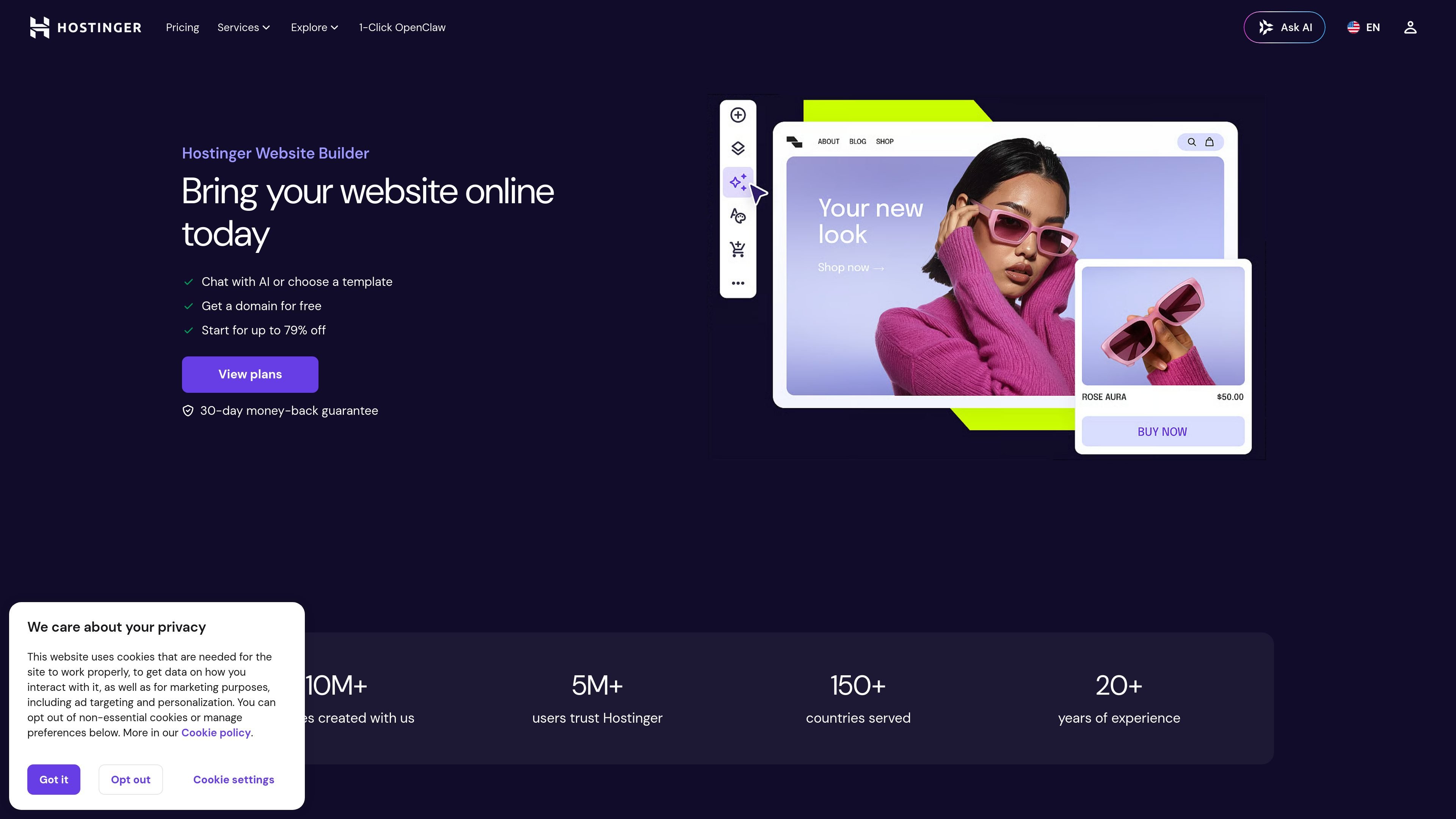
Hostinger Website Builder is a website creation platform for building a personal site, business site, portfolio, blog, or online store without starting from a blank page. It combines AI-assisted site generation with a drag-and-drop editor and a large template library so users can assemble and launch a site quickly.
The homepage positions the product around speed and ease of use, with options to describe a site to AI or choose from 300+ responsive templates. It also includes hosting, domain, SEO, email, and marketing tools, while the ecommerce path adds storefront management, payment processing, and product-focused AI tools.
Build a site by describing it to AI or by selecting from 300+ designer-made templates. The homepage also says you can create a professional site in seconds with a prompt.
Use the drag-and-drop editor to change fonts, colors, images, and text without coding. The template page also describes manual customization and quick editing.
Create up to 3 websites on Premium or 50 websites on Business, with storage, mailboxes, and a free domain included on eligible plans. The homepage also notes mobile editing for updating sites anywhere.
Reach customers with tools for SEO, email, and marketing. The homepage mentions AI email campaigns, AI SEO assistant, and marketing integrations such as Google Ads, Meta Pixel, and Google Analytics.
Sell products and manage orders on the Business plan, including 100+ payment methods, live analytics, zero transaction fees, and built-in Printful integration for print-on-demand.
Generate product descriptions, images, logo designs, blog posts, and copy with AI tools listed on the homepage and ecommerce page.
Create a business site, blog, or portfolio by starting with a template and then adjusting the layout, copy, images, and colors to match your brand.
Describe the site you want and let AI generate a starting point, then refine it with the editor before publishing.
Set up an online store with product pages, payment methods, order tracking, and tools for digital products or print-on-demand.
Use the builder to create a simple page for services, events, weddings, or a link-in-bio destination where the main goal is a focused web presence.
Manage and update site content from mobile, send email campaigns, and connect marketing tools when the goal is ongoing promotion rather than a one-time launch.
Yes. The site says you can choose from 300+ responsive templates or let AI build a website for you, then customize and publish it.
The template page says Hostinger website templates are mobile-friendly, SEO-ready, and easy to customize and launch.
The homepage says plans include drag-and-drop editing, AI tools, hosting, a domain name, and support for websites, email, and marketing features; the ecommerce page adds store management features and payment options.
The template page says you can start building for free, but you need a paid plan to publish a project online.
Traffic data is for reference only.
| Mar | 2922 |
|---|---|
| Apr | 1458 |
| May | 3691 |
Traffic analytics are not available yet.