
Instant screen capture and upload
Capture screenshots and HD video clips, then upload them as part of one flow so a shareable link is created immediately.

Gyazo is a screen capture and recording tool for quickly turning screenshots and videos into shareable links, helping you organize and find them later.
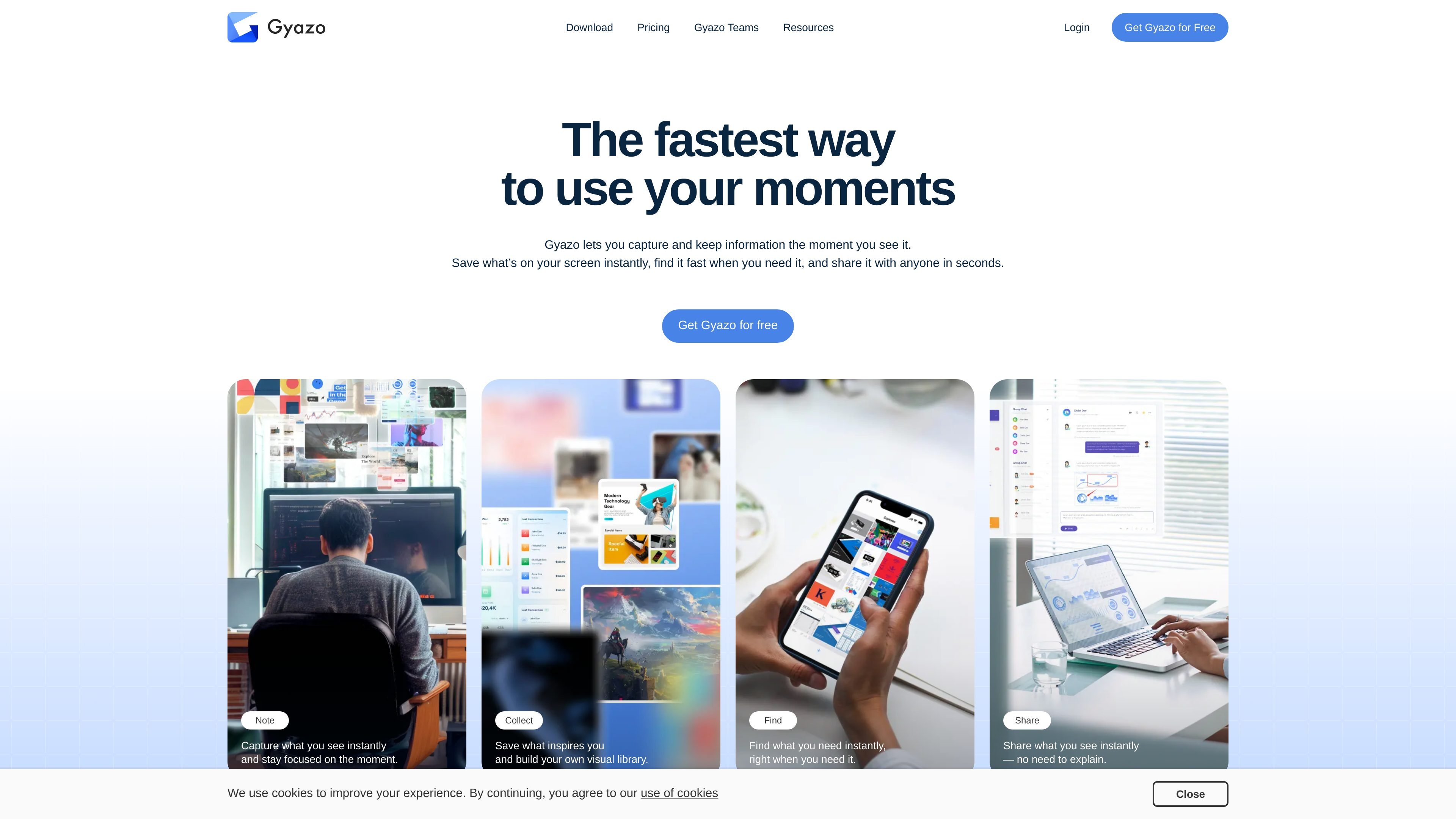
Gyazo is a screen capture and screen recording tool for turning what is on your screen into shareable images or videos. Its core workflow is simple: capture, upload, get a link, and share it without leaving the moment you are documenting.
The product is built around fast visual communication. It supports instant screenshot capture, short and longer video recording on paid plans, automatic cloud sync, collections for organization, and search features that help users find earlier captures later. Gyazo Teams extends that workflow for group sharing and team administration.
Capture screenshots and HD video clips, then upload them as part of one flow so a shareable link is created immediately.
Organize captures into collections with shareable URLs, or group them with teammates for shared research and reference.
Recognize text in images and search by OCR, metadata, tags, app name, URL, or saved notes to find earlier captures faster.
Edit images and videos with tools such as arrows, text, cropping, rotation, and trimming before sharing.
Control who sees each capture with password protection, view permissions, and hashed links that are not easy to guess.
Use the desktop apps, mobile apps, or browser extensions to capture from different devices and workflows.
Send a screenshot or short screen video when a text explanation would take longer or leave out visual context.
Capture product mockups, notes, references, or meeting moments and organize them in collections for later reuse.
Search past captures by OCR text, file details, URL, or tags when you need to recover something you saw earlier.
Share visuals with teammates using collections, team-only sharing, or a team subdomain when the material is meant for internal work.
Use the desktop app, browser extensions, or mobile apps to capture from wherever the work happens.
Gyazo offers a free plan, plus Gyazo Pro and Gyazo Teams for users who need longer video captures, OCR search, editing, password protection, and team features.
Gyazo supports desktop apps, mobile apps, and browser extensions. The pricing page lists apps for Windows, Mac, iOS, and Android, plus browser extensions for Chrome, Firefox, and Edge.
From the site, Gyazo is designed for screenshots and screen video capture, instant link sharing, collections, OCR-based search, and team collaboration through Gyazo Teams.
Gyazo Teams adds a custom team subdomain, easier multi-user management, one team bill, private team-only sharing, and optional single sign-on with Google Workspace.
The pricing page says Gyazo Pro users can access all captures they have uploaded, including captures made before upgrading to Pro.