
AI task generation
Describe a project or goal and FocusBox AI turns it into a structured task list with subtasks you can customize before working.

FocusBox is an AI to-do list and timeboxing app for ADHD-friendly planning, daily productivity, and team task management.
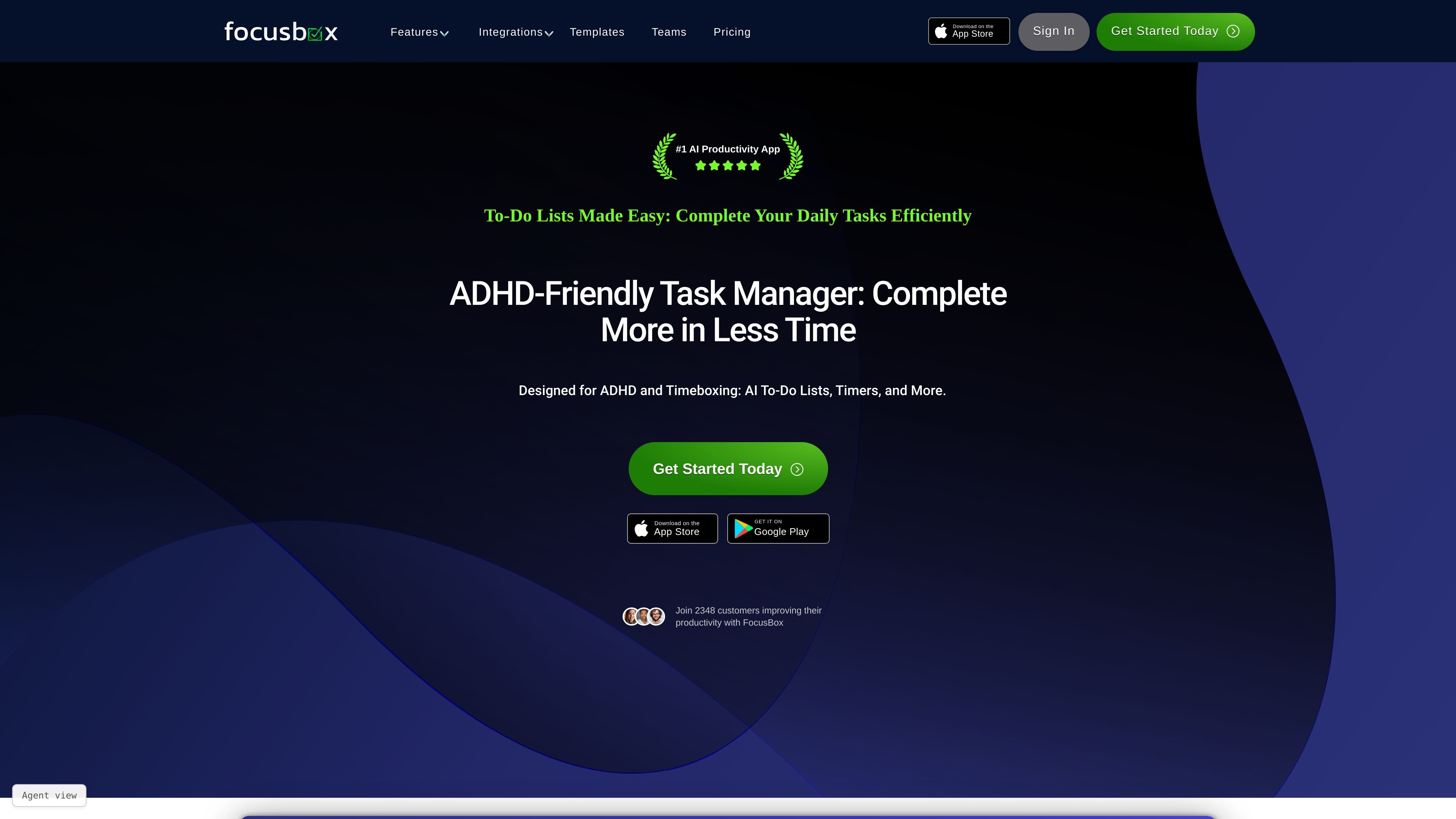
FocusBox is an AI-powered to-do list and timeboxing app for people who want a structured way to plan tasks, set timers, and stay on track. The product combines task generation, timed work sessions, ambient sounds, reminders, and calendar-aware planning in one workspace.
The site positions FocusBox for ADHD-friendly planning, daily work management, and timeboxing workflows. It offers a free plan, paid individual plans, and a team plan, with both web and iOS app access mentioned across the product pages.
Describe a project or goal and FocusBox AI turns it into a structured task list with subtasks you can customize before working.
Use timed sessions for individual tasks, with controls to increase or decrease duration as your day changes.
Turn a list of tasks into a time-boxed plan that fits around your calendar, then review and apply it in one step.
Import tasks and events from Todoist, Asana, Notion, ClickUp, Jira, and Google Calendar so work stays in one place.
Choose ambient sounds, set reminders, and use alarms to keep attention on the current task and signal when a block ends.
Use predefined templates, basic task organization, and sync across devices to keep recurring workflows consistent.
Create a plan from a short project description, then edit the generated subtasks before starting work. This fits people who want a faster way to turn vague goals into an actionable list.
Take the tasks already on your Today list and place them into real calendar gaps so the day is mapped out before work starts. This matches timeboxing workflows where the schedule matters as much as the task list.
Import tasks from Todoist, Asana, Notion, ClickUp, Jira, or Google Calendar and manage them with timers and focus tools in one workspace. This reduces app switching when work is already spread across tools.
Use timers, alarms, ambient sounds, and reminders to keep attention on a single task or study session. The product is positioned for ADHD-friendly focus and distraction reduction.
Assign tasks across a shared workspace with centralized access and real-time updates when using the team plan. The pricing page positions this for groups that need collaborative task management.
FocusBox’s AI to-do list generator creates structured, actionable task lists from a plain-language description of a project or goal. You can edit, reorder, and schedule the generated tasks after they are created.
AI Time Blocking takes the tasks already on your Today list, orders them, estimates durations, and places them into free time around your calendar. You review the proposed plan before applying it.
The integrations page lists Todoist, Asana, Notion, ClickUp, Jira, and Google Calendar. FocusBox uses these imports to bring tasks and calendar events into one workspace.
The pricing page shows a Free plan, a Basic plan, a Premium plan, and a Teams plan. Paid plans can be billed monthly or yearly, and the site says you can cancel anytime.
The sources mention an iOS app and a web app. AI Time Blocking runs in the web app today, and scheduled days sync to the iOS app for timers and focus tools.