
AI email summaries
Filo inserts a short AI-generated recap at the top of each email so you can understand the main points before reading the full thread. The summary format can be customized for length, action items, or translation.

FiloMail is an AI workspace for email and connected apps to summarize, draft, organize, and act on messages on desktop and mobile. Free plan and Plus tier.
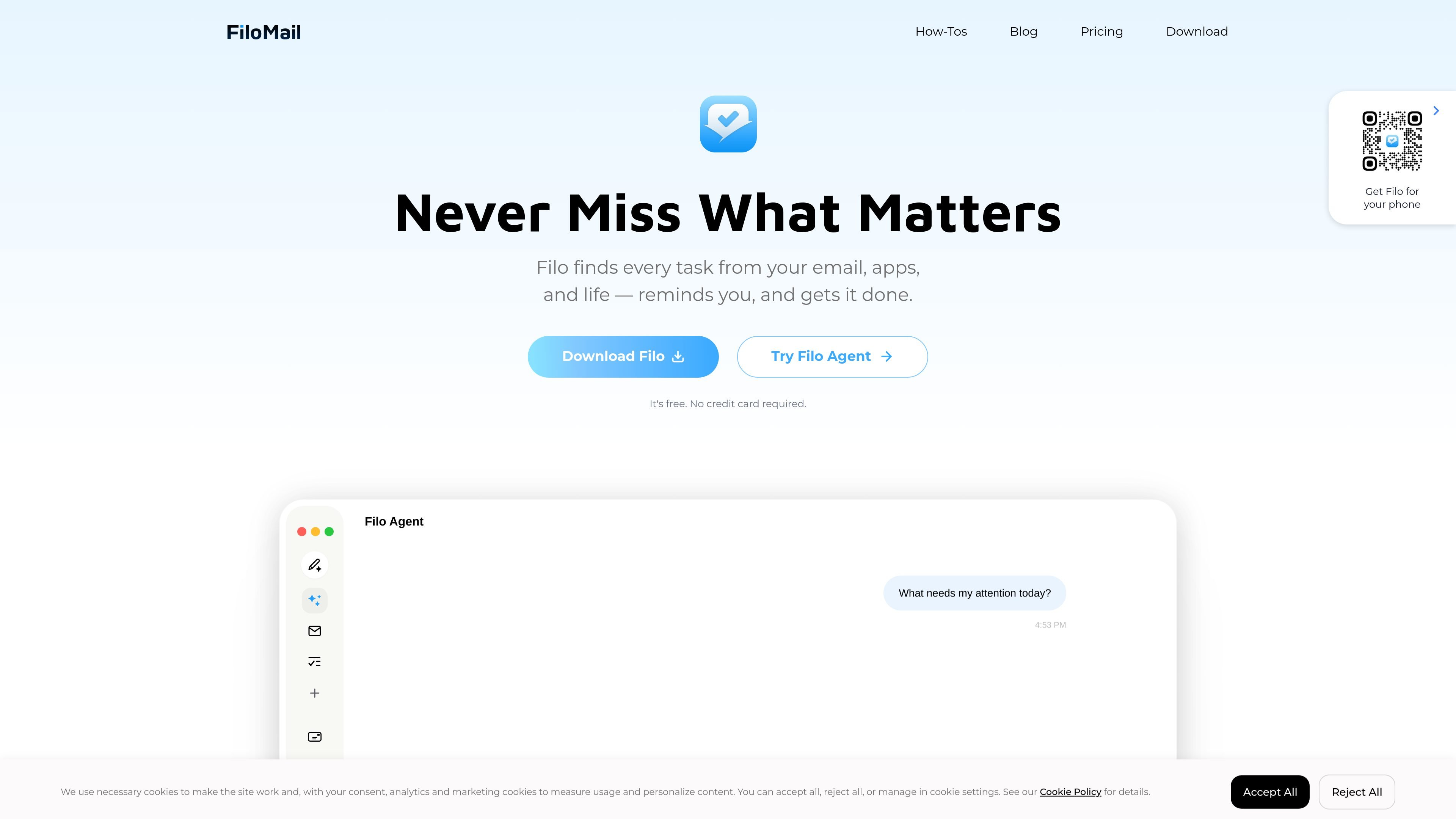
FiloMail is an AI workspace for email and connected apps. It combines inbox triage, AI summaries, drafting, and automation so you can move from reading messages to taking action in the same place.
The product centers on Filo Agent, which can read connected accounts, draft replies, create reminders or scheduled triggers, and work with approved external services. The site positions FiloMail for people who want help with email-heavy workflows on desktop and mobile, rather than a simple email client or standalone chat tool.
The experience is built around turning incoming mail into decisions and tasks. Email summaries surface the important parts first, while labels, filters, push rules, and agent actions help reduce noise and route attention to items that need follow-up.
Filo inserts a short AI-generated recap at the top of each email so you can understand the main points before reading the full thread. The summary format can be customized for length, action items, or translation.
Filo Agent can read, reason, and act across email and approved connected services. It can help with inbox tasks such as replies, scheduling, cleanups, and workflow steps driven by prompts or triggers.
Connections let Agent work with external services you authorize. The docs list Gmail, Microsoft Outlook, Atlassian, GitHub, Google Calendar, App Store Connect, custom MCP, and IMAP-based mailboxes.
Triggers let you run the Agent automatically on a schedule or when new mail arrives. Options include interval, daily, and cron schedules, and each Agent supports up to five triggers.
Filo can draft emails and replies from the current conversation, using recipient, goal, tone, and length as guidance. The agent asks for confirmation before sending.
The pricing page shows Smart Labels, Smart Filters, voice input, attachment summaries, email risk detection, and multilingual writing support as part of the email workflow.
Use FiloMail to turn a crowded inbox into a short list of items that need attention. AI summaries and smart triage help you identify what matters before you decide whether to reply, archive, snooze, or convert a message into a task.
Use Filo Agent when email threads lead to follow-up work in other tools. The docs show connections for Jira-related Atlassian workflows, GitHub reviews and issues, Google Calendar scheduling, and App Store Connect updates.
Use the drafting tools when you need a reply in a specific tone or length. Filo can draft new messages or revise replies from the current conversation and asks for confirmation before sending.
Use triggers and mail push to automate recurring work. Scheduled summaries, reminders, cleanups, and important-message alerts let the agent surface information at regular intervals or when new mail arrives.
Use FiloMail if you want a connected mail workflow on desktop and mobile. The site presents the product as available across major platforms, with free and paid plans for different usage levels.
FiloMail is designed to work with connected email accounts and external services through Filo Agent. The docs show Gmail, Microsoft Outlook, Atlassian tools, GitHub, Google Calendar, App Store Connect, and custom MCP connections, plus IMAP for other mailboxes that support it.
The docs say FiloMail inserts a compact AI summary at the top of each email, usually one to two sentences, sometimes a short paragraph or bullet list when there are multiple action points. You can also customize the format in Settings → Customize AI.
FiloMail's agent can draft replies and new emails, create scheduled triggers, and take actions such as reply, forward, archive, or reduce similar notifications after you review a pushed message. Key actions still ask for confirmation first.
The pricing page shows a Free plan and a Plus plan. Free includes limited daily AI summaries and to-dos, while Plus adds more quota, Thinking Mode, advanced AI models, more Smart Labels, more writing styles, and desktop and mobile access.
The site says FiloMail is available on desktop and mobile, and the download links include iOS, Android, and macOS and Windows builds.